just so we are on the same page as it feels like we came in halfway through the conversation
you want the events to appear
Bucharest timezone which is +3 GMT
but when you set it to Burcharest its making it +6 hours? so in myeventon>>>>settings>>>time setting you set it to 0 UTC in an attempt to get rid of that additional +3 hours
Sorry to sound stupid by this stage but there seems to be a communication breakdown and we just want to be clear on the issue
ok great i hrealised i was testing on firefox when not logged in and it has some heavy ad blockers on that browser (I use that to listen to music on youtube with no ads)
maps and speed
with siteground cache plugin turned off- I believe you still have another cache within siteground running as well that might need to be cleared when making changes
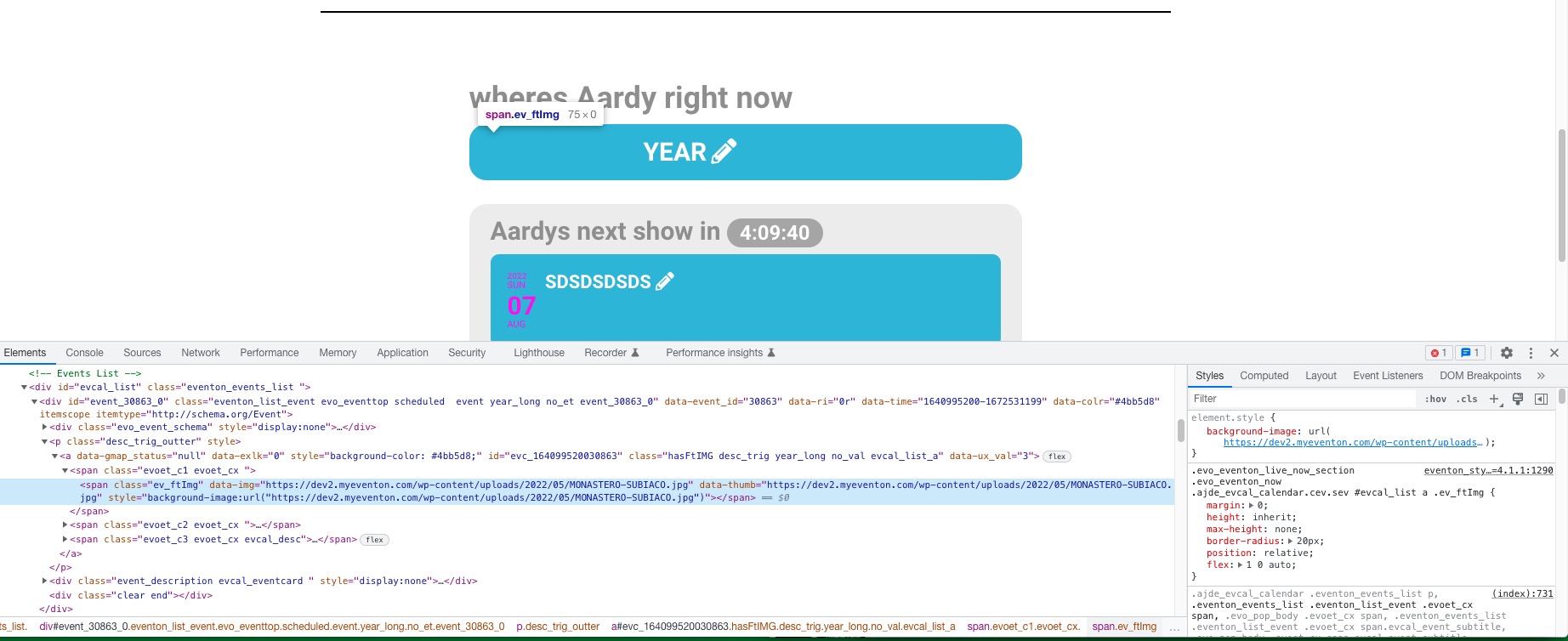
URL: https://dev2.myeventon.com/31094-2/
Thank you for your messages, I am going to assign this ticket to Ashan and he will be able to take it from here and find you a solution. Please allow some time for him to get back to you, we greatly appreciate your patience and thank you for being a eventon customer! Also please disable any IP blocking on your site if there are any.
We are going to fix this in the next update. Thank you for the suggestion!
Can you please send us a direct link to where the actual issue is happening?
Hello,
Please send us wp-admin access to your site as a private message for us to further assist your situation.
Could you try going to EventON > Time Settings > enable Use UTC offset time globally on calendars.
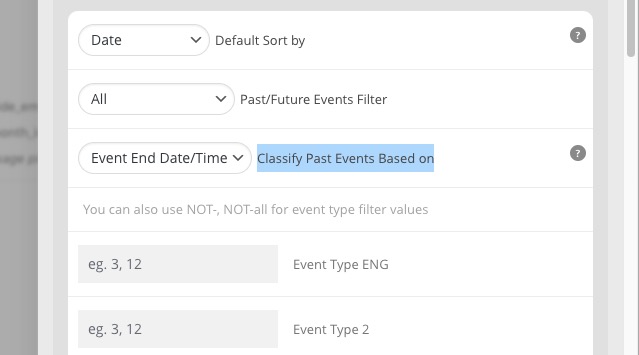
What setting controls the “cutoff” time where the event will no longer be shown for registration? Or what in particular is happening?
This setting:
Hello,
It seems to be working correctly:

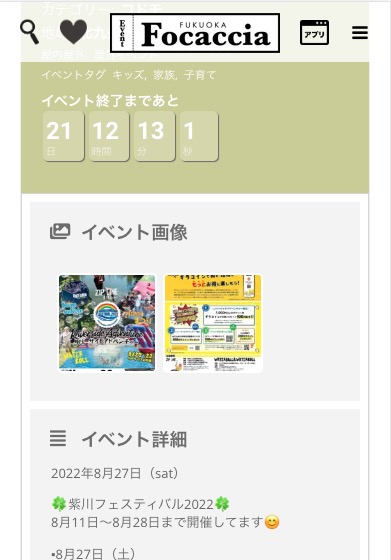
Could you send us a screenshot of the issue?
We are glad your issue is resolved, if you have any further questions or concerns please create a new ticket.
If you have a moment, we would greatly appreciate if you could kindly leave us a review at codecanyon! from your account > downloads. Cheers!
Hello.
Thank you for your messages, I am going to assign this ticket to Ashan and he will be able to take it from here and find you a solution. Please allow some time for him to get back to you, we greatly appreciate your patience and thank you for being a eventon customer!
Please also send us order id of the purchase.