Hello,
Please send us wp-admin access to your site as a private message for us to further assist your situation.
Replies for tickets on suppota
Hello,
Please send us wp-admin access to your site as a private message for us to further assist your situation.
Hello,
You can either apply this patch:
https://docs.myeventon.com/patch-fixes/4-1-in_array-error/
Or go to EventON > EventTop > EventTop Main Day block fields > enable Event Day Name or any other you like.
We are going to include the fix to the next version.
Hi Alexander,
Go to “EventON Settings > Styles & Scripting > Turn on and off write styles to header” and then click save changes. Be sure to clear cache to ensure that you are seeing the latest changes.
Let us know if that works for you.
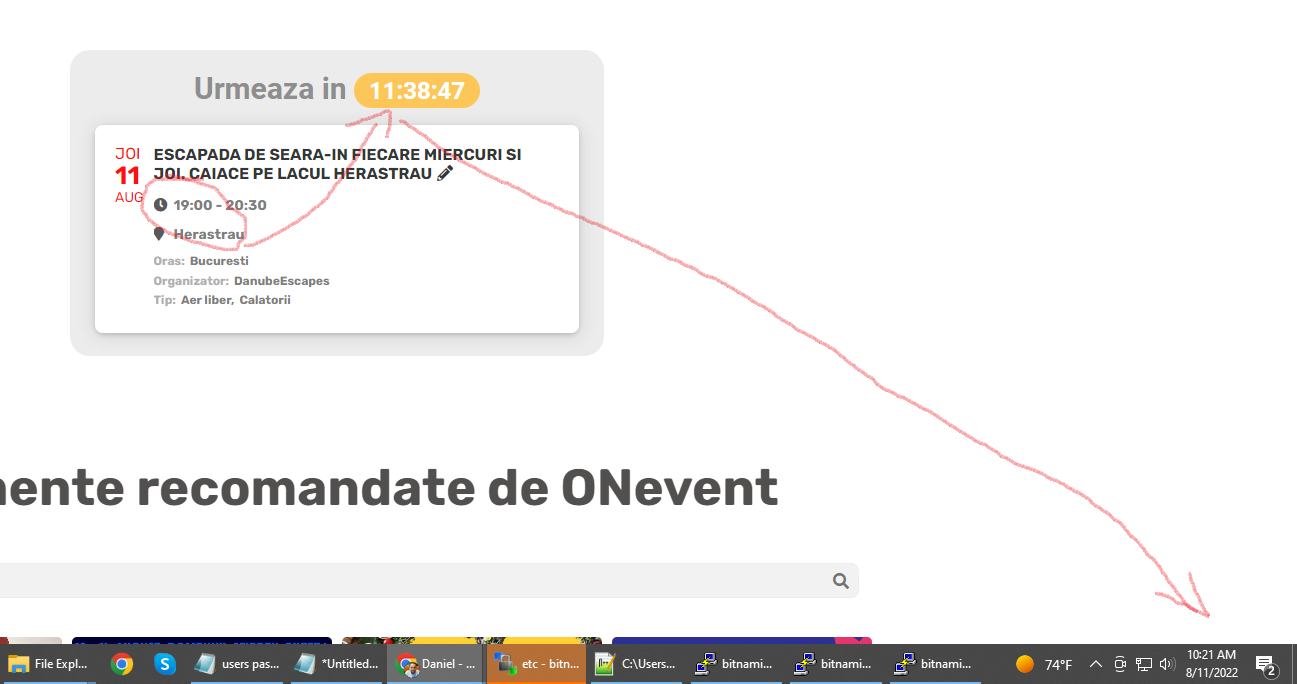
you can modify what you want, you have admin rights
I changed it and nothing happens
https://www.onevent.ro/
if you calculate 12 hours, it will be past 19:00
is this problem really that difficult to solve?
You are very much welcome. If you have a moment, we would greatly appreciate if you could kindly leave us a review at codecanyon! from your account > downloads.
Cheers!
Hi Kenneth,
just updated the RSVP Events to the newest version. Also Eventon is at the newest version. Titles are still not showing in the popup nor the structured data.
Thank you very much for the very quick action. Works great again. Thanks and have a great day.
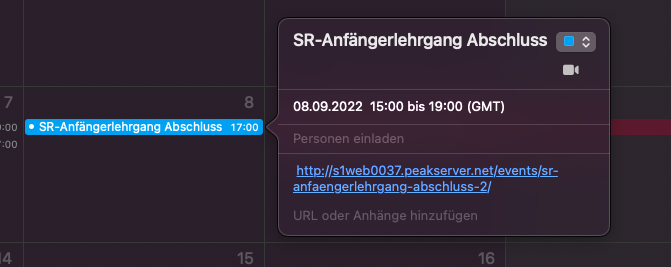
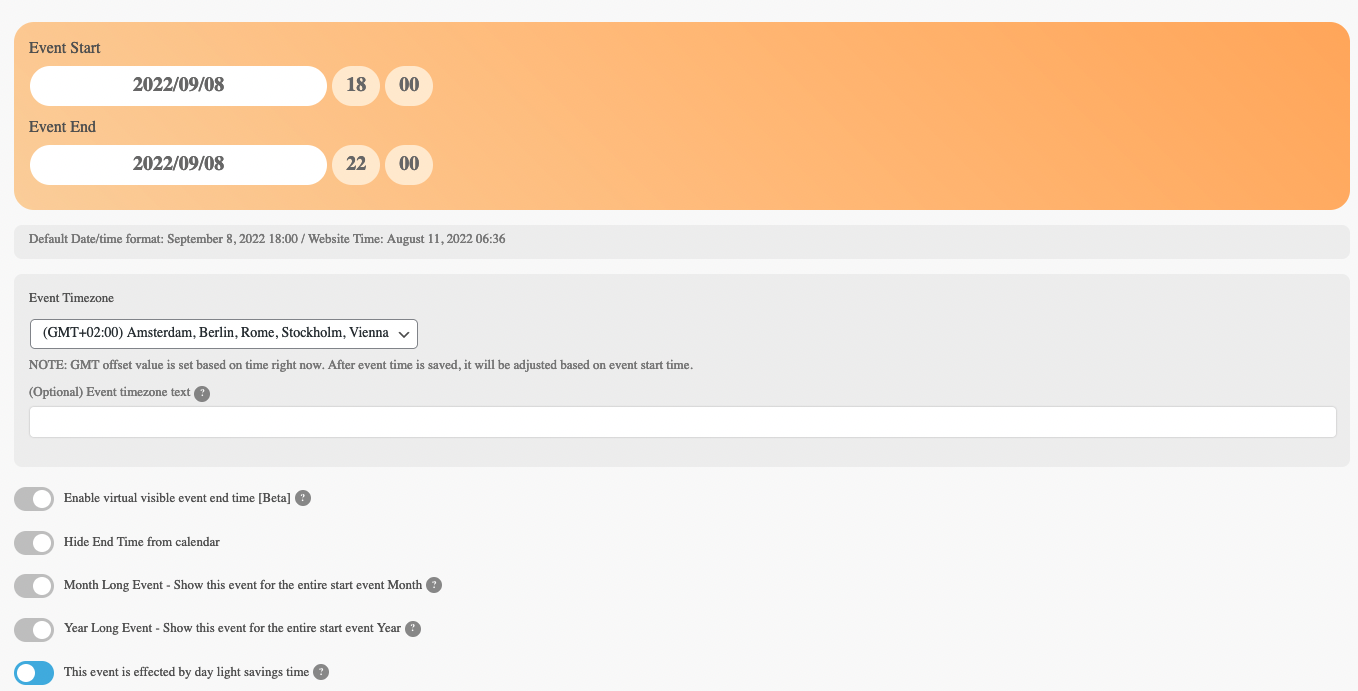
I tried it with one event, but it is still the same problem:
(next post will be next screenshot)
I’d prefer to troubleshoot myself if possible. I can definitely include any code you need.
I have more or less factory settings on everything, so others must be experiencing the same problem with this version of eventon / weeklyview.
My best guess is that its a bug relating to Weeklyview add-on.