We are glad your issue is resolved, if you have any further questions or concerns please create a new ticket.
If you have a moment, we would greatly appreciate if you could kindly leave us a review at codecanyon! from your account > downloads. Cheers!
Thank you! A quick test and that appears to be working normally now. I appreciate the update.
I ended up activating the plugin again, and it works fine. Not sure what was going on there. Thanks for the help.
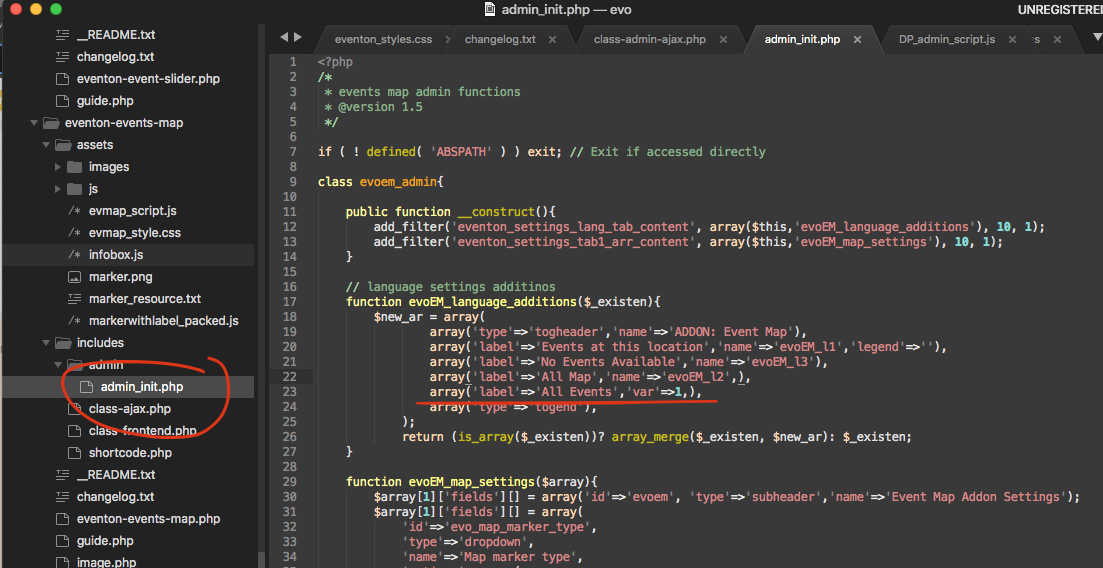
if you are able to edit the code and add this in there it will appear in eventON settings > language. Otherwise we will have this working in the next version release. which make take some time as we are working on few things.
please add this to eventon settings > styles
.evo_eventon_live_now_section .evo_eventon_now .ajde_evcal_calendar.cev.sev #evcal_list a .ev_ftImg{height:75px;}
Konichiwa Komei-san! Looks like it is loading medium size image which is 240×300. what size are you hoping to load in mobile version? full size may take some time to load depending on internet speed.
actually i just copied the code on your site and it seems to be working 🙂 yay!!
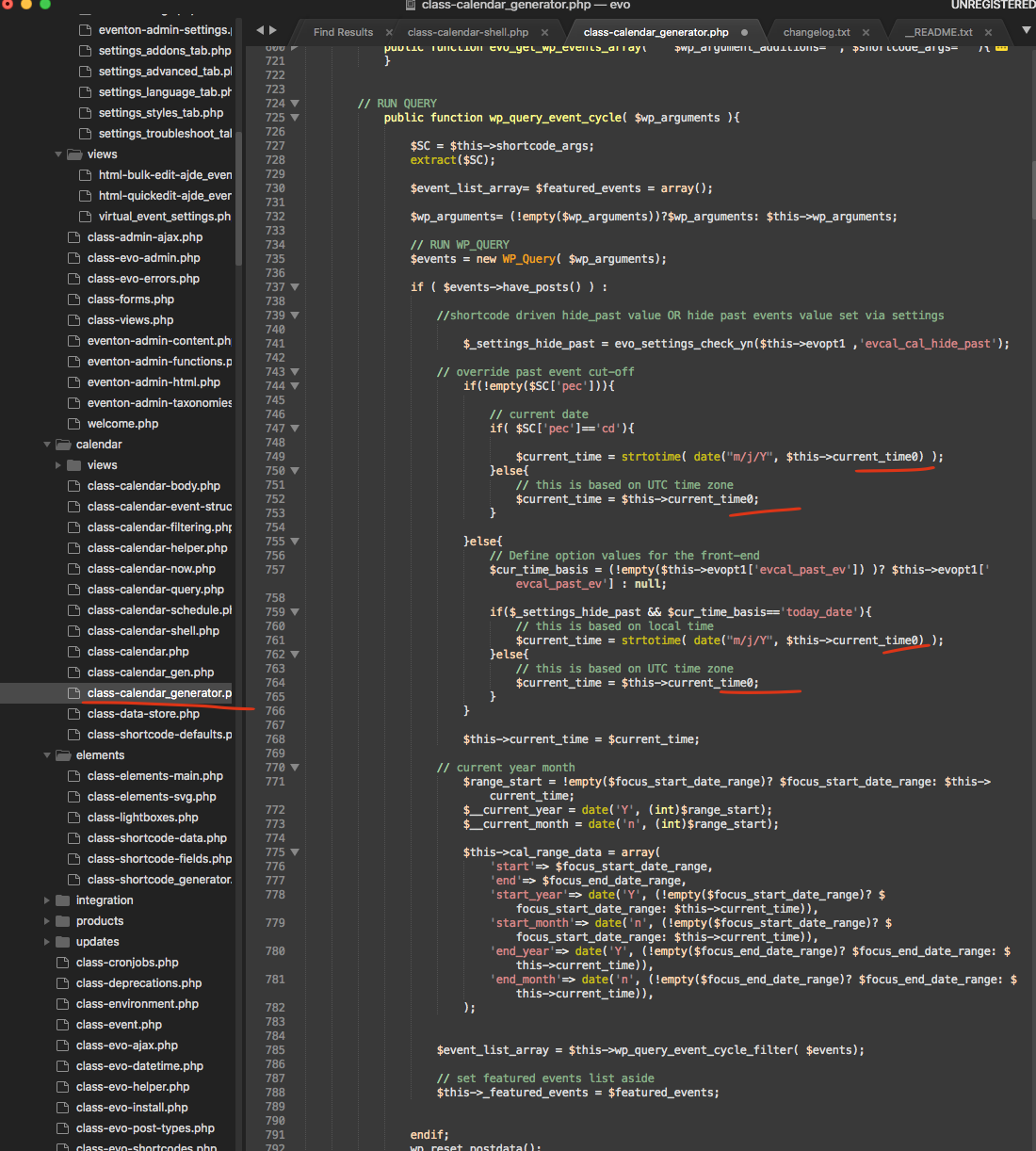
in all the spots I have underlined remove 0
are you able to get it to work now?