Hello,
Please check for latest version of this software from hereYour issue might be related to an older version you are running and we might have resolved this already in the newer version update. If you are on latest version of our software and the issue still persist please let us know.
…but with the user accessing the event page on another day, already logged into the site, the content of this field is sometimes shown and sometimes not.
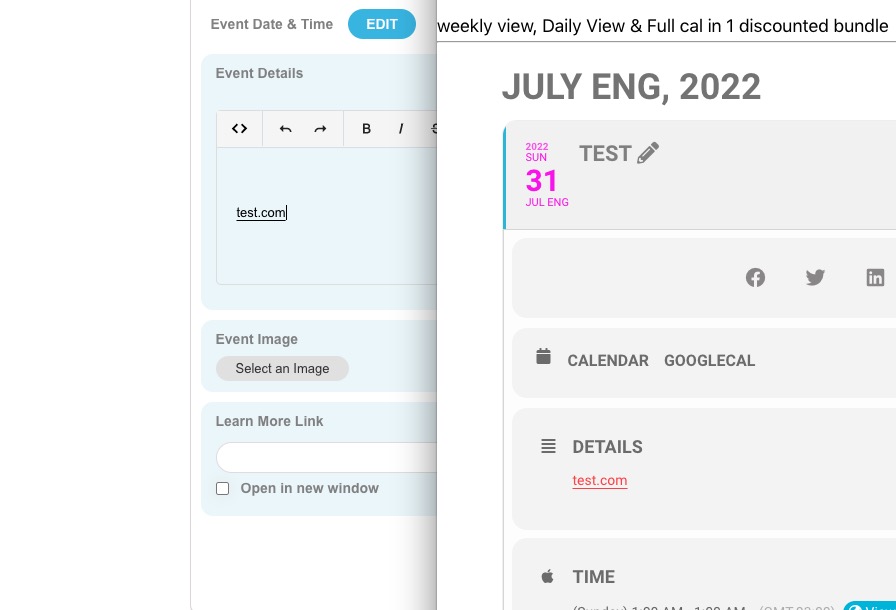
Could you show us a screenshot of how it looks like?
Hello,
Perfect!
There is this patch that is available to solve the issue:
https://docs.myeventon.com/patch-fixes/4-1-in_array-error/
We are going to include it to the next release.
Hello,
Could you send us a link to your .ics file?
Hello,
Please send us wp-admin access to your site as a private message for us to further assist your situation.
Please also check for latest version of this software from here Your issue might be related to an older version you are running and we might have resolved this already in the newer version update. If you are on latest version of our software and the issue still persist please let us know.
Hello,
Please go to EventON > Language > Event Card > Learn More about this event.
Hello,
Seems to be working on our test site:
https://dev2.myeventon.com/events/test-15/
 Please send us wp-admin access to your site as a private message for us to further assist your situation.
Unfortunately, we unable to help with such third-party issues. However, please try following the css customization guide. Use styles with !importrant to make sure that they will override theme’s ones.
Hello,
Could you try following this guide:
https://docs.myeventon.com/documentations/why-my-site-and-eventon-page-loading-slow/
Hello,
This is correct. Tooltip doesn’t count in this case, since the name itself has been replaced with initials correctly.
You can hide the tooltip by adding this CSS code to EventON > Styles (If you don’t see any change, EventON > Scripts & Styling > turn off Write styles to header > save settings > turn on Write styles to header):
.evors_whos_coming em { display: none !important; }
Hello,
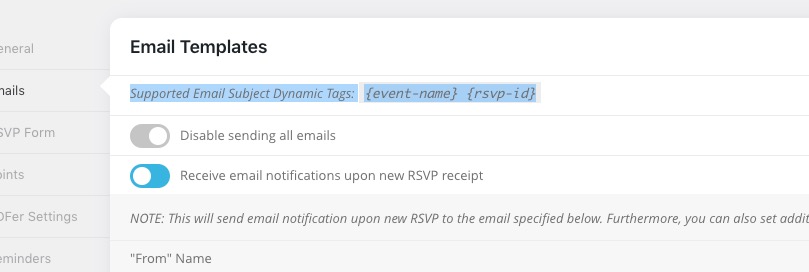
Could you try {rsvp-id}?
Supported Email Subject Dynamic Tags: {event-name} {rsvp-id}