The setting with querying only the last month’s events is not a good answer if you have an event that repeats every week for 3 years, for example.
Archives: Replies
Replies for tickets on suppota
Reply to: tickets(262918)
How are any of these replies helpful? You have severe performance issues on your plugin and you talk about 120Mbps Cat 6… How is that even remotely useful?
“Just get all your site visitors Gigabit speeds from SpaceX.” — mark ticket as done¯_(ツ)_/¯
Reply to: tickets(256742)
Any update here? It’s been a year for this performance issue ticket.
Reply to: tickets(183303)
This is not an okay answer.
Reply to: tickets(283913)

Also it’s ridiculous to go through the “gray gradient” loading for 5 minutes on a page I just reloaded…
Reply to: tickets(283913)

I think “Select event calendar WP Query method” is the culprit. (Human) resources need to be allocated to fix the way you query the db to retrieve the posts.
I have zero use for “query events created this month” but if I choose it the speed increases. I need to query all events, and that makes it unusable…
Please update.
Thanks.
Reply to: tickets(285011)
Hello – my settings were already set to this >>
This is because I enabled it.
Everything seems to be working: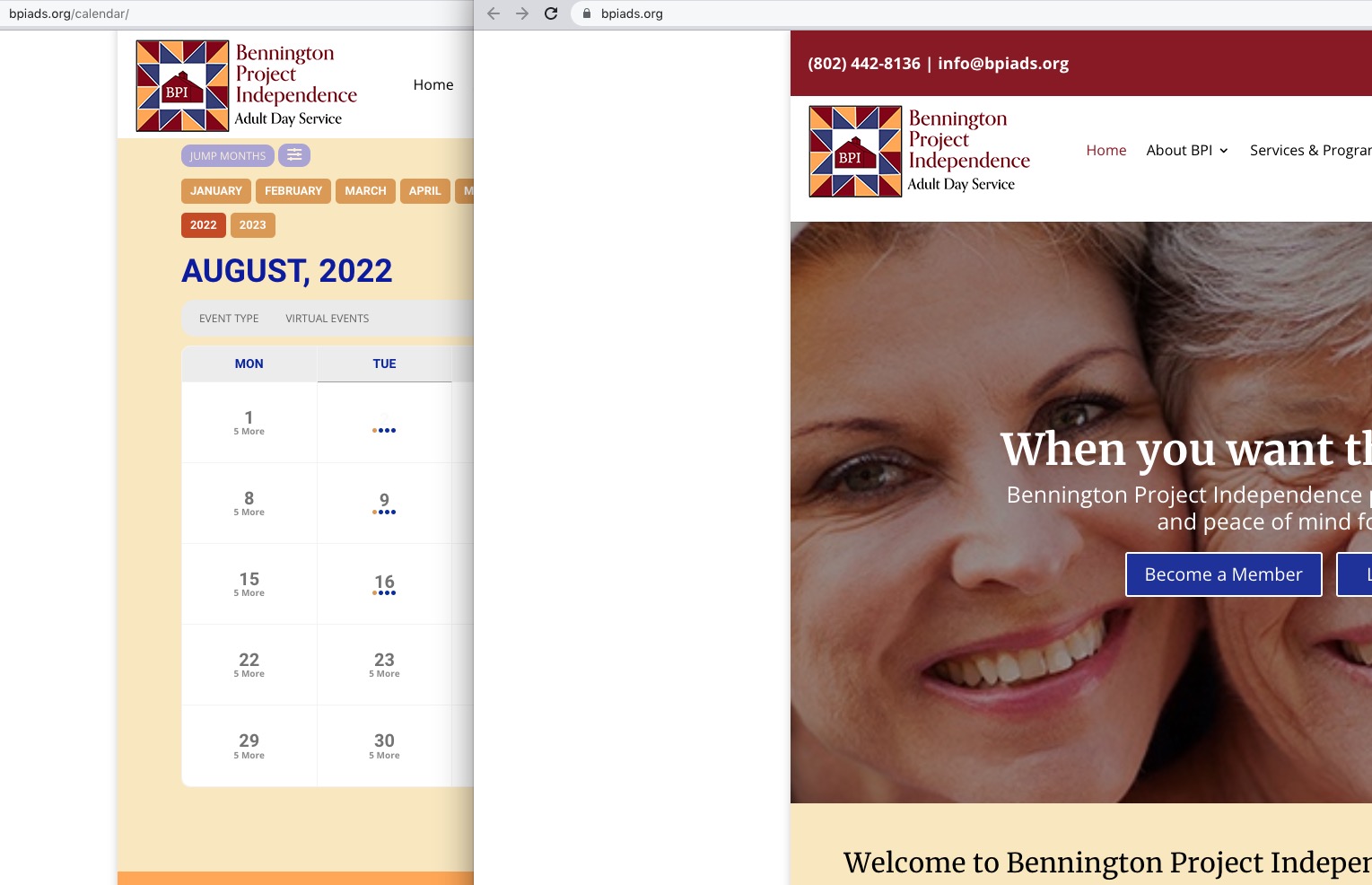
Could you check and let us know?
Reply to: tickets(285008)
Is it possible to completely delete “Nicola Smith – Trick Workshop BEGINNERS” (ID 15692) from Trash:
https://ogilviedogs.com/wp-admin/edit.php?post_status=trash&post_type=ajde_events
Reply to: tickets(285121)
Hello,
Please send us wp-admin access to your site as a private message for us to further assist your situation.
Reply to: tickets(285095)
Hello,
We need Auth Code:
An Authentication Code has been sent to the email address associated with your account. Look for an email with “Login Authentication Code” in the subject line.
Could you go to EventON > Time Settings > try enabling Use UTC offset time globally on calendars?
Please also go to EventON > Time Settings > try switching Select minute increment for time select in event edit page to 1.