Thanks Dave – my bad. Font’s are good. also implemented the date in white – looks a lot better. Thank you
Archives: Replies
Replies for tickets on suppota
Reply to: tickets(284461)
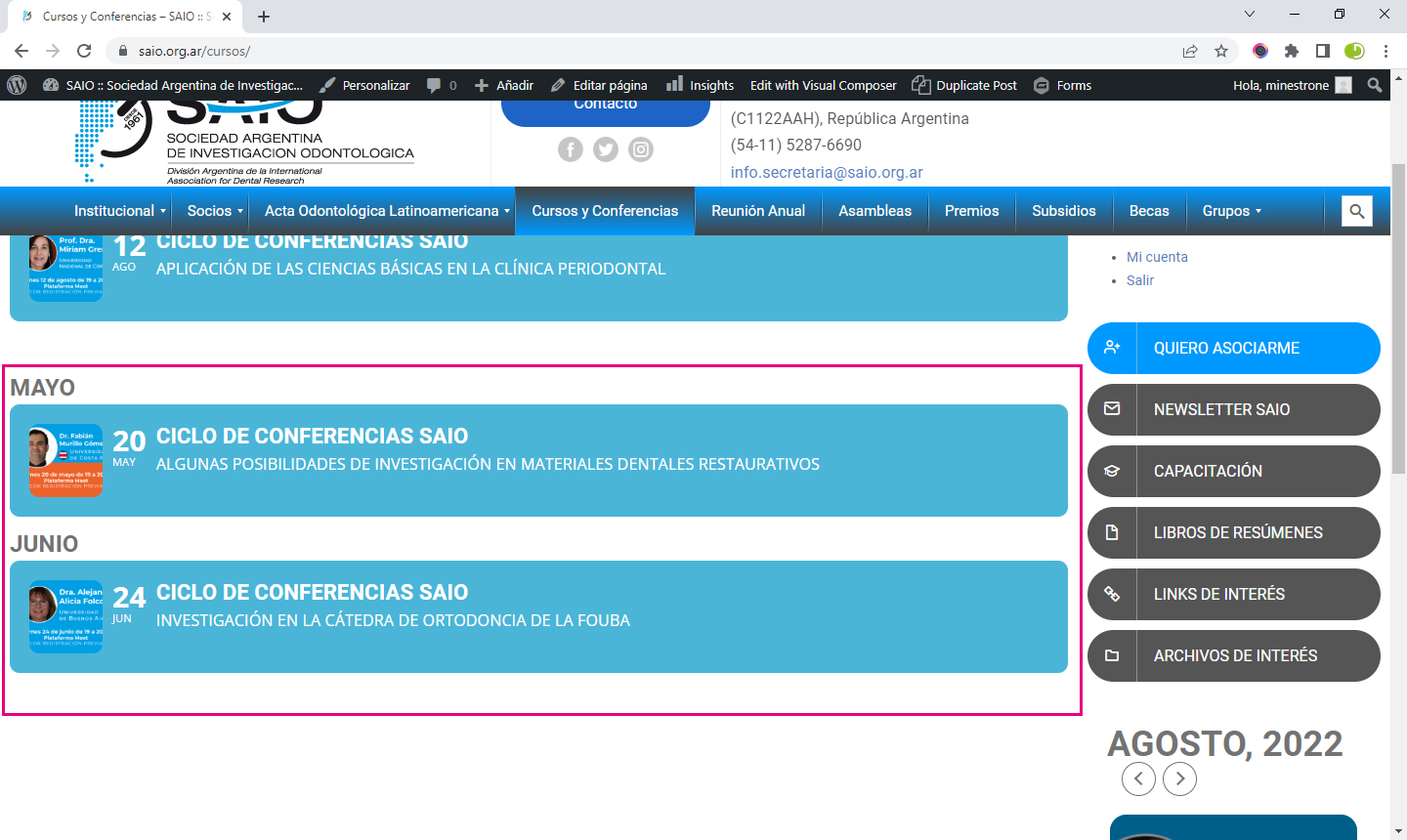
This is the shortcode I have published:
[add_eventon_list number_of_months=”12″ ux_val=”3a” event_type=”7,3,” show_et_ft_img=”yes” hide_empty_months=”yes” month_incre=”-3″ event_order=”DESC” event_past_future=”past”]
But it does not respect the order desc for month, as you can see in the print screen attached.
I wait for assistance.
Best regards,
Jimena
Reply to: tickets(284465)
Can you please with webmaster@ipartnermedia.com?
or, jennifer@vectradigital.com
Reply to: tickets(284823)
generally the front end name will be the same as the backend
you would have to stuff around with some kind of back end translater that also wouldn’t effect the front end
Reply to: tickets(281863)
also this css should make the date white if you want it
#evcal_list .eventon_list_event .evoet_cx em, .evo_lightboxes .evoet_cx em {
color: #ffffff;
}
Reply to: tickets(281863)
What part of eventon do you want rubik because the titles are rubic
looks the same as https://fonts.google.com/specimen/Rubik?selection.family=Caveat&preview.text=JOKER%20POWER&preview.text_type=custom
see video
On my own site with siteground I have to disable the SG optimizer to edit the pages as well- and that uses a different theme- must be a sg thing. you can activate it again
Reply to: tickets(284632)
Hello,
thank you for your reply. Here is the FTP access:
server: ftp.5611379925336.hostingkunde.de
user: 561137-libadmin
pass: 8nEpv&qe7dPp
Reply to: tickets(284771)
Well… Greatest Support Ever!
Thank you so much, everything is running fine now.
Regards
Reply to: tickets(282691)
We are sorry for the delay. Ashan will check this ASAP.
Meanwhile, I went to https://tbcraleigh.com/wp-admin/admin.php?page=eventon#evcal_001b > changed Select minute increment for time select in event edit page to 1. It helped other customer.
Could you check if it works for you?
Reply to: tickets(283996)
We are glad your issue is resolved, if you have any further questions or concerns please create a new ticket.
If you have a moment, we would greatly appreciate if you could kindly leave us a review at codecanyon! from your account > downloads. Cheers!