Hello,
Please go to EventON > Action User > enable Allow event image upload to non logged-in visitors (Not recommended).
Replies for tickets on suppota
Hello,
Please go to EventON > Action User > enable Allow event image upload to non logged-in visitors (Not recommended).
Great! Please keep us updated.
Thanks for your response Artem. I don’t understand though. I checked that link and it’s a website builder.
The client wants to build emails in Mailchimp that pull out events information from their RSS feed (https://www.rassman.com/events/). They’ve now indicated that they will include custom content as an introduction to each email, but they would need the events section to auto populate with the following 30 days of events data. In other words, emails won’t be launched automatically because they will customize an introduction section, but the events content needs to automatically populate the section.
Is this something we can do with EventOn? If so, could you please send a link to a help article or information that explains how to set it up?
Thank you!
Where do I find “Event Lists: Ext”??? It is not clear your answer….
Ok thanks, I’ll try 😉
https://scruffycity.com/wp-login.php?loggedout=true&wp_lang=en_US – login
user: winston.brett@gmail.com
PW: eventon_132!
It is happening on the main page cal: scruffycity.com
Thank you for your help
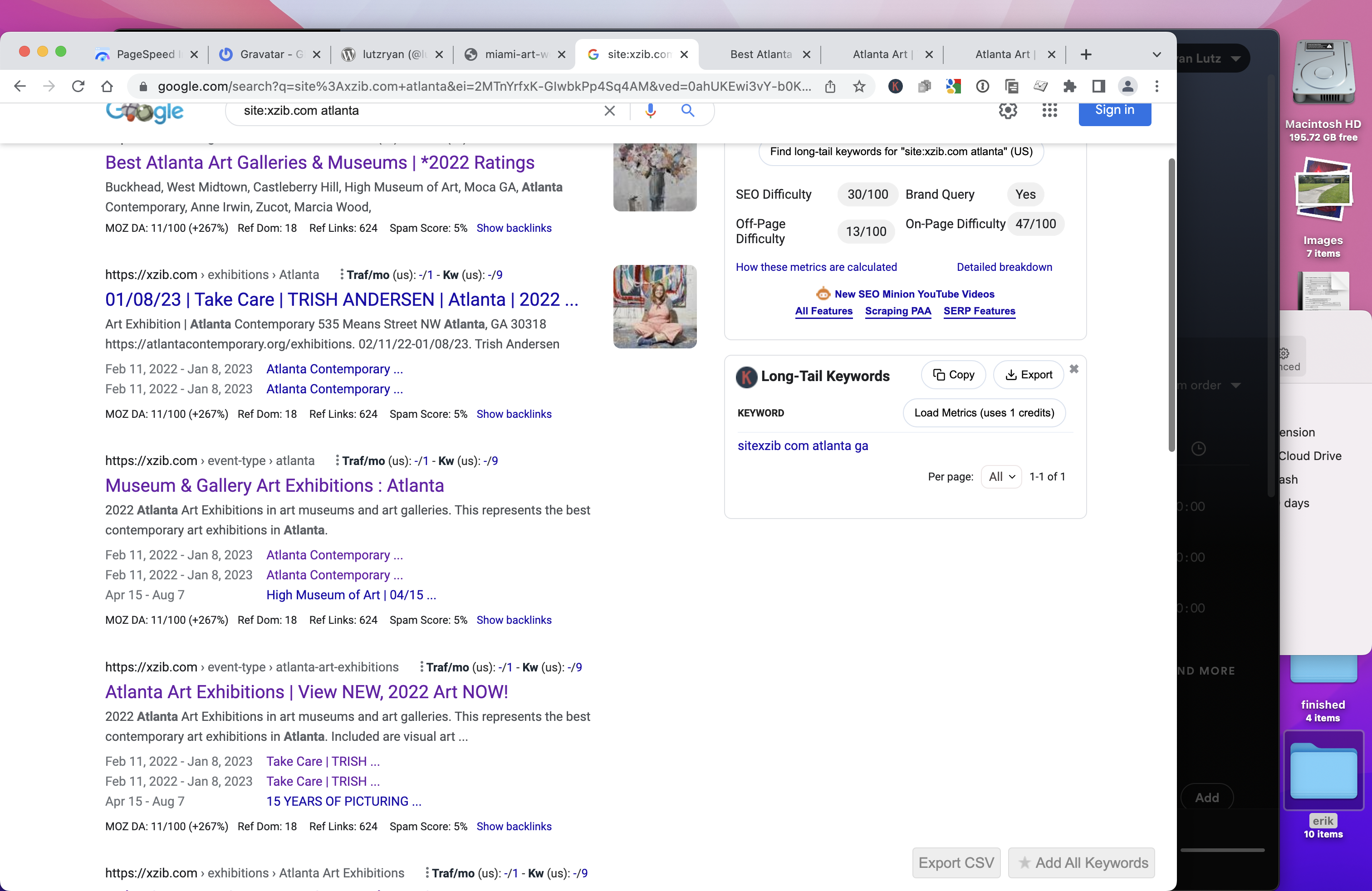
Im still not having any events showing in Google events pages.
Also, I asked about the duplications in Schema. Google is not fixing those. They are being shown on the front end.
How do I fix this to remove the schema being duplicated? It seems site wide… EVENT EXAMPLE
site:xzib.com atlanta
infotainerdave helped me on another site to do this. And he was excellent. Could you perhaps assign this ticket to him?
Thanks
I’ve already done everything in your guide. It doesn’t load any faster. My server is siteground and a cache plugin is active. Events are already loading in new pages. There are no inactive plugins and the database is optimised
RSVP digest email template. Action User doesn’t have digest functionality.
To override and edit the email template copy “eventon-rsvp/templates/digest_email.php” to “yourtheme/eventon/templates/email/rsvp/digest_email.php.