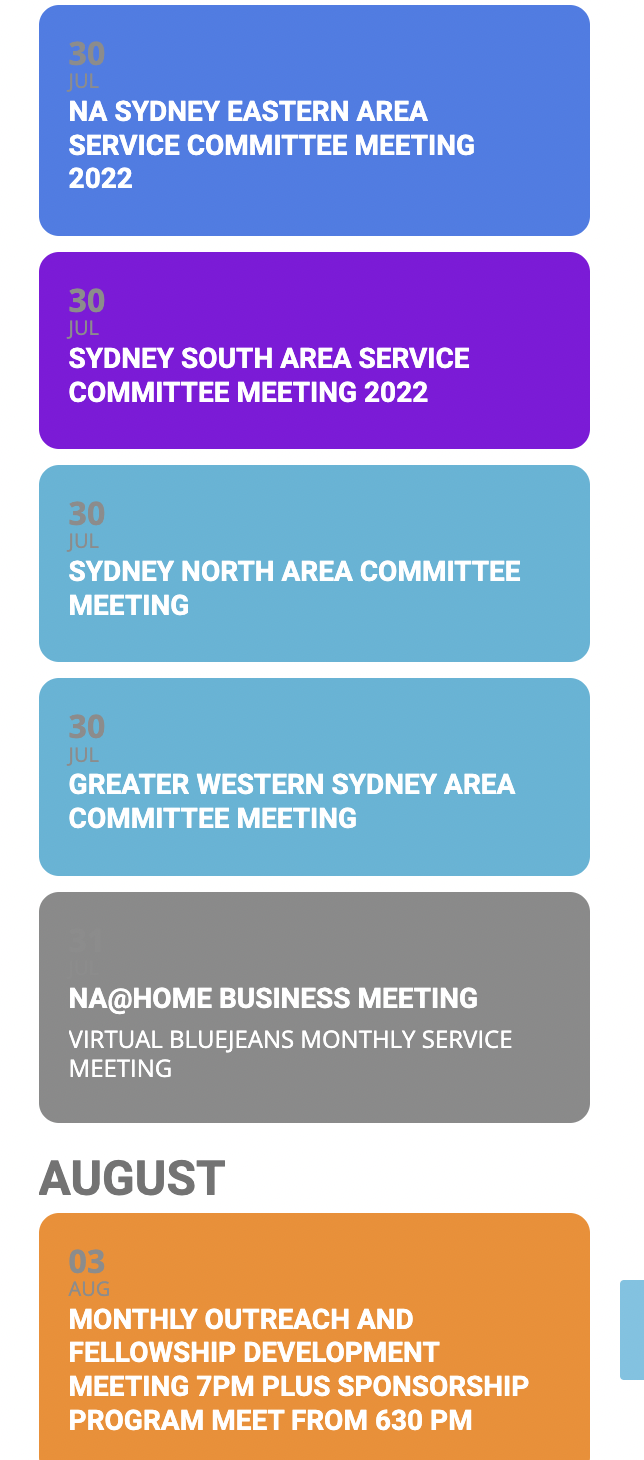
Thank you very much for your thorough explanation video, I really appreciate it. I will give it a try now, but it may take me some time. In the meantime, can I ask: If I have several repeat instances of the event (hundreds), do I have to manually set the capacity for each one? I know it is a copy/paste operation but it will still take a while if that is the case.
Thank you
Ok, thanks! I’d like to continue developing my site, so as soon as he can help me, it would be greatly appreciated.
Thanks,
LM
can’t view your website you have ip address blocking
thr custom meta data fields you can choose a button or multi lines of text
as for defaulting to a new window- that would require customization of the code theres no current settings to do this as yet
Thank you for your great suggestion, at the moment it is not supported. However please create a new ticket and select Feature Request as category so others can vote on your idea and get it moved into development faster.
Fantastic, David! Thank you! We will be looking to add this feature.
URL to admin
https://lagendageek.com/connecter
Login : eventon_test
Password : eventon_test1
Hello, my webmaster has worked some hours and managed to recover a backup and restore the site as of 27/07. Now the issue is resolved, however I still don’t understand how it is possible that removing a Plugin that is not Active will clear the entire database of events. It seems absurd. However, I don’t suppose we can do something about this at this stage.
Could you kindly provide me with instructions on how to avoid this happening again in the future? You mentioned one needs to manually change some parameter to “Do not delete eventon settings when I delete EventON plugin”. There are about a hundred parameters on EventON, could you tell me where this setting is located? Thank you in advance.
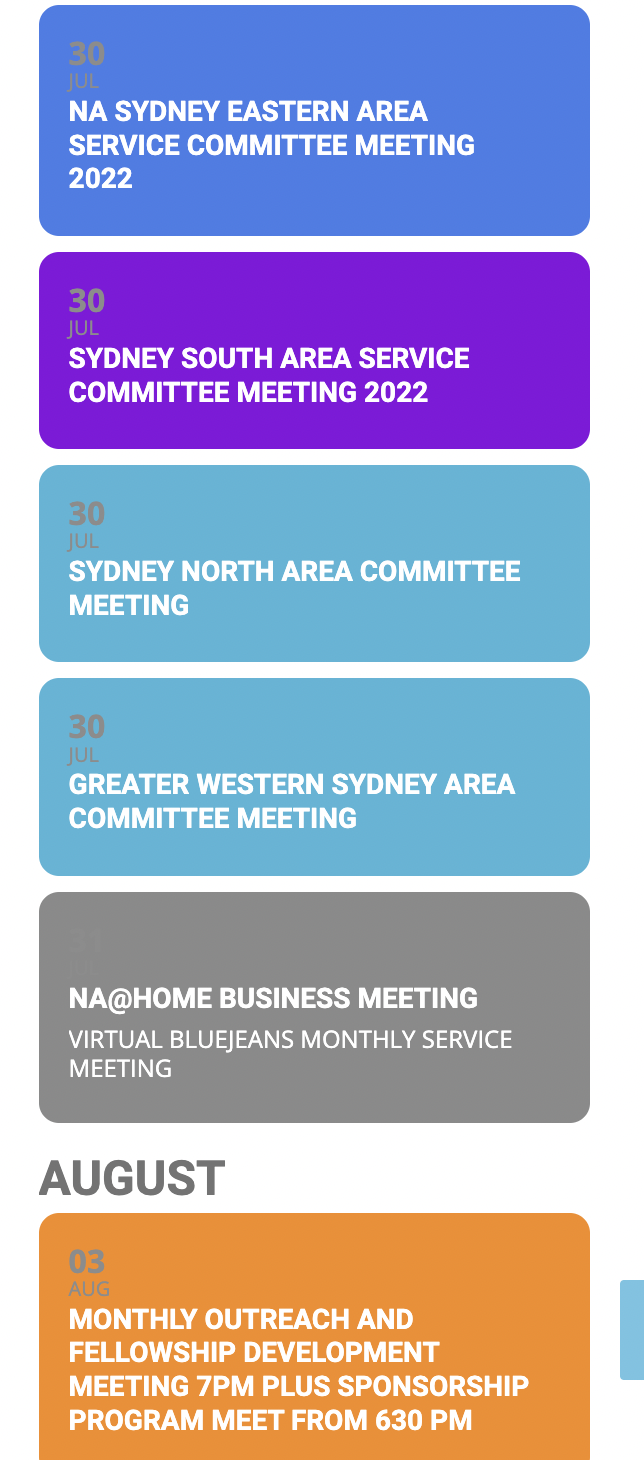
The original event was set to 12 repeats however its an ongoing monthly event which we don’t want to “complete”.
We’ve moved it to December
https://www.na.org.au/multi/events/monthly-outreach-fellowship-development-meeting-7pm-plus-sponsorship-program-meet-from-630-pm-copy/
theres no button to do it/
but in myeventon>>>settings general
make sure everything is toggled off
myeventon>>>>settings>>>script and styles again turn everything off
by default toggles are not on
if you wish to delete all events and then start fresh you can click the
Delete eventon settings & data when EventON is uninstalled found at myeventon>>>settings
but EVERYTHING WILL BE DELETED THEN UNINSTALL eventon and then delete the plugin then upload it again
I am able to get some information back by using that solution, but the layout is not good and scewed – and we are not able to use a lot of time at this point on fixing these layout issues.
Where can I find the old version?
/Anders