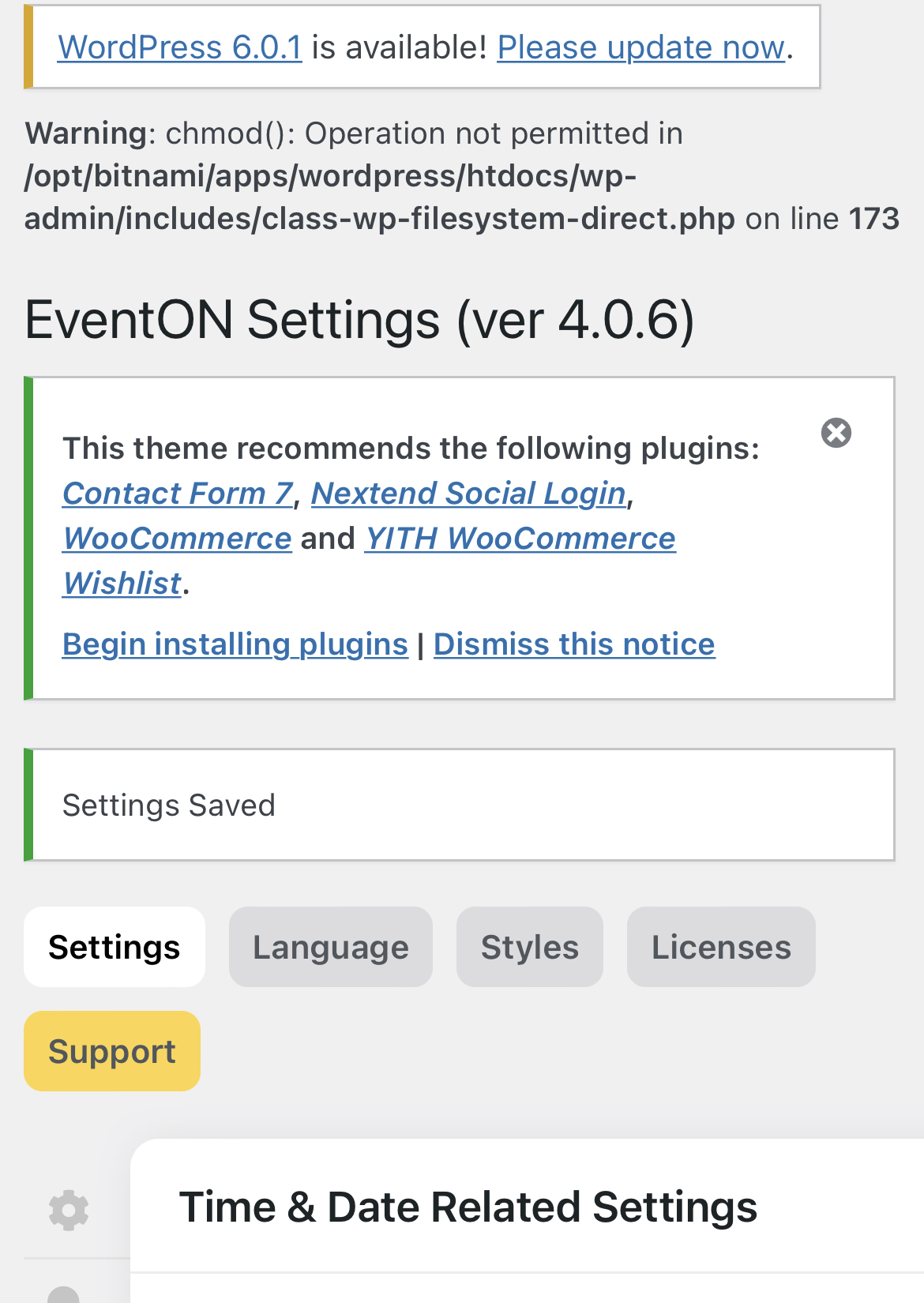
after I saved sterrings show the warning message, I don’t now is affected the save.
Replies for tickets on suppota
after I saved sterrings show the warning message, I don’t now is affected the save.
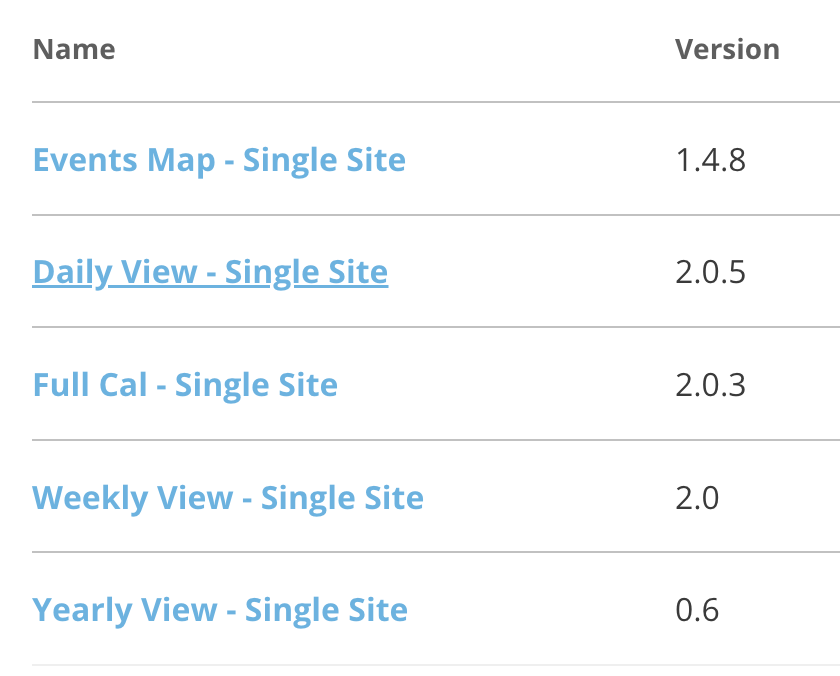
Hi, another problem I found after updating (eventon 4.1.1 and each of the addons: full cal, day cal, week cal and year cal (to latest versions -see attached screenshot) is that I can`t create the most complete shortcode on any of them, for example, I can´t get this VIEWs with any shortcode generated and pasted on my pages, and I really want them to be displayed at my site, here is what I am looking for:
I really hope you could help me to get this fixed. thanks.
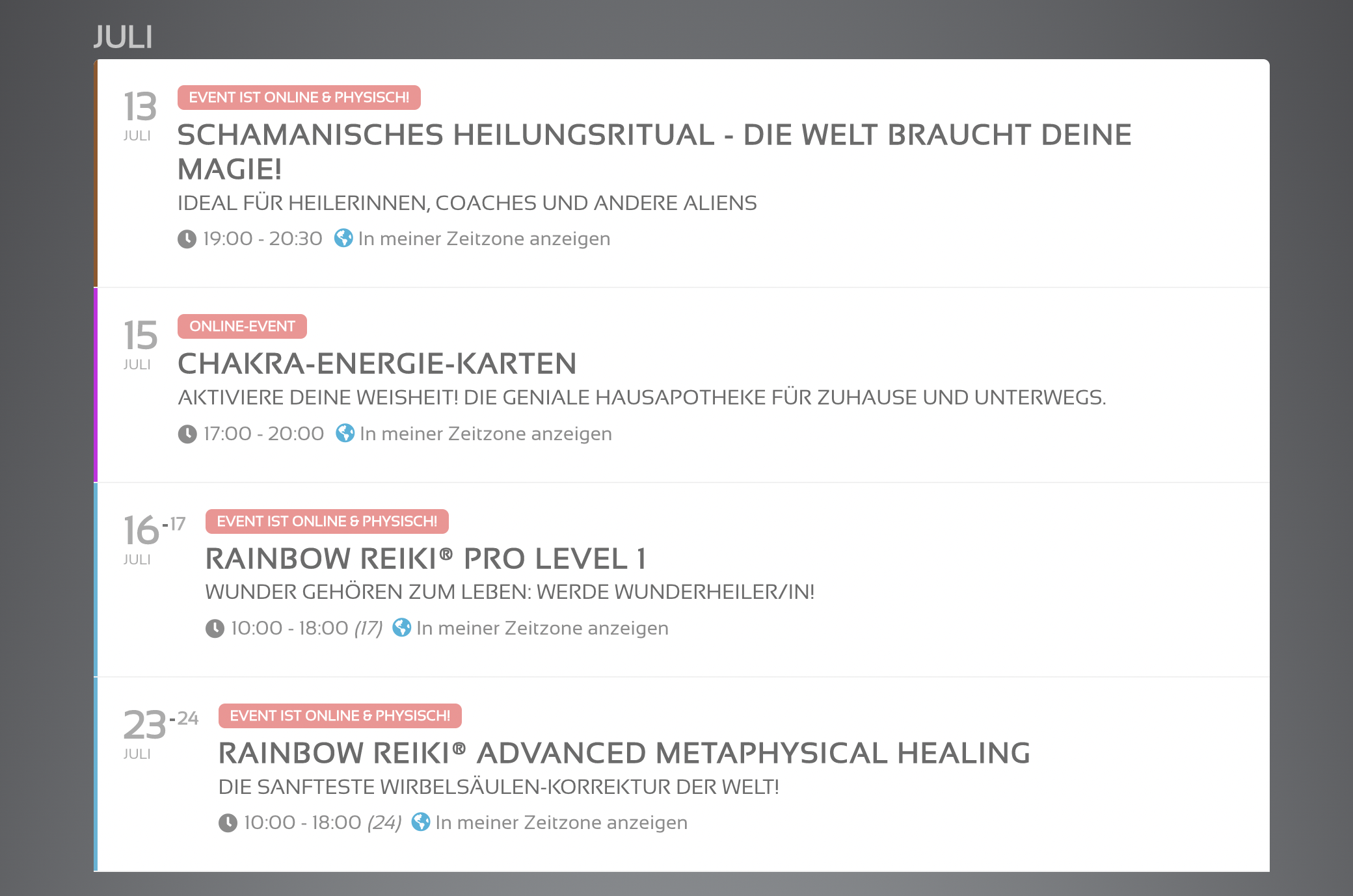
I would like it to look like before:
this is the file
https://calendar.google.com/calendar/ical/kut1d1el2ofvqcll7nlil2s4c8%40group.calendar.google.com/public/basic.ics
this is the calendar
https://calendar.google.com/calendar/embed?src=kut1d1el2ofvqcll7nlil2s4c8%40group.calendar.google.com&ctz=Europe%2FVienna
Hi, please try again, i have a fast responde
https://paneurhythmy.dance
https://paneurhythmy.dance/wp-admin
it works
thx
Peter
Okay, Sansation font seems to have recovered.
Can you please help me with the other problems that occurred with your last update?
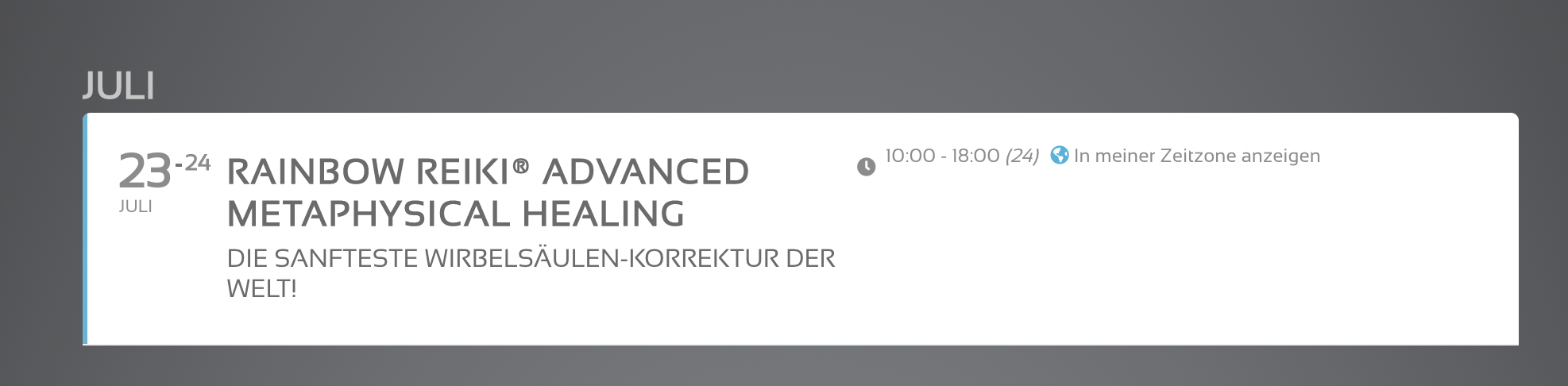
After the last update the event header section was missing “time” and “show in my time zone”.
I was able to reactivate that, but it’s in the wrong place… (see screenshot attached)
(are those your BETA version problems?)
“time” needs to be in the line underneath the subtitle and
“show in my time zone” needs to be in the line underneath that.
Thanks,
Dan
Hello,
Good to hear that it is working for you. If you have any other questions, please feel free to create a new ticket.
Hi Jeremy,
Please send us wp-admin access to your site as a private message for us to further assist your situation.
Hi John,
We are glad your issue is resolved, if you have any further questions or concerns please feel free to create a new ticket.
Hi John,
Please be sure to include location in Eventon > Settings > EventCard Design
If you have included it and it is still not showing, add the patchfix below:
Here is a tutorial on how to apply Patchfix
https://docs.myeventon.com/documentations/how-to-apply-a-patch-fix/