those events with event type 2 84 & 85 do they have gravity forms in themand do the events in event type 1 79 not have the gravity forms?
its most likely not the shortcode but the events its trying to show
I can’t get any page to load the editor
also your single event pages are not looking right
https://sutton.ca/events/seance-extraordinaire-le-30-mars-2022-a-17-h/
theres no maps or locations
Thank you for your messages, I am going to assign this ticket to Ashan and he will be able to take it from here and find you a solution. Please allow some time for him to get back to you, we greatly appreciate your patience and thank you for being a eventon customer! Also please disable any IP blocking on your site if there are any.
Yeah I can’t find where to change it on dev 2
Thank you for your messages, I am going to assign this ticket to Ashan and he will be able to take it from here and find you a solution. Please allow some time for him to get back to you, we greatly appreciate your patience and thank you for being a eventon customer!
it sends reminders to those who have rsvp (via the rsvp addon or bought a ticket from the tickets addon)
what product did you wish to switch to?
if you are thinking the invites plugin- that requires RSVP addon
Hi Ralph,
Thanks for sending the credentials. As a temporary solution, please navigate to Eventon > Settings > EventTop and on “EventTop Main Day block fields”, enable Event Day Name
Let me know how that solves the issue in your main site as well.
Hi Kenneth,
I have cloned the site to a staging server and updated WordPress / Theme / Plugins. The issues persist.
Please feel happy to experiment here. It’s all backed up.
http://f1rst5.com.au/chs/wp-admin/
test@f1rst.com.au
OYJkX*n#@JCgEPqgTEZhbeQy
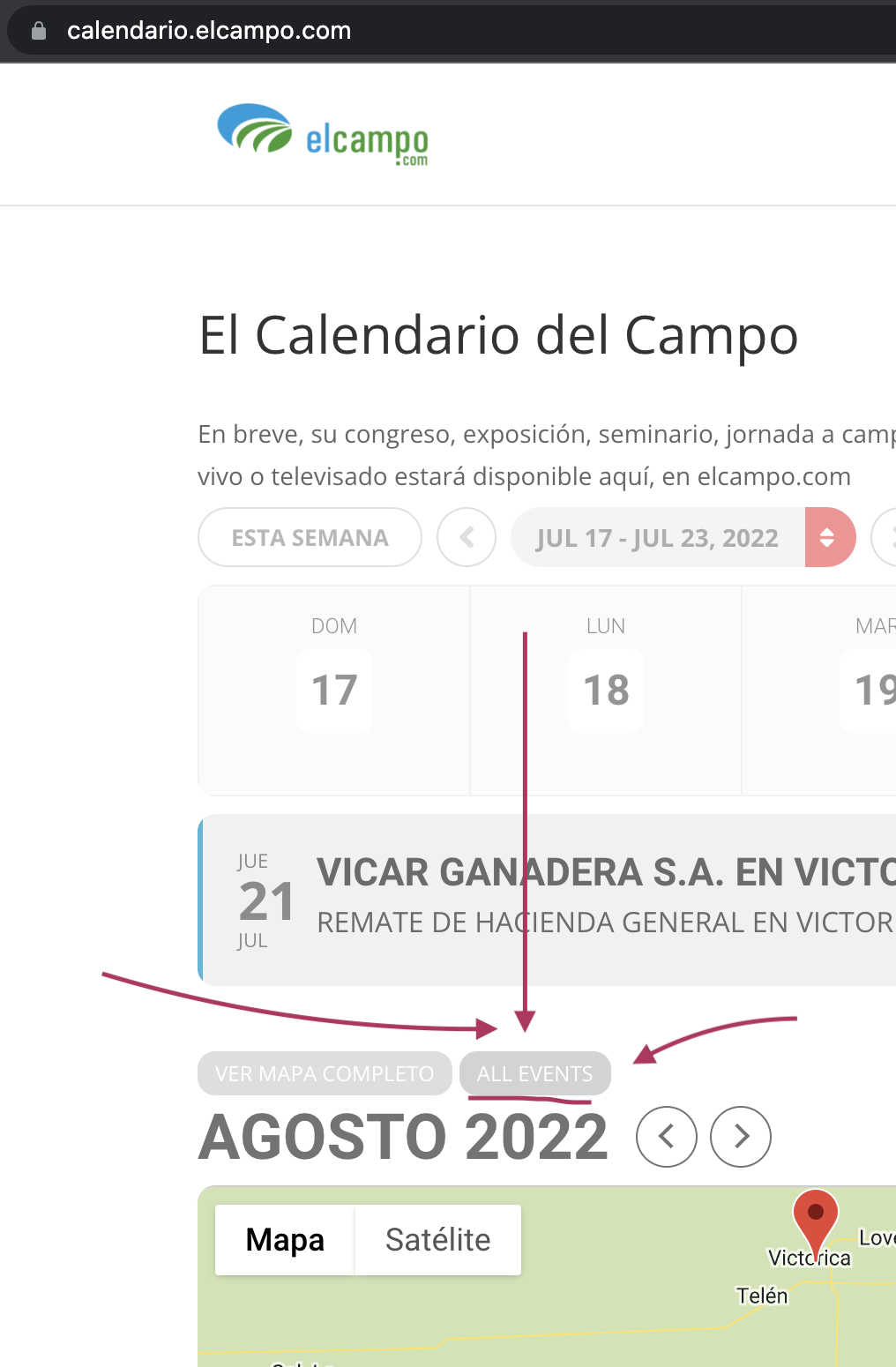
I added the screenshot here.
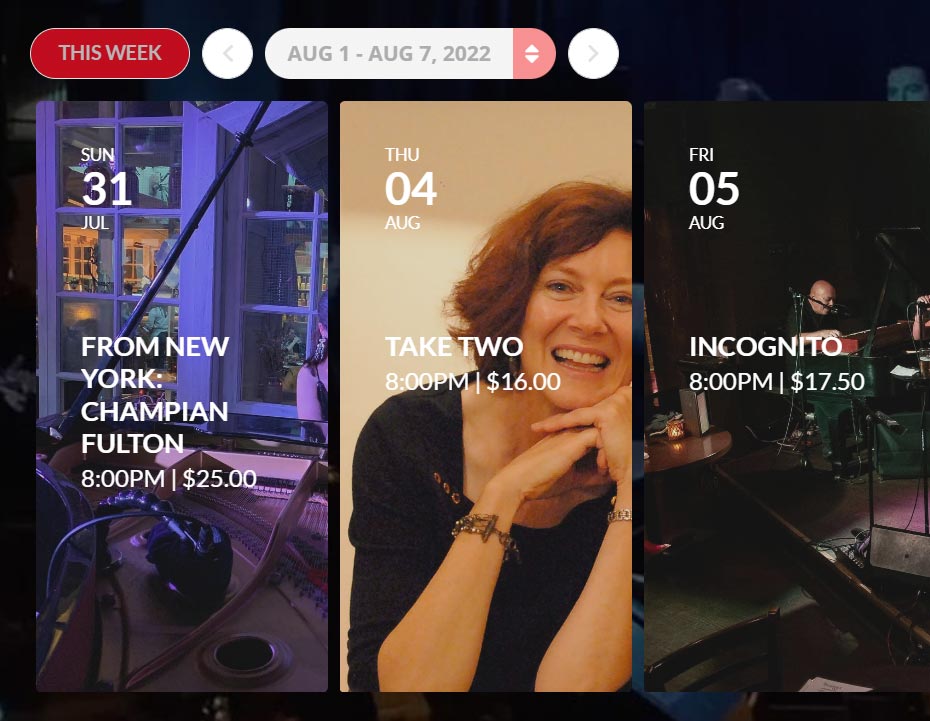
Hi there,
I have tried what you suggested. I will monitor to see if this will do the trick.
On another note from my client:
Here’s another minor glitch:
Week selection of Aug 1-7 displaying July 31.
Default weeks should display Monday-Sunday.
See image attachedany fix on this?
Thank you for your continued efforts!
Doug
Hello,
Have you tried to test it without activating? It should work find if you want to just test it.
Also try disabling your Internet, activate licences locally and test the plugin.
Hello,
You can either apply this patch:
https://docs.myeventon.com/patch-fixes/4-1-in_array-error/
Or go to EventON > EventTop > EventTop Main Day block fields > enable Event Day Name or any other you like.
We are going to include the fix to the next version.