Hi, the info was just shared.
in regards to the screens, i wanted to be able to checkin users by name not just by ticket number.
The checkin qr code will be mobile or scanner, but for ticket name or number there should also be an option. Can you advice on how to make the check-in addon works to search by name?
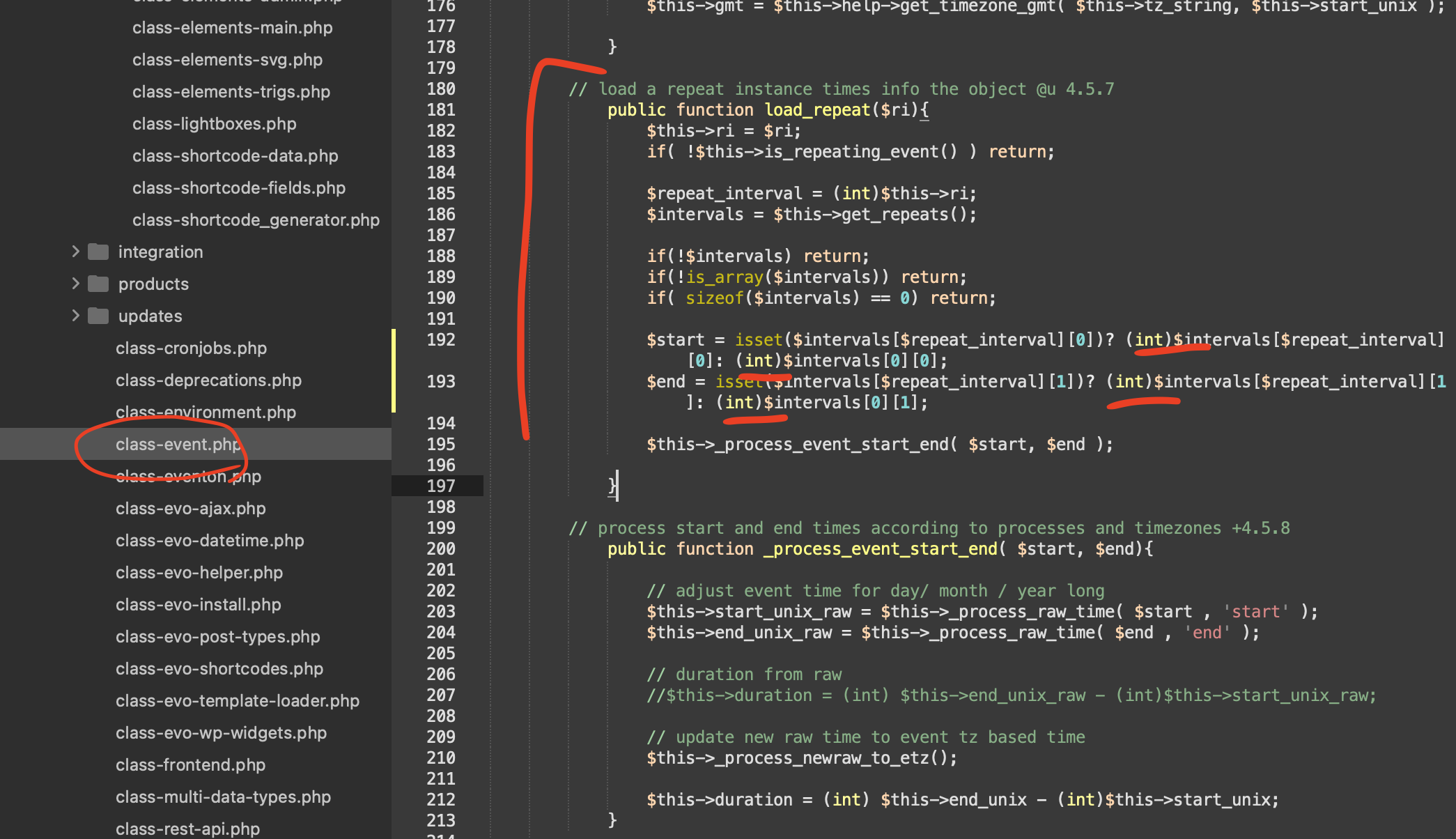
Hello Martin, thank you for sharing the code from the debug. Please try this patch fix code where you add (int) to convert strings into integer. Also make sure you have not set custom times that are not numbers for events.
Had no idea there was a WordCamp going on in Portland. 🙂 — hope it will be a very useful session for you! Looks like lot of good talks lined up 🙂
Also we will be including the changes mentioned above in the next version update to RSVP addon 🙂
Cheers!
Thanks for the reply. Honestly this is an IMPORTANT function which should be built into the system and immediately considered. Deleting Events one-by-one is way too much work and there should be a built-in solution by now. I’ll add it to feature request – but I don’t think that many people are voting or are very involved in Feature Request. Honestly, I don’t think it will accomplish much and is very effective. I don’t see any updates under Feature Request – it’s almost a quick way to ignore problems. However, I do believe that it is of UTMOST IMPORTANCE that you consider adding this to the functionality. I am sure MANY USERS have large amounts of old events and images that are taking up precious server space that I’m sure they would like to get rid of especially to streamline and perhaps speed up website response time. I would rather pay more for the annual fee if this means hiring more developers on your end to improve the product. Thank you
The PHP warning from the other plugin is gone.
Please fix the import script bug in Event Seats as quickly as possible so we can keep working on the site.
Hello,
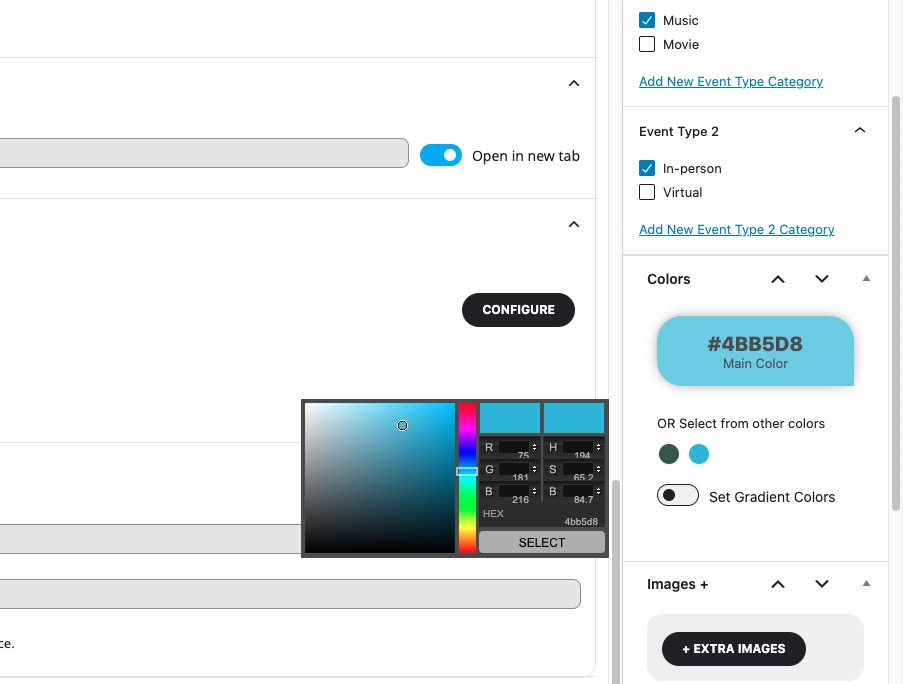
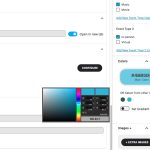
Since EventON > EventTop > Select Default Calendar EventTop Style is set to Colorful with gap between events, each event takes it’s background color from Edit Event > Event Color:
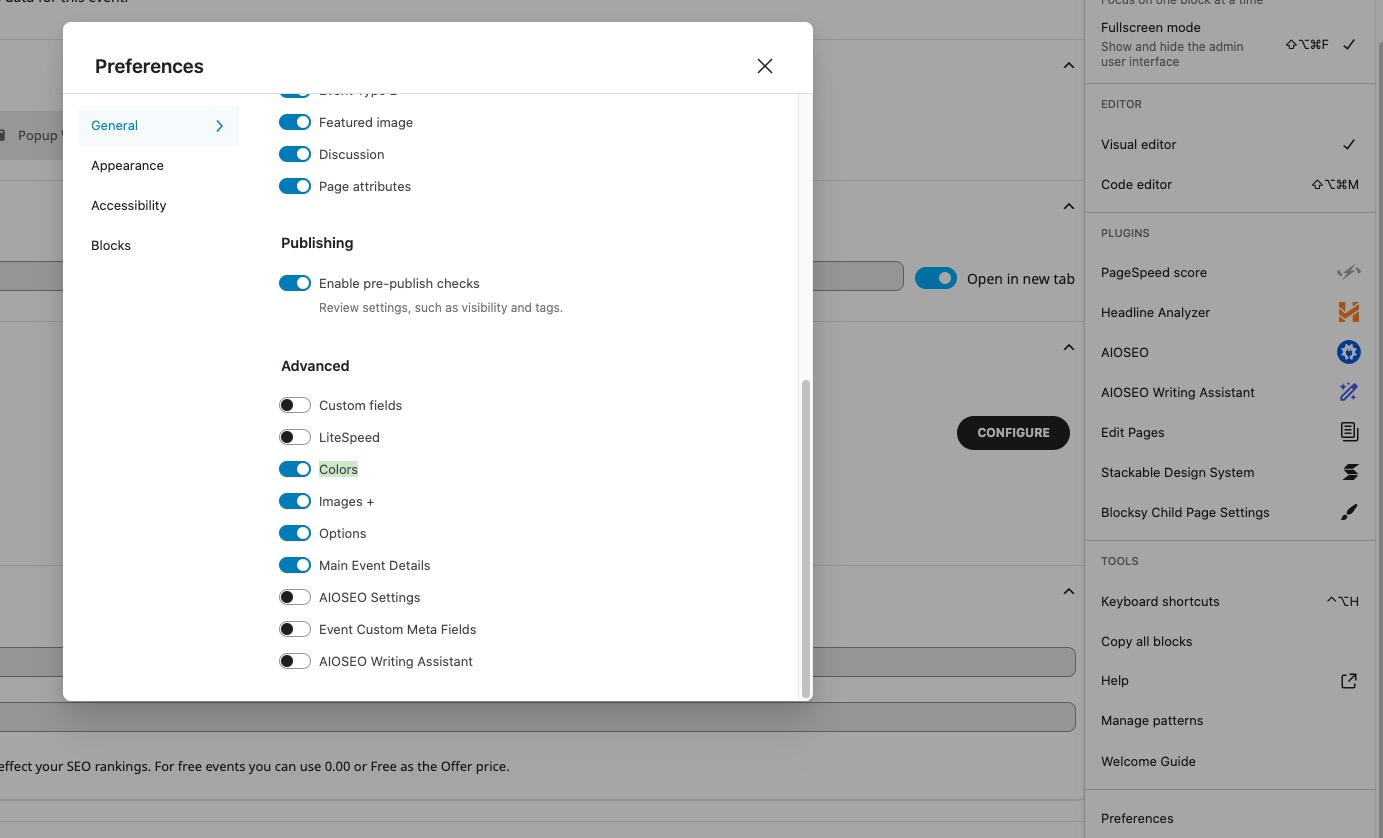
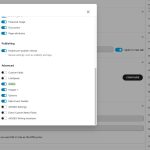
Please make sure to enable it from Preferences:
If you want to set the background color from EventON Settings, please go to EventON > EventTop > Select Default Calendar EventTop Style: Clear with left border colors and gaps.
Now you can change the color from EventON > Appearance > EventTop. If you don’t see any change, EventON > Scripts & Styling > turn off Write dynamic styles to header > save settings > turn on Write dynamic styles to header.
Perfect! We are glad your issue is resolved, if you have any further questions or concerns please create a new ticket.
If you have a moment, we would greatly appreciate if you could kindly leave us a review at EventON WordPress PageORCodecanyon. Your review helps us a lot in continuing EventON improvements!
Unfortunately, not planning on going to WordCamp.
Hello,
Sorry for the delay. Ashan is still working on the update for Seats that should be available ASAP.
Hello,
Please add this CSS code to EventON > Styles (If you don’t see any change, EventON > Scripts & Styling > turn off Write dynamic styles to header > save settings > turn on Write dynamic styles to header). You can also add this code to wp-admin > Appearance > Customize > Additional CSS.
.eventon_list_event .evoet_cx span.evcal_event_title, .evo_metarow_ICS .evcal_evdata_cell p a, .evo_metarow_learnMICS .evcal_col50 .evcal_evdata_cell p a, .eventon_list_event .evo_metarow_locImg p.evoLOCtxt .evo_loc_text_title, .evo_clik_row .evo_h3, h2.evo_h2, h3.evo_h3, h4.evo_h4, body .ajde_evcal_calendar h4.evo_h4, .evo_content_in h4.evo_h4, .eventon_main_section #evcal_cur, .ajde_evcal_calendar .calendar_header p.evo_month_title, .eventon_events_list .eventon_list_event .cancel_event .evo_event_headers, .evo_pop_body .evo_event_headers.canceled, .eventon_events_list .eventon_list_event .evcal_list_a .evo_above_title span, .evo_pop_body .evcal_list_a .evo_above_title span, .ajde_evcal_calendar .evcal_month_line p, .ajde_evcal_calendar .evo_footer_nav p.evo_month_title, .evo_eventon_live_now_section h3 { font-weight: normal !important; }