Hello,
eventtop_style=”0″ inside of the shortcode is exactly for “EventTop Design Style: Clear with left border colors”.
Could you go to https://demo.myeventon.com/ and let us know which design would you like?
Replies for tickets on suppota
Hello,
eventtop_style=”0″ inside of the shortcode is exactly for “EventTop Design Style: Clear with left border colors”.
Could you go to https://demo.myeventon.com/ and let us know which design would you like?
Hello,
Could you send us Order ID of the purchase?
We are glad your issue is resolved, if you have any further questions or concerns please create a new ticket.
If you have a moment, we would greatly appreciate if you could kindly leave us a review at codecanyon! from your account > downloads. Cheers!
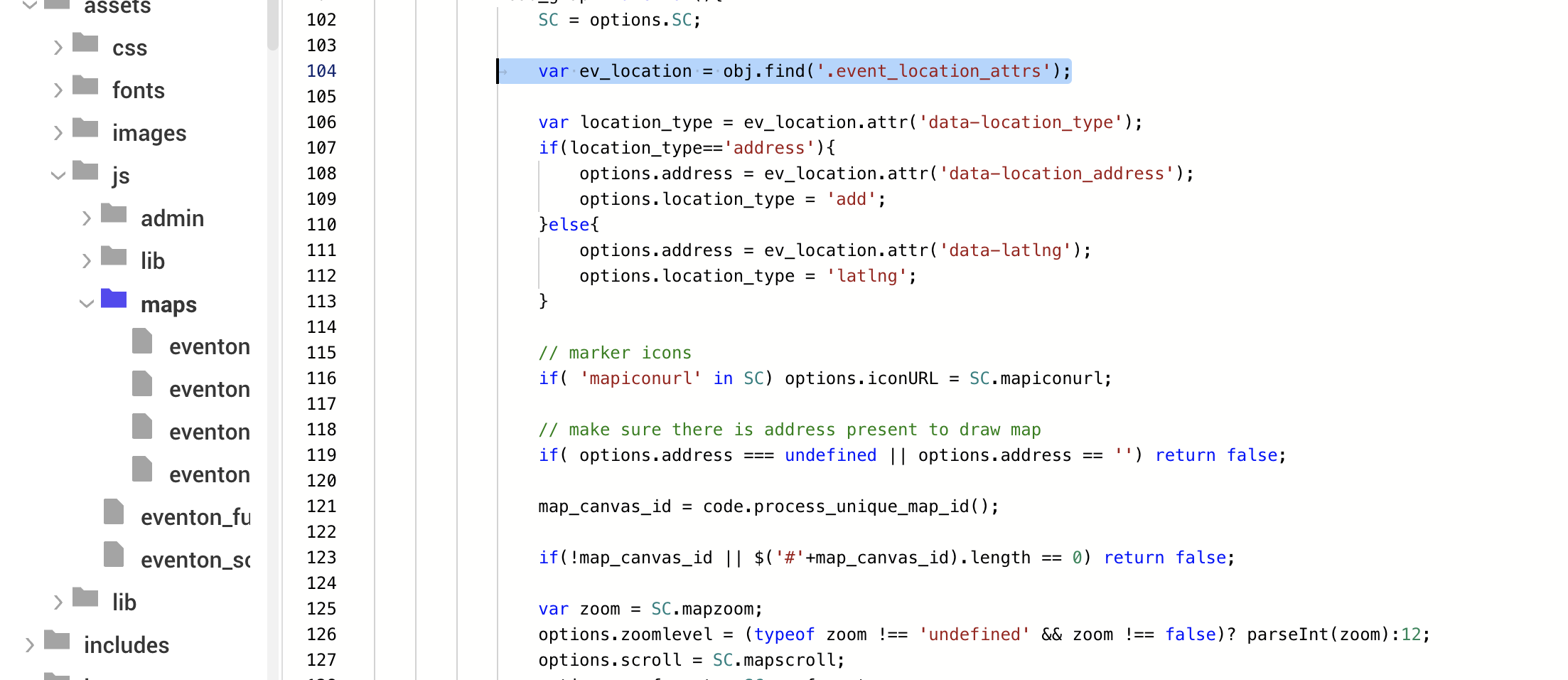
Hi, when you say ‘please apply this patch fix’ – what in the code is to change? Our code matches the image you have uploaded, where you have underlined.
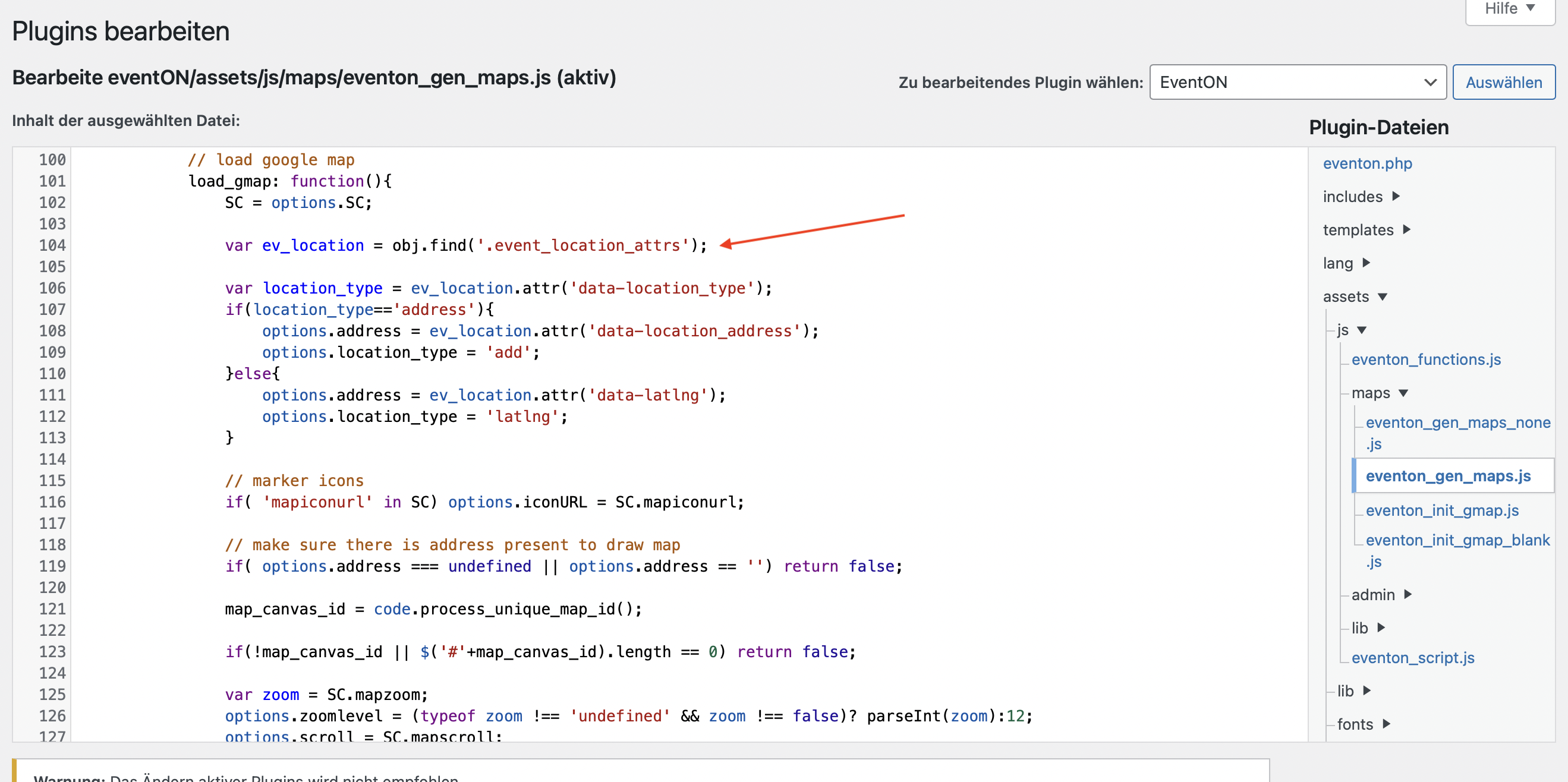
Hello, I can’t see any difference. What exactly should I adjust?
I ask for a more concrete solution suggestion.
Screenshot attached
Thanks!
Hi!
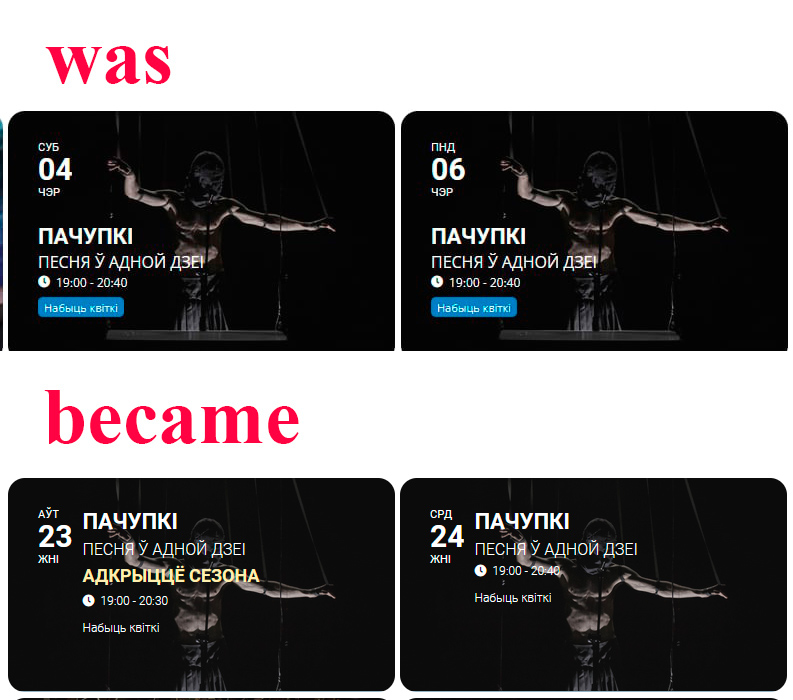
It is better but agree, it doesn’t look identical.
All the images were selected so that the inscriptions didn’t fall on faces and the text was readable, but now there is still a mess
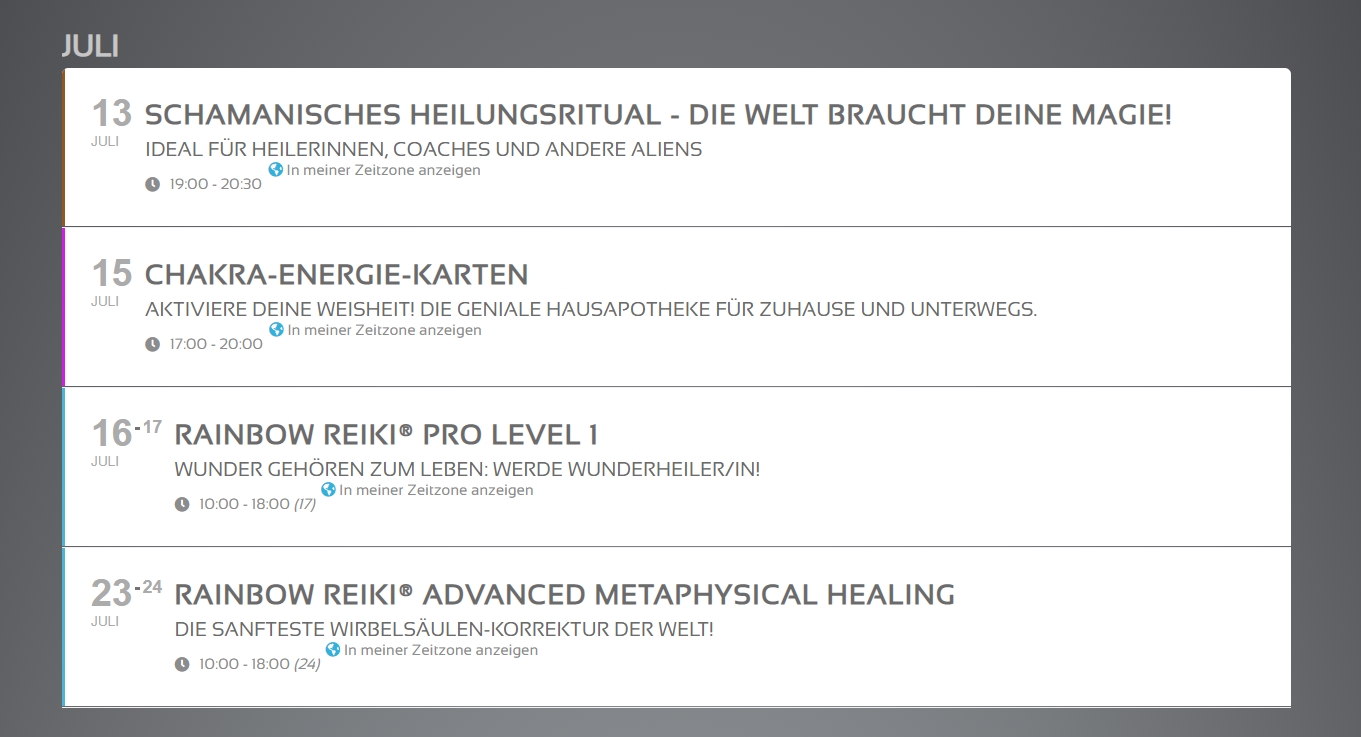
In the past, we took a lot of time and effort to style the calendar.
I would appreciate, if we can heal that problem ASAP.
It looks untidy.
Looks like a new feature setting i wasn’t aware of, it works now, thanks a lot
Sure, username: eventon
password: u^rw5zn2$zV*&1Q$ktqa^4Dt
https://visitgrantsville.slightsites.com/wp-admin/
Also, I just upgraded to the newest 4.1.1 and am still getting the same error.
I downgraded the plugin. It is an active page… Please update the plugin and you will see the problem. It is ok?