Hi, I’ve now tried that and the message still appears, even after changing EventTop settings and saving a couple of times, and clearing cache, so I have reverted back to Version 4.0.6 again.
Replies for tickets on suppota
Hi, I’ve now tried that and the message still appears, even after changing EventTop settings and saving a couple of times, and clearing cache, so I have reverted back to Version 4.0.6 again.
Hello,
i’s OK for the fisrt point, i see the name and email fields.
For the second point :
https://www.anneeduverre2022.fr/wp-admin
login = Manu
mdp = pYUD(cP&&AD8J5alK@Z*Gcqm
Best regards
Emmanuel
Hi Tom,
Thanks for reaching out. The credentials you have given out do not seem to work.
Please send us wp-admin access to your site as a private message for us to further assist your situation.
Hi Sheila,
You can change the icon colors using custom CSS, that is the only way to o it currently.
Hi Artem,
I have tried to download version 4.1 from CodeCanyon and it is still version 4.0.6. Are you sure version 4.1 is available?
Cheers,
Bronwyn
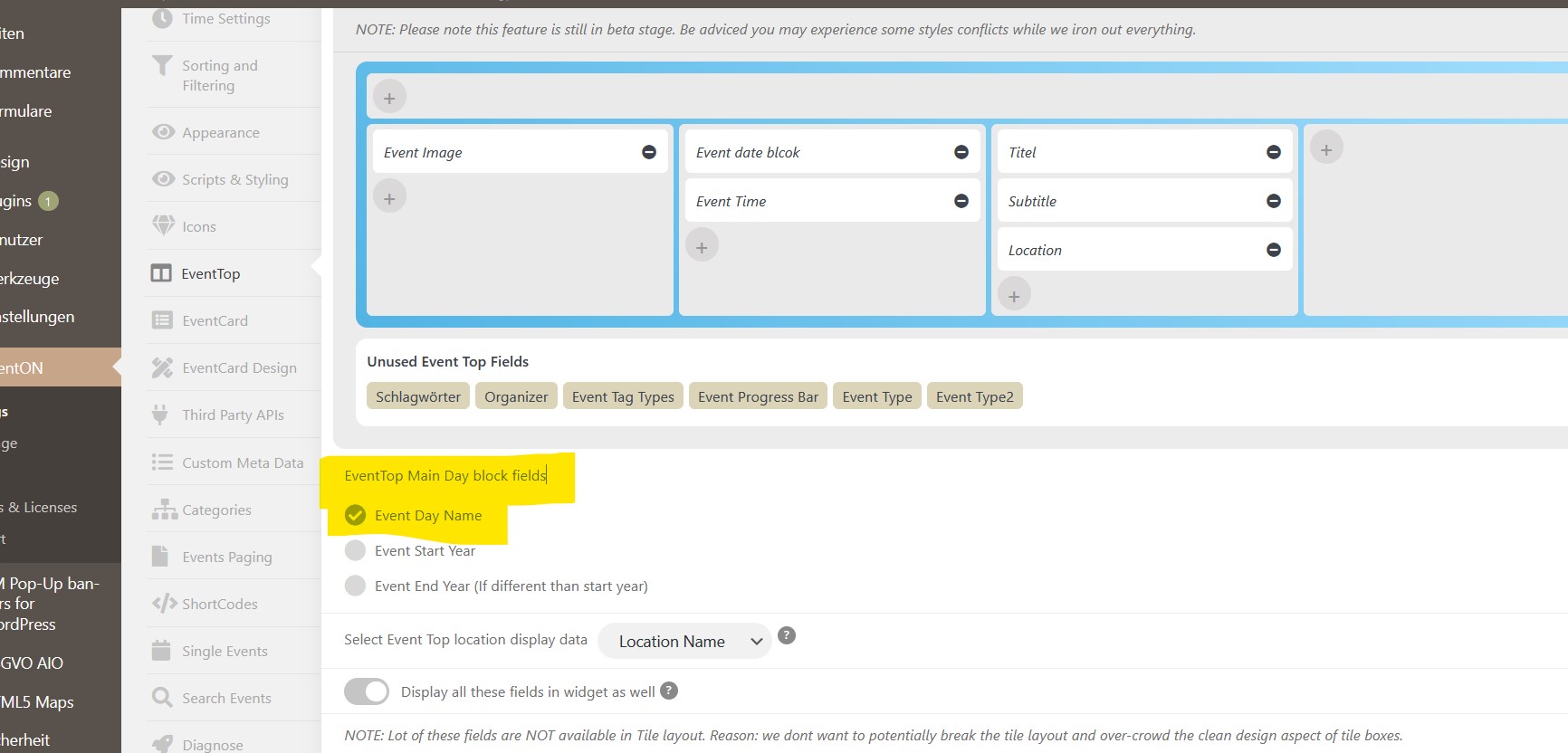
OK, thank you it will work. I had to activate checkbox “EventTop Main Day block fields > Event Day Name” and than it works. If not the error message will be shown.
Thanks
can you send a screenshot of where this is and i’ll get some custom css out to you
i can’t find it on your events
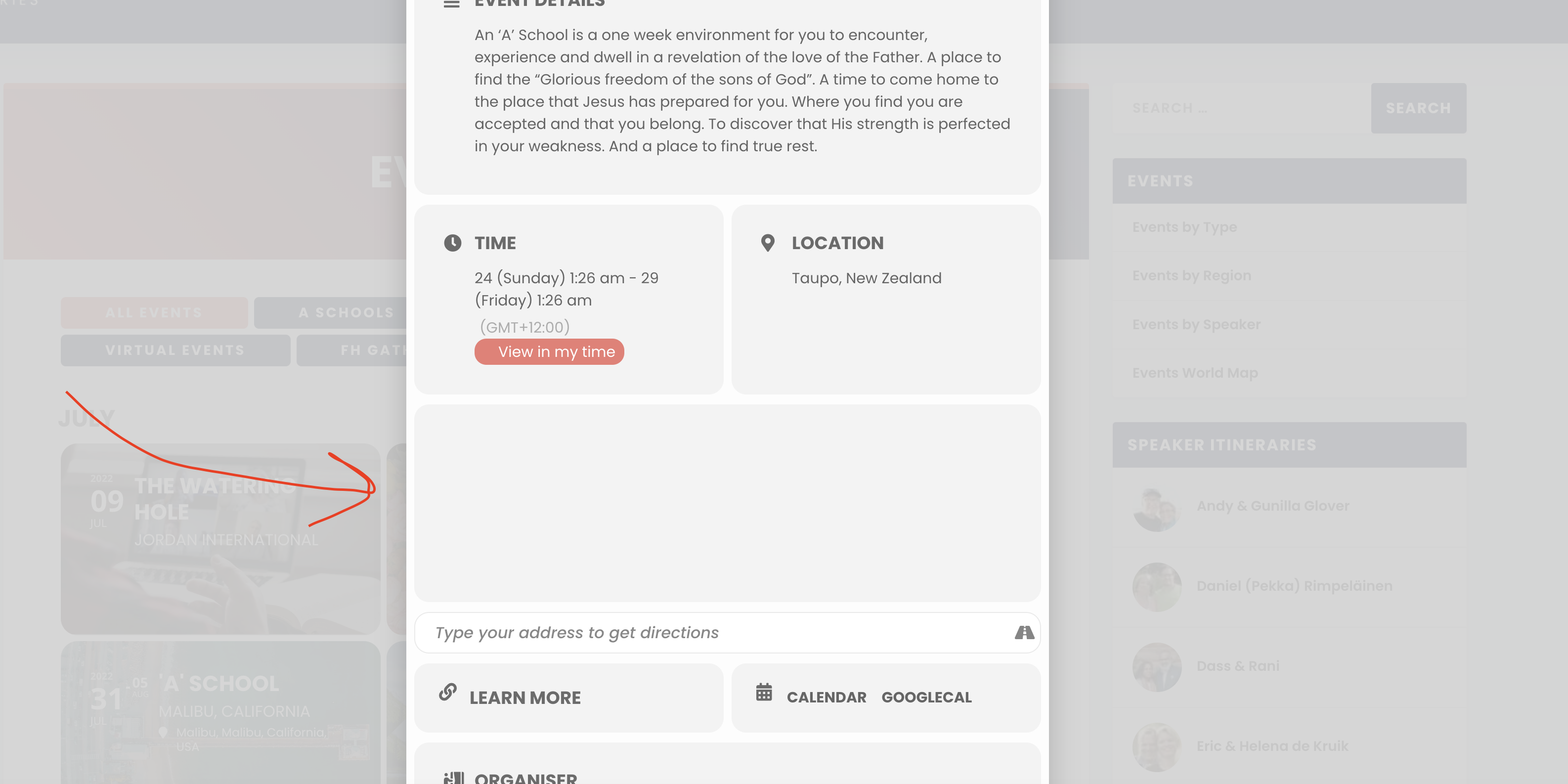
See here:
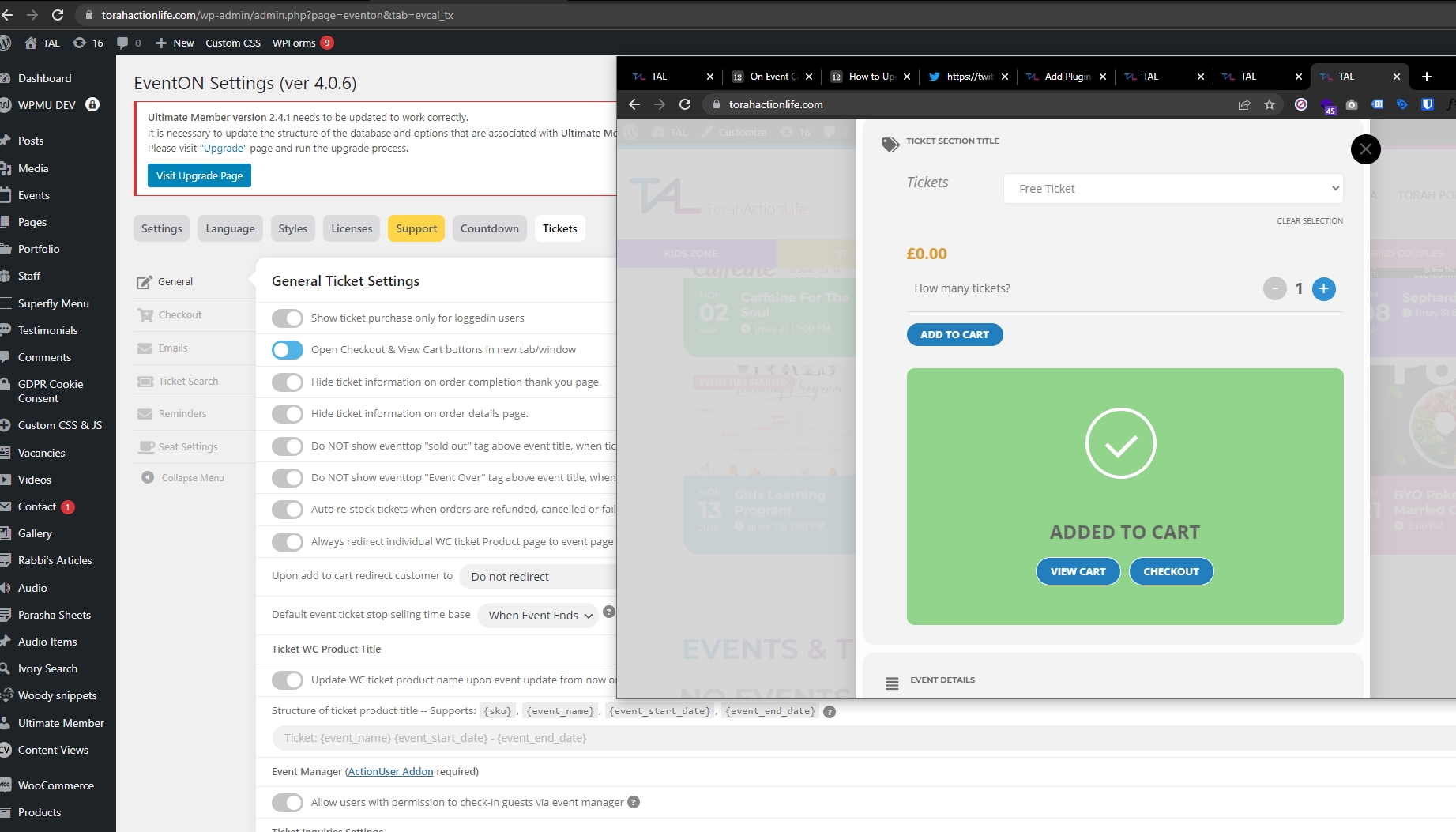
See attached,
Can this green box with checkout/cart button popup on its own and grey out the rest of the page?
P.S.
I did not delete the original EventOn plugin
1) I disabled EventOn
2) I uploaded new EventOn 4.1
3) I selected replace current with uploaded version
4) I activated EventOn 4.1
5) I updated each addon in the same maner