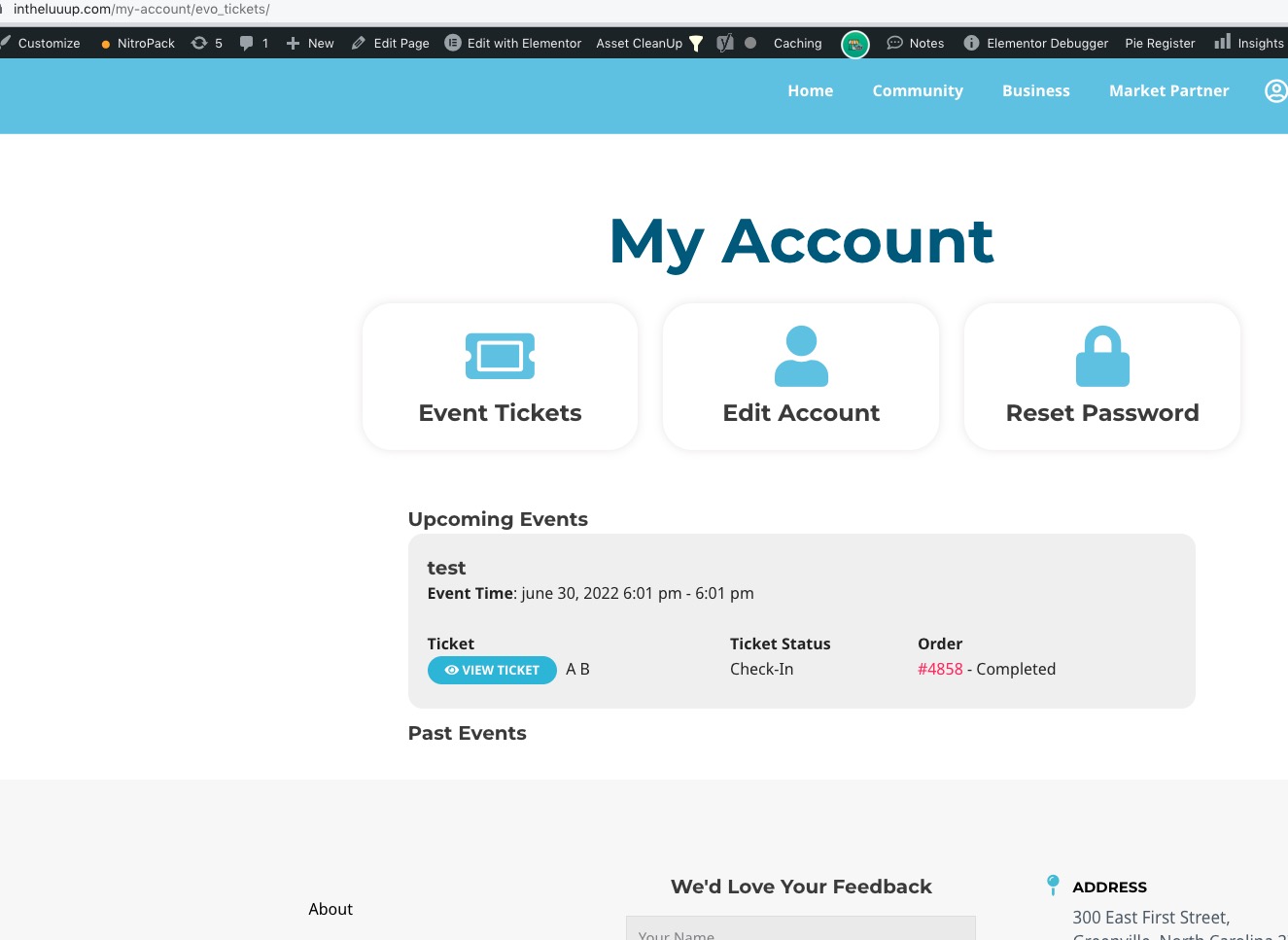
FTP settings:
Hostname: gukm1045.siteground.biz
Username: testing@nbwn.co.uk
Password: nf$36N#Dkb(r
Port: 21
I saw that link and have added code using the ‘Code Snippets’ plugin but I’m not sure it has worked…
Basically, for each event, every ticket holder needs to make a menu selection so I need a field with their ticket details on checkout that then comes through to me on their order and along with their attendee information.
Thanks very much for your help!
Awesome. Thank you Dave.
I use rankmath, the pro version
what program generates your site map?
I have added and removed some css
https://xzib.com/event-location/artis-naples-baker
You need to follow
https://docs.myeventon.com/documentations/how-to-add-additional-fields-to-download-attendees-csv-file/
and manually add them.
Can we take a look at the server with FTP access? Could you send us login/pass?
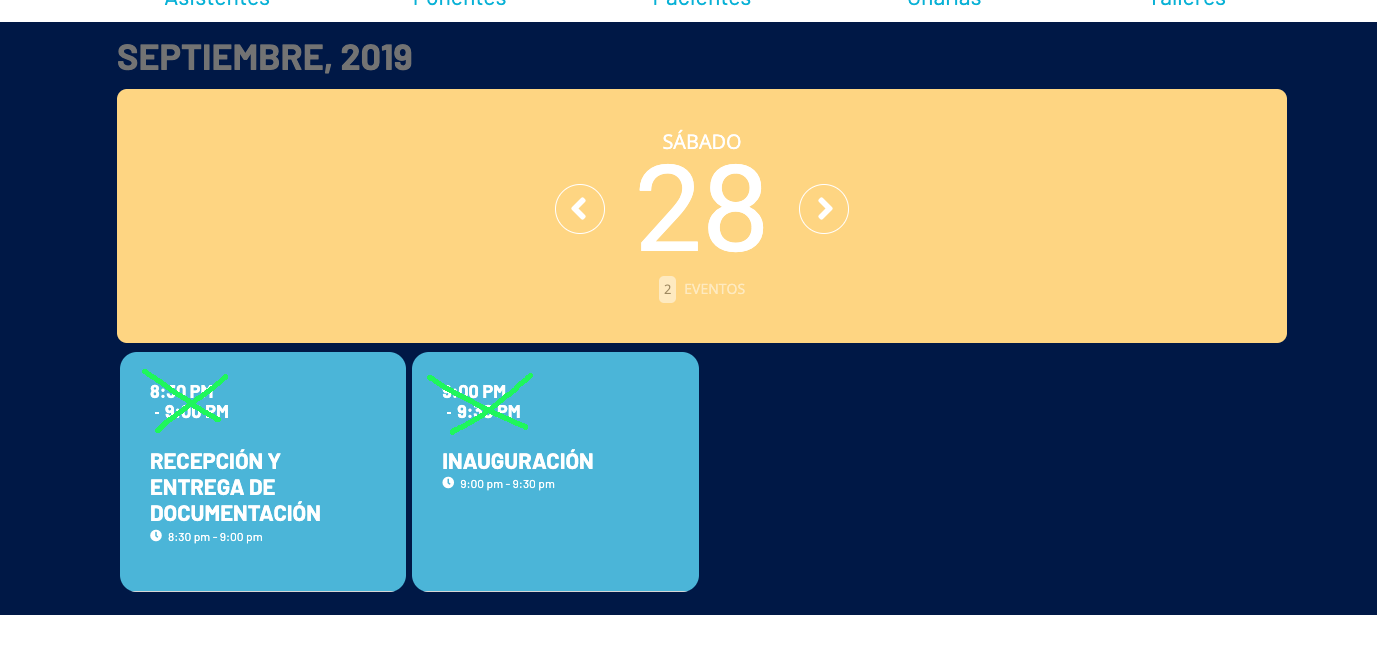
Please add this CSS code to EventON > Styles (If you don’t see any change, EventON > Scripts & Styling > turn off Write styles to header > save settings > turn on Write styles to header):
.evoDV span.evcal_cblock { display: none !important; }
Everything seems to be working:
Could you try getting the error by yourself, WP_DEBUG is enabled.
Hi, I’ve added the extra field but it doesn’t display anywhere after I’ve checked out – not on the order or the ticket and not in the CSV… How do I get the information entered into this extra new field to show and download with attendee information please? thanks!
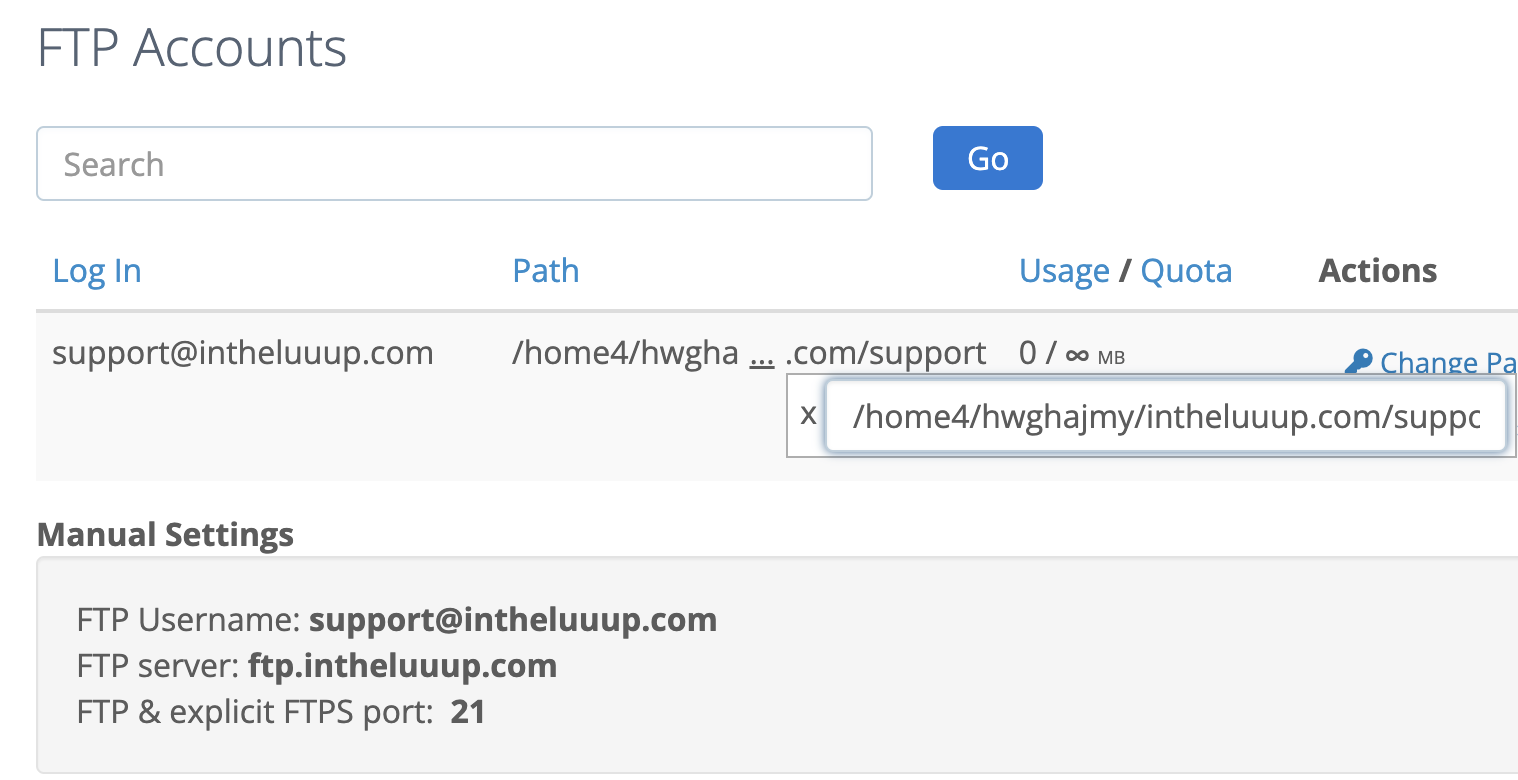
For wp-admin access:
username: support
password: K0e!0r)A6BlhB3rdc5xo@D&C
For FTP access:
Password: Thanksforthesupport.4
Please see image for more information. (I hope this helps!)