I cannot open the website anymore:
This site can’t be reachedstephm6.sg-host.com’s server IP address could not be found.
Could you check?
Replies for tickets on suppota
I cannot open the website anymore:
This site can’t be reachedstephm6.sg-host.com’s server IP address could not be found.
Could you check?
Hello,
I went to https://www.rc-dorff.de/wp-admin/admin.php?page=evoics&tab=evoics_1 > selected Import Method: Manual import from ICS file URL.
It seems that there are no new (changed) events to import (update):
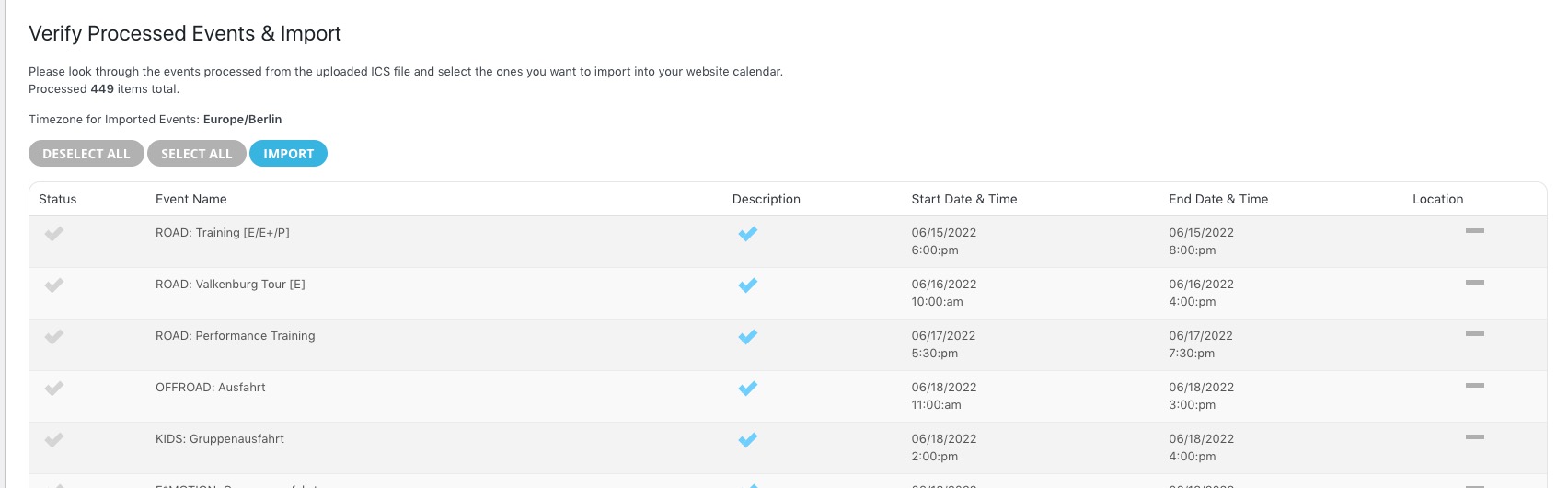
For a test, could you create a new event, select Import Method: Schedule import from ICS file URL – daily, see if it helps.
Hey! We are having big trouble with our clients!!!!!
We are glad your issue is resolved, if you have any further questions or concerns please feel free to create a new ticket.
Had to tweak some of the CSS but this worked great. Thanks so much!
Hi Verena,
Which code are you copying the code to? We might need to give you customized CSS for that website.
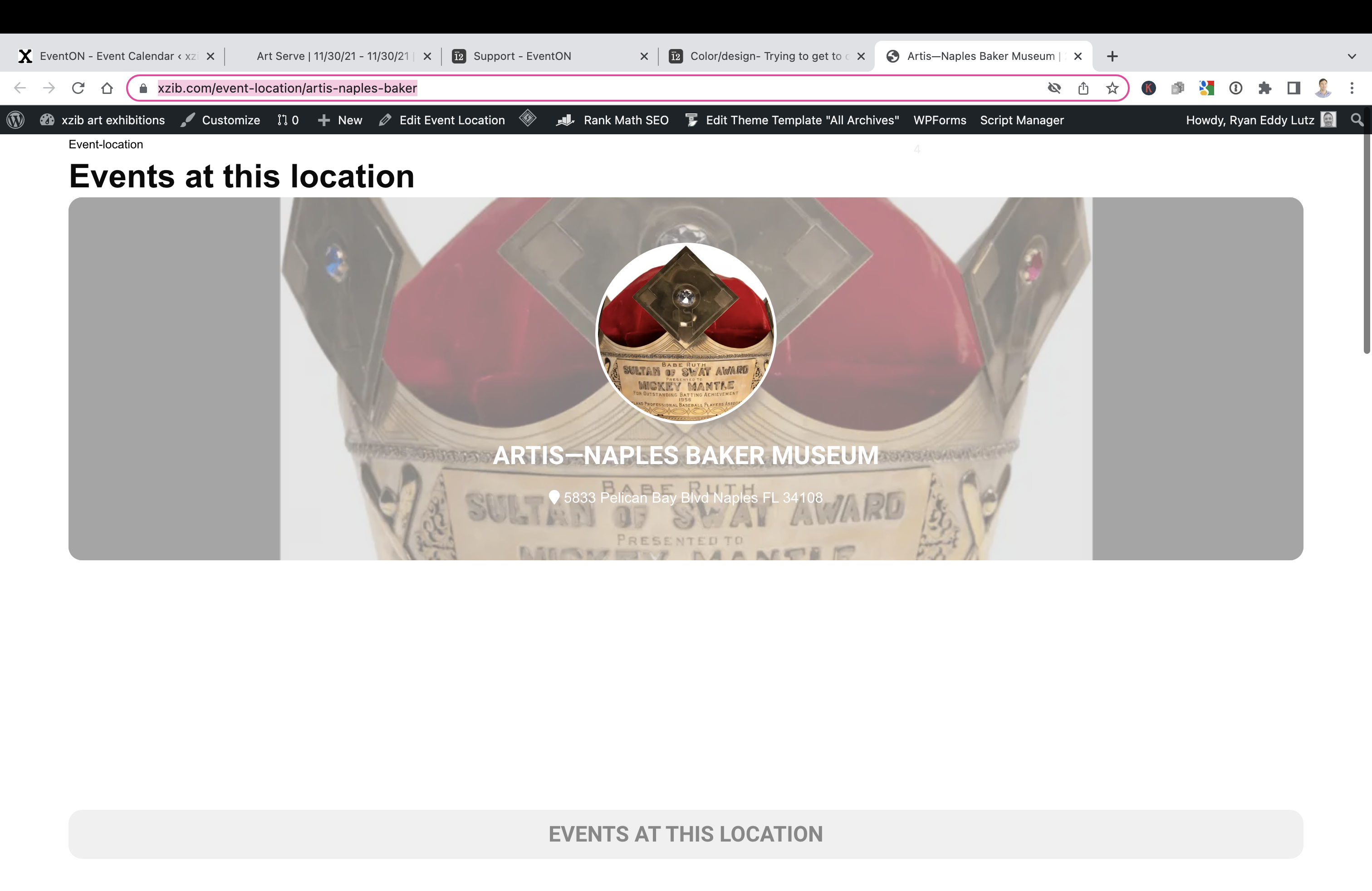
Hey Dave. Im not a coder, so Its hard for me to interpret when/where the theme is effecting, versus event on.
The location pages are showing a big blank area(pictured). Perhaps this is where my theme is supposed to be showing the content. IS there a way to get the location details to show? Or is there a way to remove that black white space, that is about 250px in height?
https://xzib.com/event-location/artis-naples-baker
Also, I notice that the sitemap, for location is not registering images, on the pages where I have added images. The location I have linked above does not show an image attached in the sitemap. Which I thought was, because there is an image applied, and displaying
sorry for the late answer. But when I copy the CSS do another website it doesn’t work. Why? 🙁
I found a bit of code and think I’ve hidden the field but how can I hide the title that says ‘Additional information’? It kinda duplicates the bit below – ideally would just say ‘Essential Ticket Information’.
You cannot show Past events when “Vergangene Events im Standard Kalender ausblenden” is enabled since it’s a global settings that affects all calendars.
Take a look at:
https://my-charity.eu/test-3/
In order to hide past events and only show upcoming, please add
event_past_future=”future”
to a shortcode.