Could you also try enabling “Span the event until hidden end time”?

Replies for tickets on suppota
Could you also try enabling “Span the event until hidden end time”?
Hello,
From https://docs.myeventon.com/documentations/terms-and-conditions-and-refund-policy/:
7.2 Subscription Cancellation
You may cancel your subscription at any time from your Account page at myeventon.com website prior to its renewal.
If you choose to cancel your subscription you will no longer receive updates and support for the extension when your license expires.
Hello,
Thank you for your messages, I am going to assign this ticket to Ashan and he will be able to take it from here and find you a solution. Please allow some time for him to get back to you, we greatly appreciate your patience and thank you for being a eventon customer!
Okay, thank you. I will really appreciate the video walkthrough .
https://banjotours.com/travelguide/bigbenforever86/
User: banjotours_travelguide
Password: W)ov!&E&FryiaL5XSd
Please send us wp-admin access to your site as a private message for us to further assist your situation.
I’ll create a walkthrough video on your own site on how to set it up and in doing so set it up for you
the issue is you want to show 1 event plus the repeats – the single event shortcode will show only 1 event (but not all the repeats)
so we need to use the event types so we can create a calendar that only shows events from that one event type
in your case we assign an event type to that event (the green one) and then create a calendar that only shops that event type.
much easier to show you in video
I added the additional code, and it’s still removing events immediately after they started. Is there any thing else we can do to keep the events for the rest of the calendar date?
How to change the color of the selected month and year ? I need the text in white (in front of brown on brown)
This style overrides EventON’s:
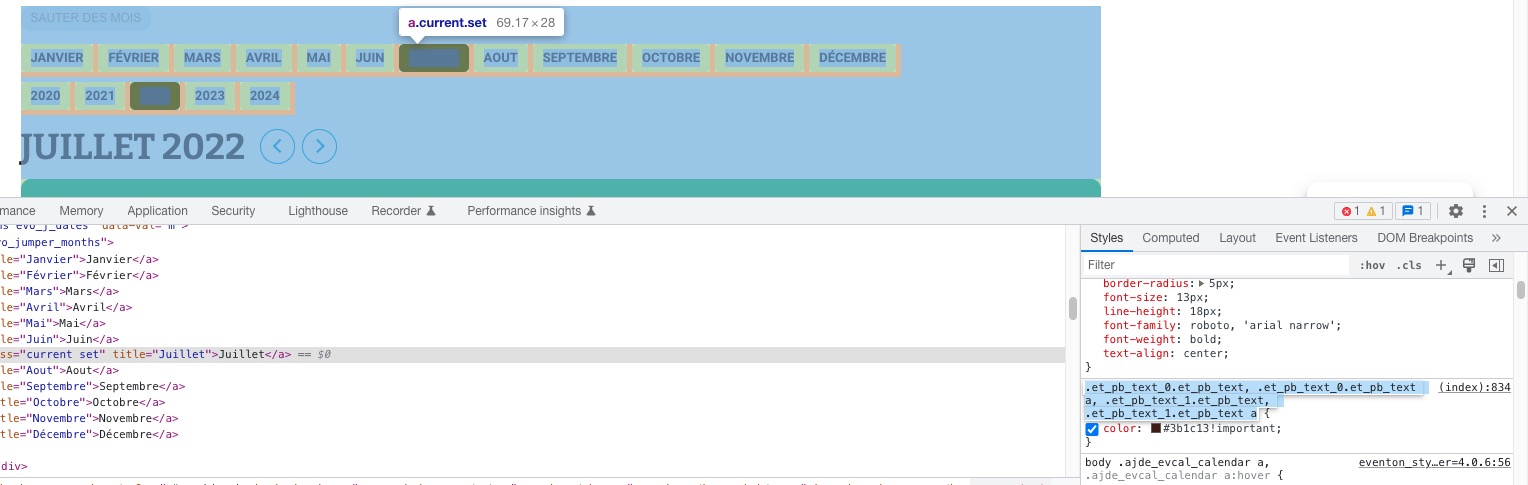
The displayed years are from 2020 to 2024, but I need only 2022 please (there is events only in 2022)
Please add
jumper=”yes” jumper_offset=”2″ jumper_count=”1″
to the shortcode.
TEXTS / ICONS / TITLES in #3B1C13
They all can be found by going to Appearance > EventCard Styles.
Icons cannot be changed separately.
Make sure to EventON > Scripts & Styling > turn off Write styles to header > save settings > turn on Write styles to header, if something doesn’t work.
…links in #009DE0
The problem is in this style:
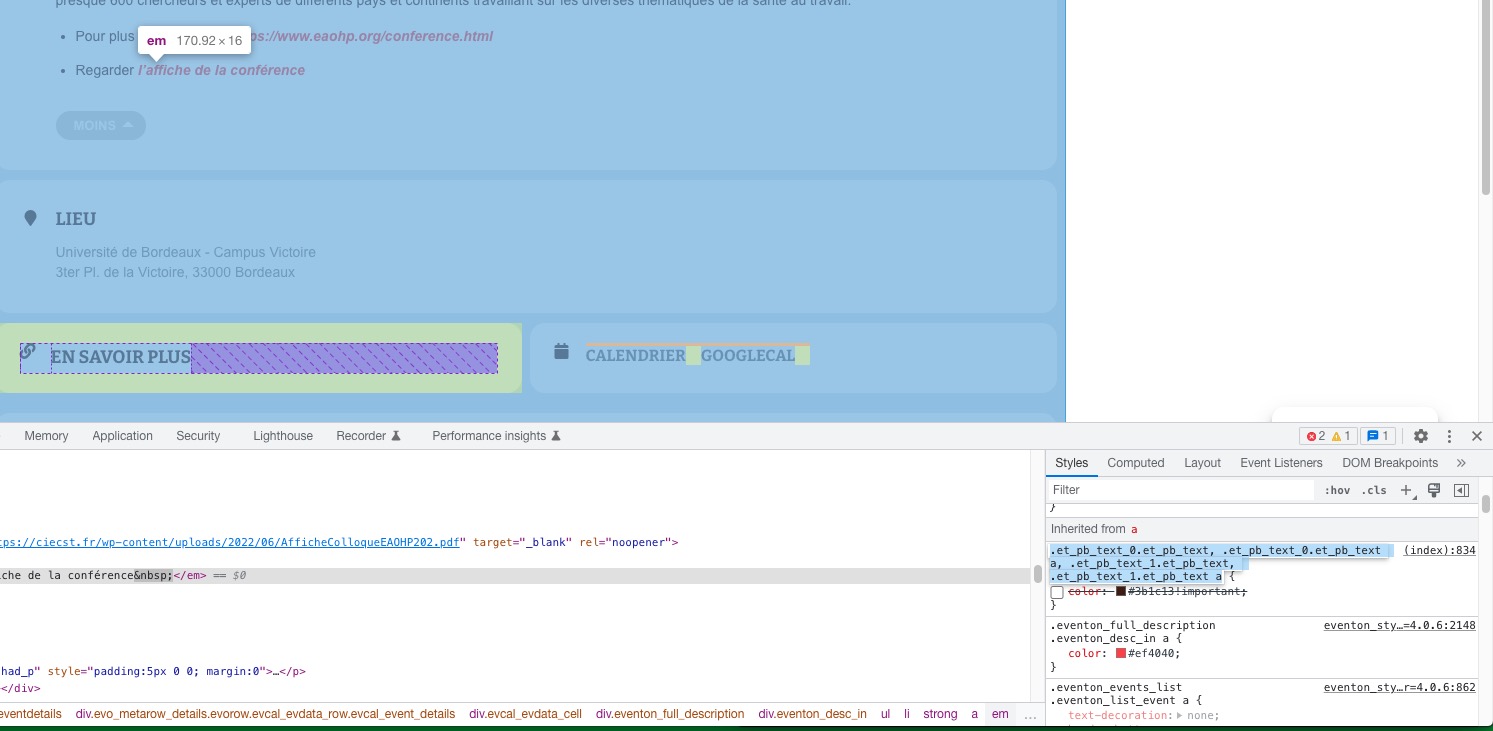
there is two 2 links to google calendar, I need only one
Have you managed to fix this?
Perfect! Thank you.
And could you also send us a screenshot similar to
https://helpdeskx.s3.amazonaws.com/wp-content/uploads/2022/07/05021223/Screenshot-2022-07-05-at-11.11.52.jpg
When you click on an event in the calendar app.
Ashan,
The same on dev2:
https://dev2.myeventon.com/events/var-2/
https://dev2.myeventon.com/wp-admin/admin.php?page=wc-settings&tab=tax
Thank you for your messages, I am going to assign this ticket to Ashan and he will be able to take it from here and find you a solution. Please allow some time for him to get back to you, we greatly appreciate your patience and thank you for being a eventon customer! Also please disable any IP blocking on your site if there are any.