Hello,
I have checked the link you shared and I appreciate the time you took to do it.
Indeed, that is kind of what I need. But how does the shortcode that your colleague Kennet shared fit in with this?:
[add_eventon exp_so=”no” jumper=”yes” exp_jumper=”yes” jumper_offset=”2″ jumper_count=”2″]
My guess would be the following way:
[add_single_eventon id=”29″ ev_uxval=”1″ add_eventon exp_so=”no” jumper=”yes” exp_jumper=”yes” jumper_offset=”2″ jumper_count=”2″]
But of course it is not working, see image attached.
So, how can I display all events the way you made it show here https://dev2.myeventon.com/30871-2/ but with this view [add_eventon exp_so=”no” jumper=”yes” exp_jumper=”yes” jumper_offset=”2″ jumper_count=”2″] as it is showing in this page (that page is perfect but I just want to be able to show ONE event, not all, that is all. It’s a little hard to believe it is so hard to do, I am wasting two days on this already).
Again, I appreciate your help.
It’s been close to 2 months now since we have raised this issue and we still haven’t gotten the resolution inspite of being a paying customer.
This is not how the customer should get treated post paying.
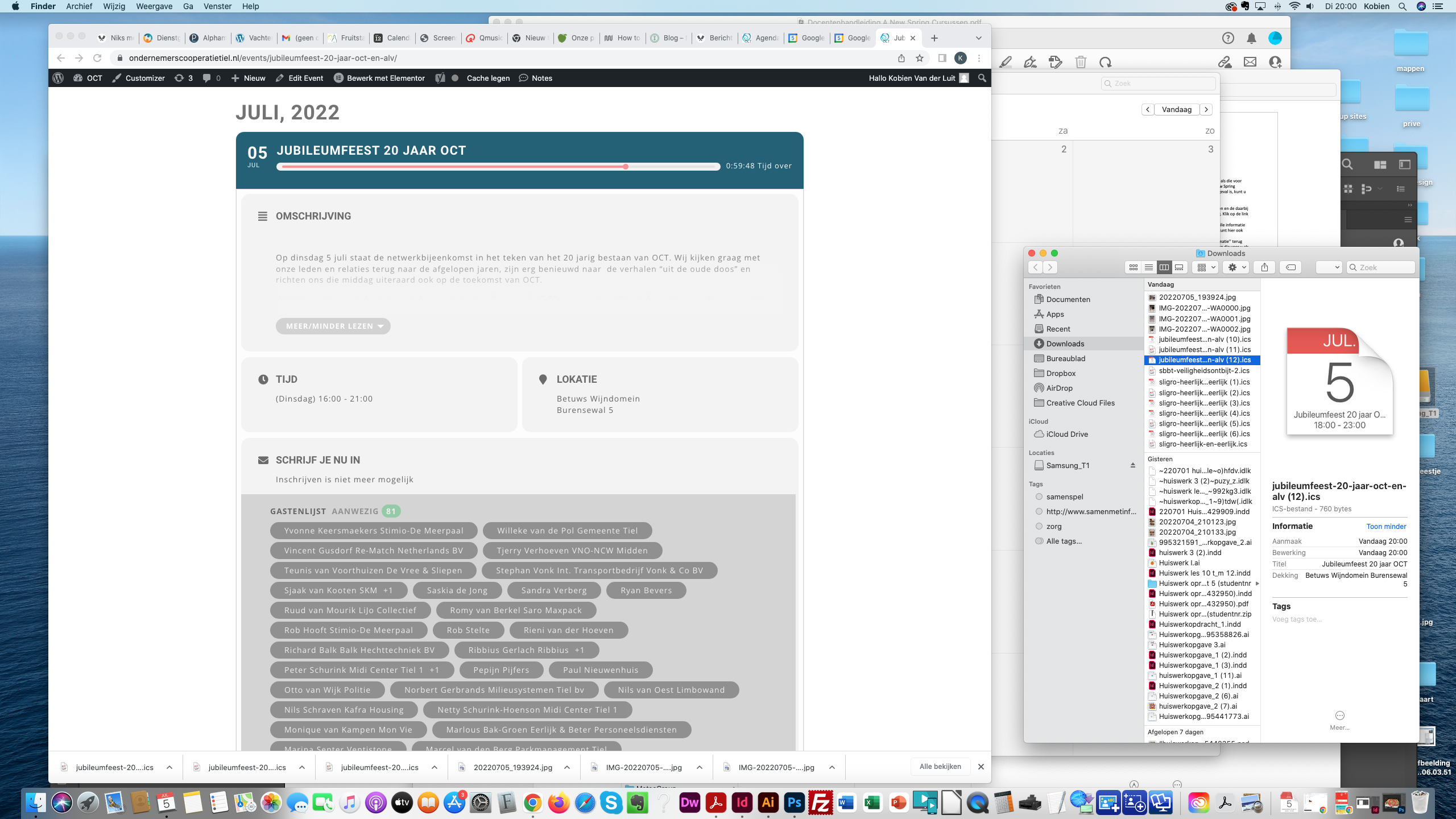
This one is when I clicked in the agenda on the event. You go back to the website.
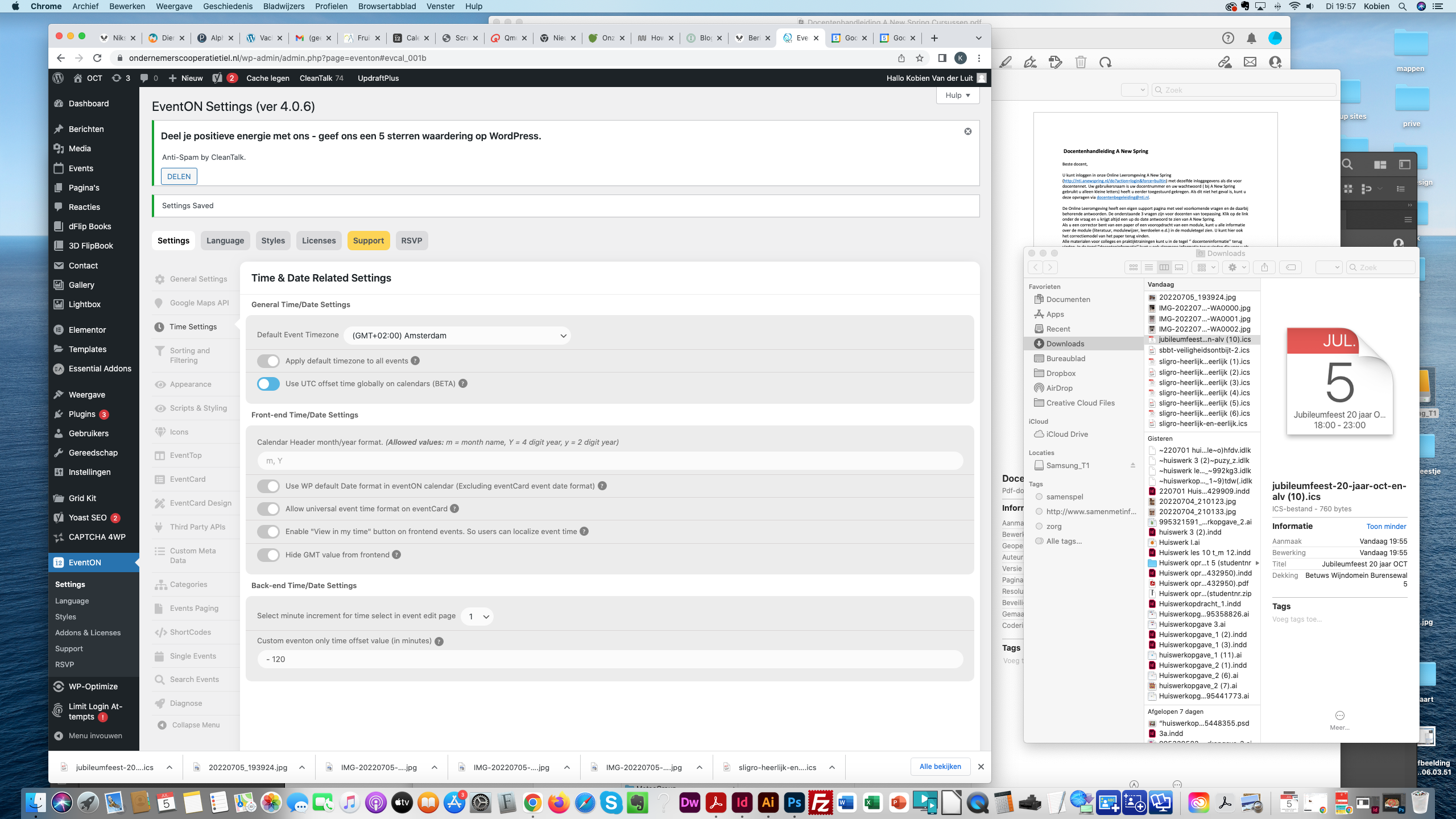
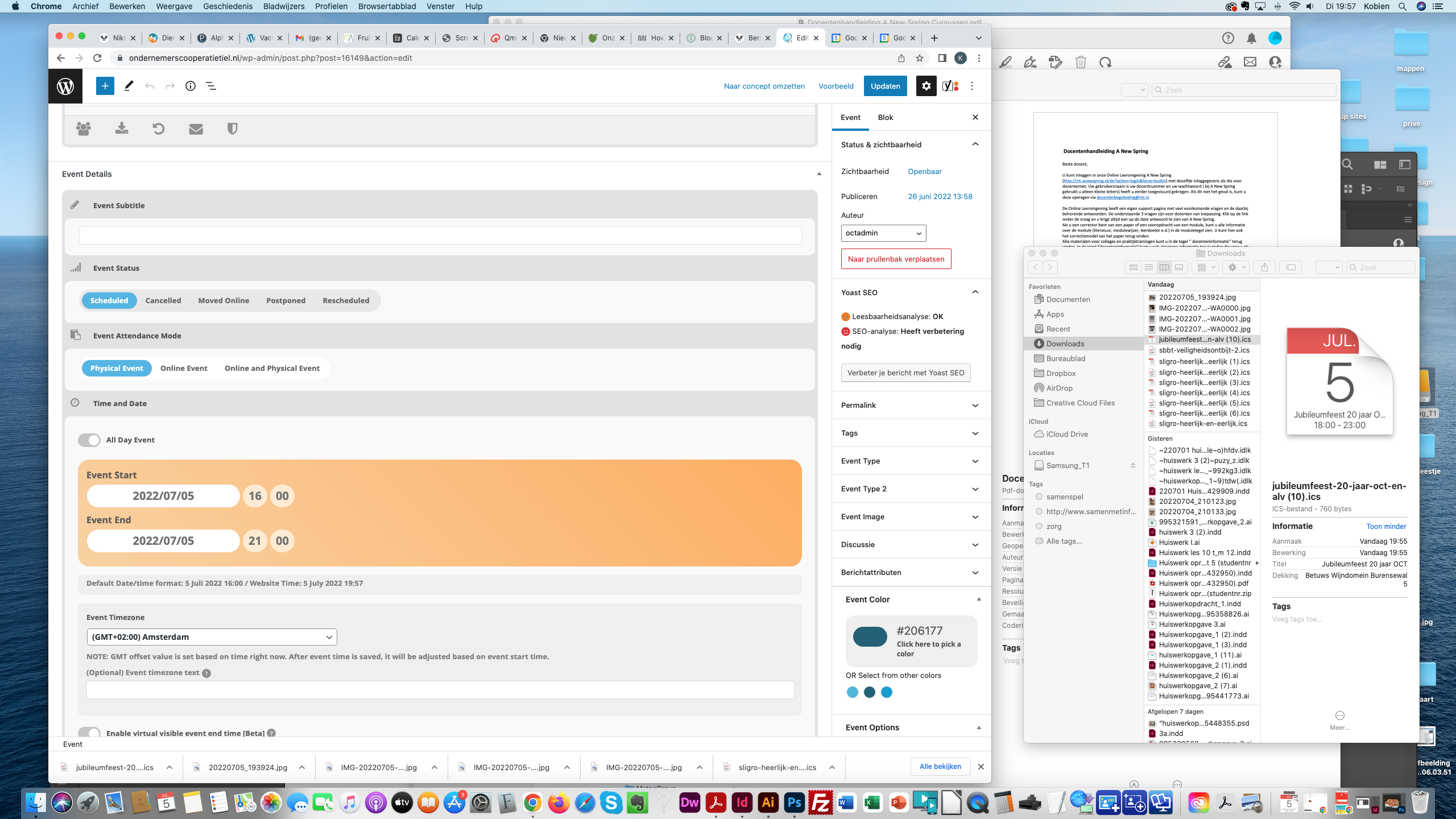
These are my eventon settings
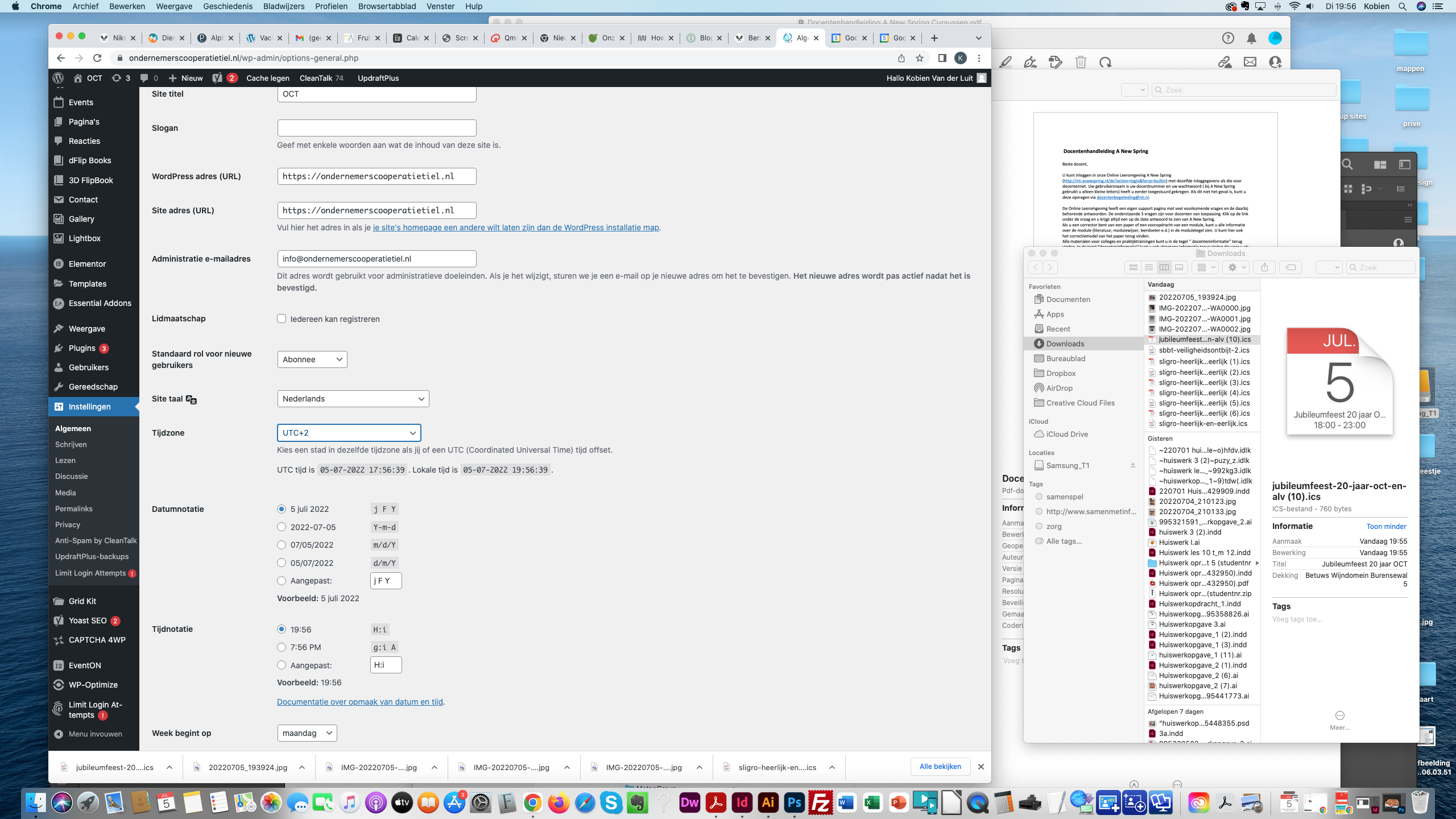
Hi, I did make screenshots of everything. Please check it out. You can also see it reallife on www.ondernemerscooperatietiel.nl. All events do this.
This screenshot is of the wordpress settings.
ok,
In this example event began 28th June and completes on 25th July
When I enable Hide End Time from calendar, the event is not displayed online and is marked as ‘EVENT OVER’.
I can not set the end date when I have hidden this from calendar.
By adding them manually as custom repeats. Unfortunately, you cannot add more than one time and then repeat an event automatically.
One event on one page:
https://dev2.myeventon.com/30871-2/
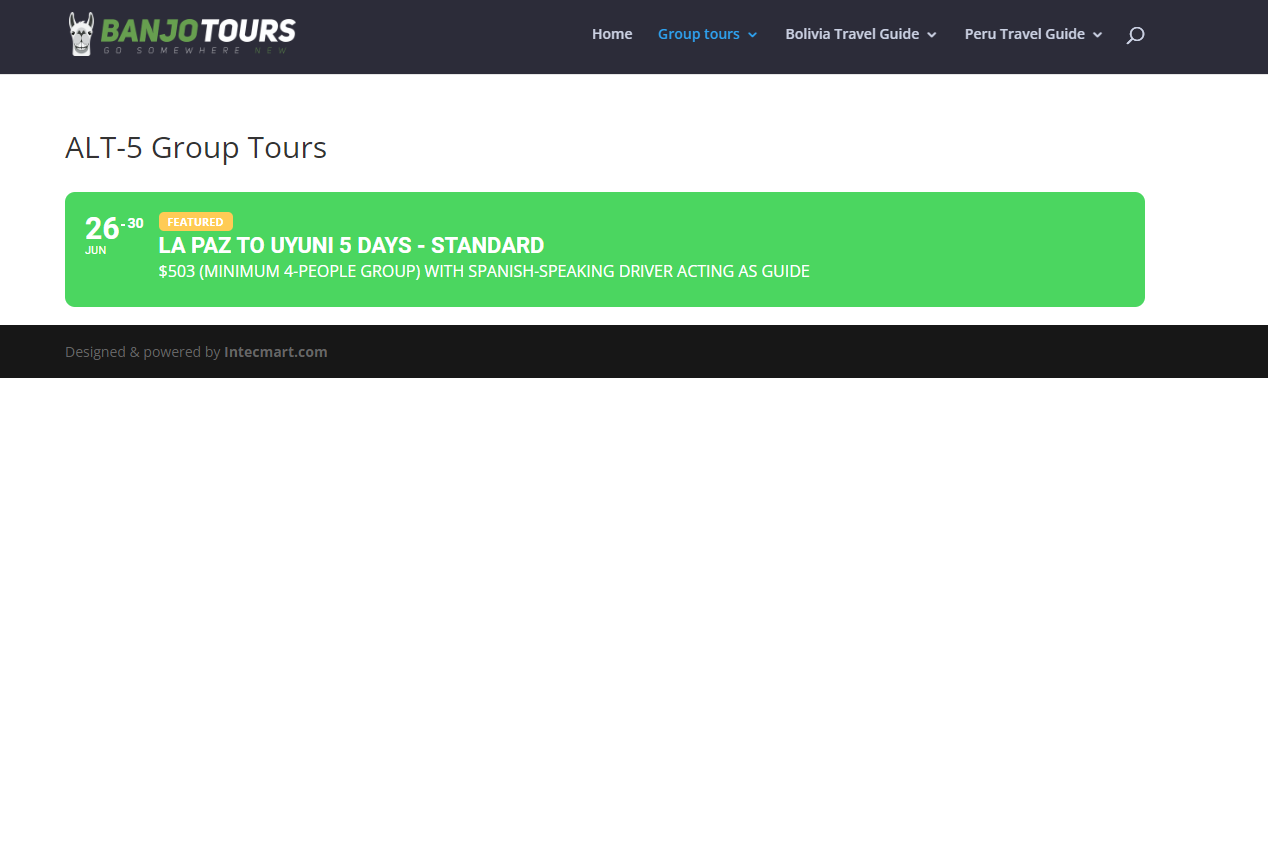
Event with assigned Event Type:
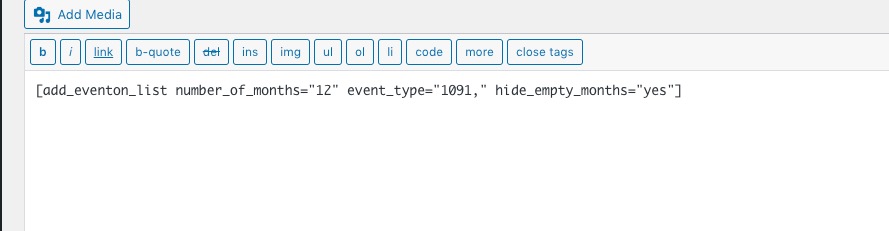
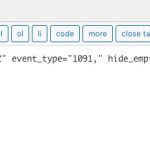
Shortcode with added Event Type ID:
If I didn’t understand you correctly, please let me know.
Ashan,
If you have any news on this topic, could you reply to the customer? Thank you!