Since you have not responded we assume the issue was resolved with new update.
Archives: Replies
Replies for tickets on suppota
Reply to: tickets(390117)
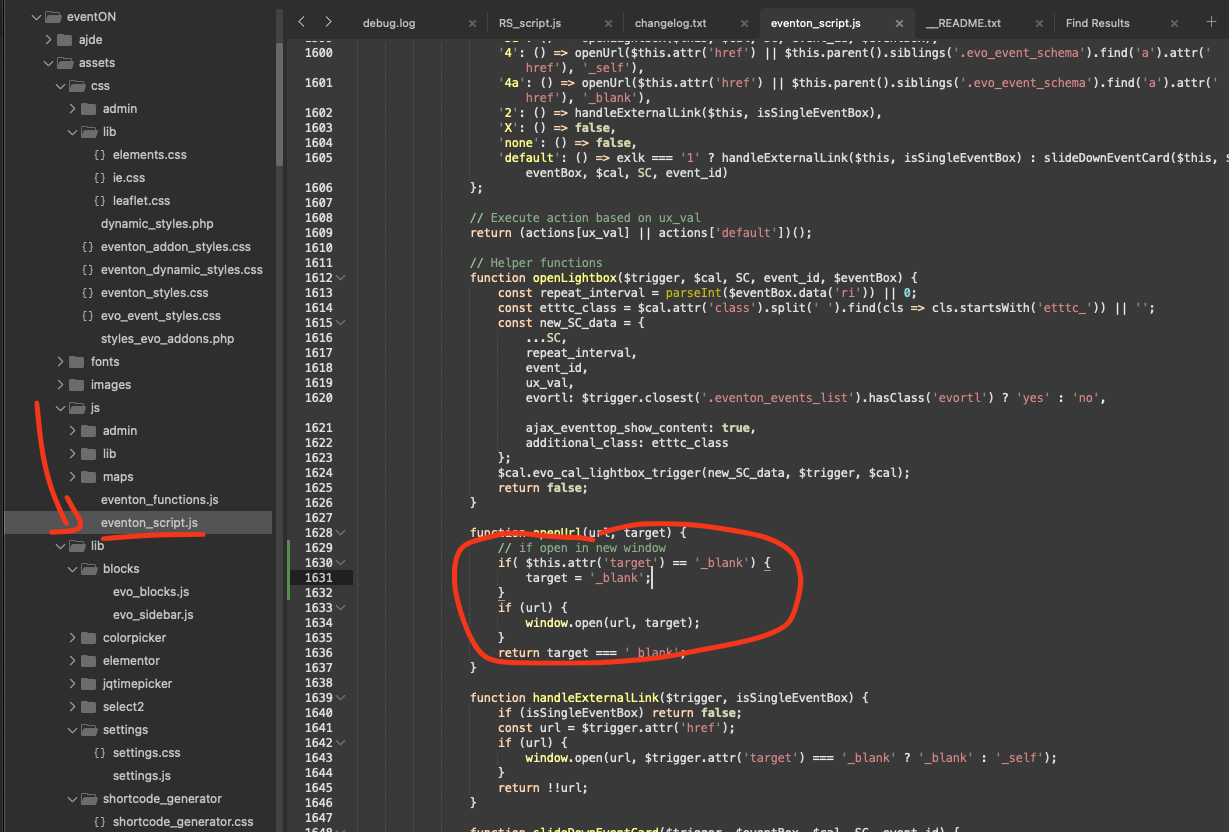
Here is the patch fix code that will allow you to add that missing translation;
code: array(‘label’=>’Unassigned Seat’, ‘var’=>1),
Reply to: tickets(390529)
Just checking your website and it seems you are using lightbox events and the ticket option show correctly on my test run.
If you have more questions, kindly let us know and we would be more than happy to help you resolve your issues!
Reply to: tickets(393483)
here is the link to download the CSV from your website. https://helpdeskx.s3.amazonaws.com/wp-content/uploads/2025/08/19154612/evo_lang_L1-10.csv
It works fine for me on your website. Perhaps try clearing cache on your browser, website and server and give it a go.
Reply to: tickets(390451)
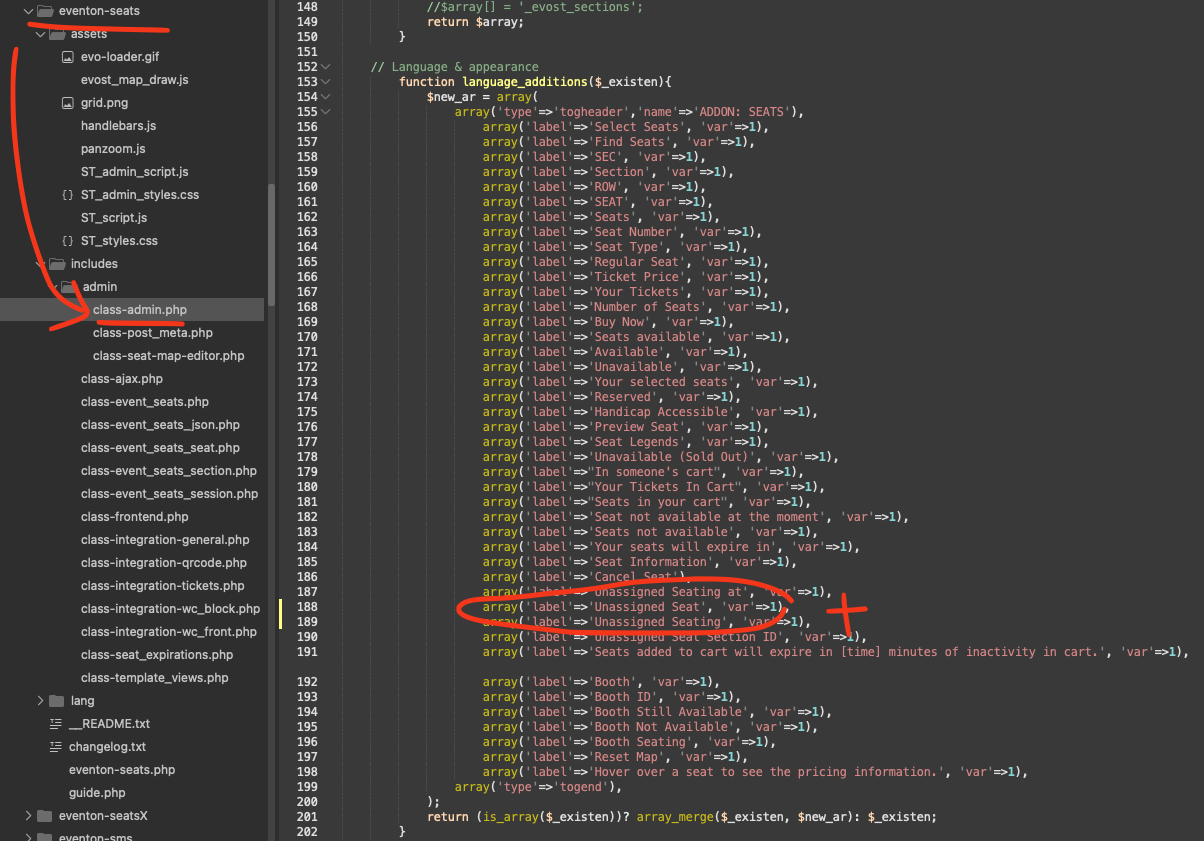
You are absolutely correct. please apply this code change and that will show the title on first load using yearlyview.
code: yearly
Reply to: tickets(394366)
Ok got it implemented 🙂 in the next version to eventON !
Reply to: tickets(394366)
I see, thank you for taking the time to find the location of the code and letting us know. If you have lots of events in repeats, it would certainly cause big memory use to get those event data. Perhaps in the shortcode for add_eventon_now we will add option to set how far ahead to look for next event.
We will try out best to get this implemented in the next version update. In the mean time please use the code change you have discovered.
Kind Regards!
Reply to: tickets(390018)
I can not see all the menu items in the dev site, I just uploaded new version of eventON , tickets and seats. would you mind testing and see if the seat details coming up correct for you in emails as you expect?
Reply to: tickets(394158)
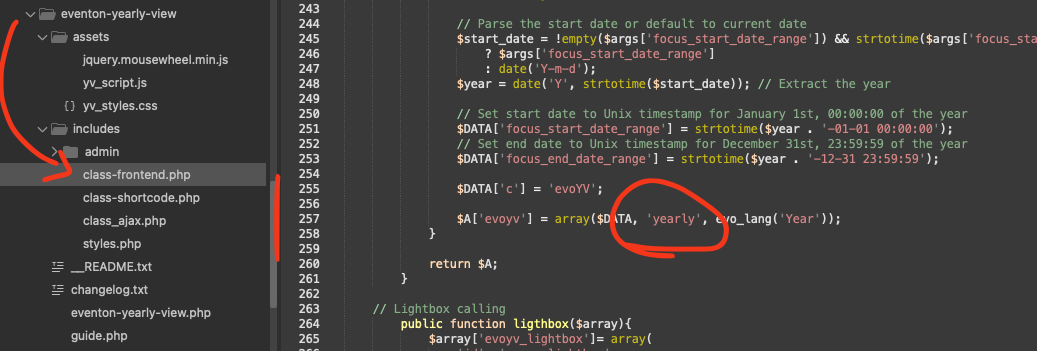
This is the code where the {event-link} value is replaced with event link. It is pulled correctly. Unless other plugins in your website is intefering with wp email sending function, this link should not link to malicious content.
But I wonder if the reminder message content is linking to any malicious content?
Reply to: tickets(393543)
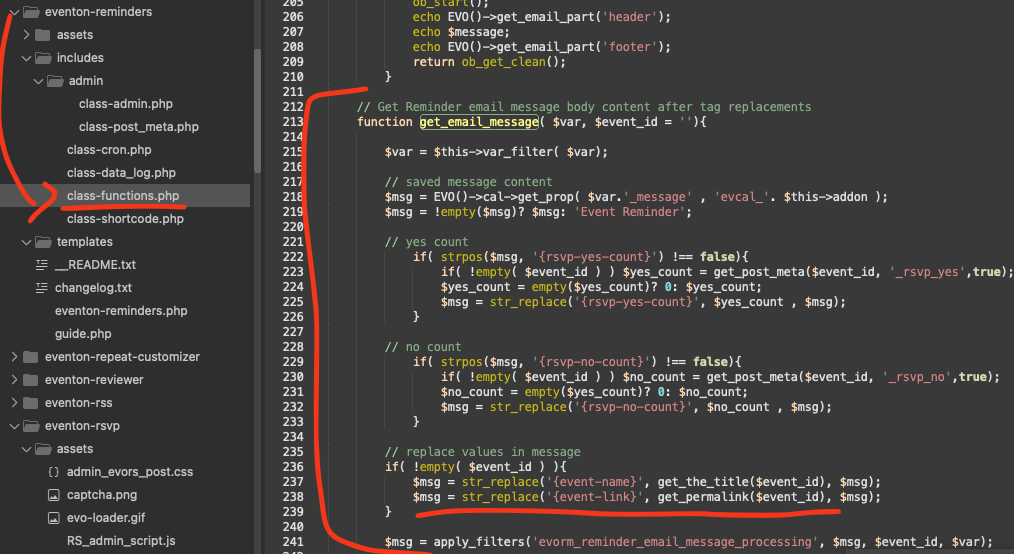
Sorry for the delay, here is a patch fix that will fix this issue.
code: if( $this.attr(‘target’) == ‘_blank’) {
target = ‘_blank’;
}