See video below
what I added to the shortcode was
event_past_future=”future” hide_past_by=”ee”
Replies for tickets on suppota
See video below
what I added to the shortcode was
event_past_future=”future” hide_past_by=”ee”
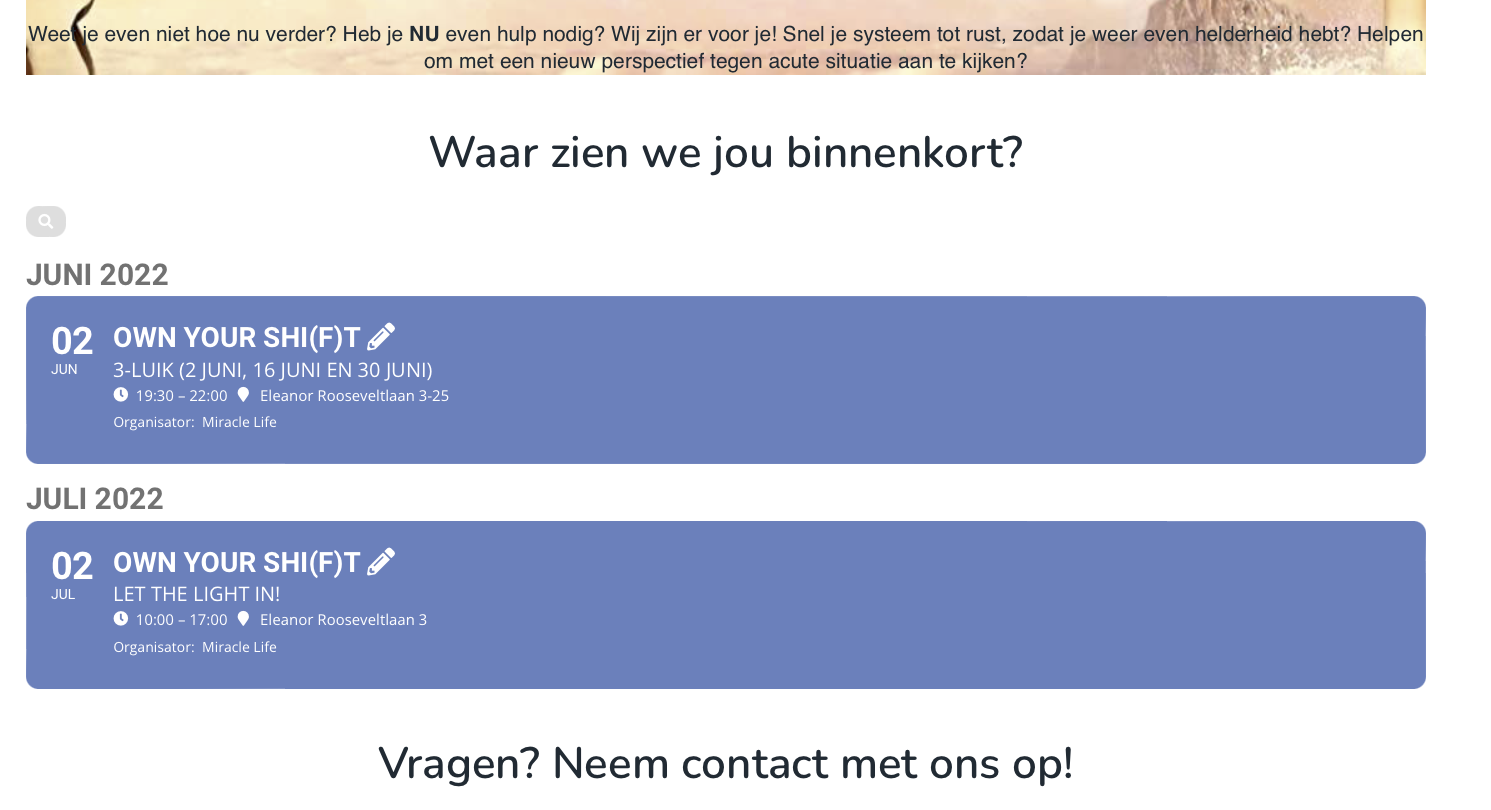
Mhhh, no quite complete yet!
I added the ’13 manen’ Tutor LMS post, but not visible in the calendar.
Any suggestions? You still have access to the website!
Looking fantastic and now also visible in Tutor LMS! Thanks so much!
Problem solved!
Kind regards Maarten!
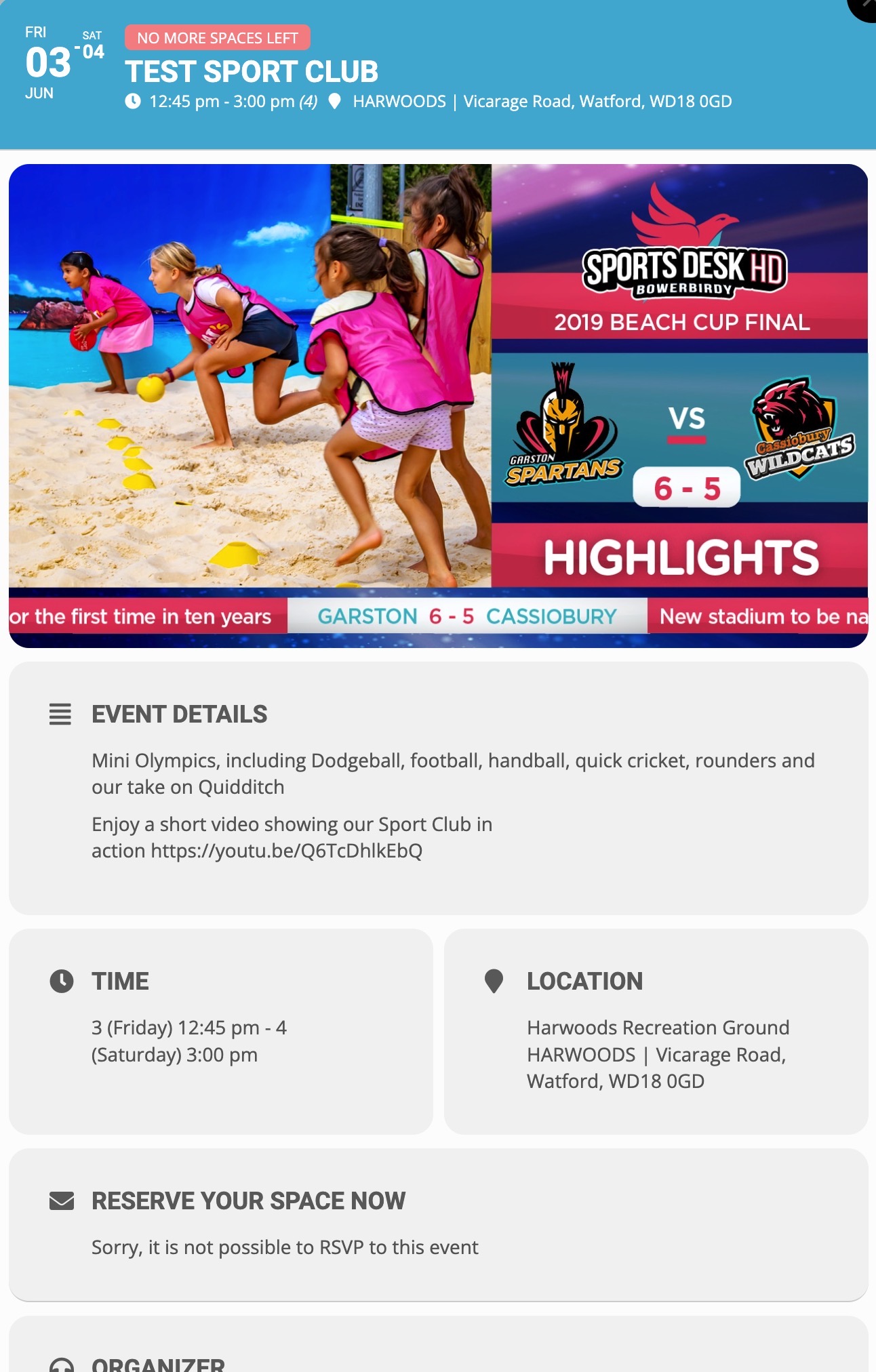
Thanks Artem
I have updated using the technique you said.
We are still having the same problem.
Could the problem only happen when you use the lightbox popup for the event?
I have supplied the login details so you can see if we have accidentally set one of the settings incorrectly.
Thanks
Please refer. Here the screen recording link – Eventon tabs.mov
Password – 01june22@
not sure if its a flaw – he’s the first to ask for it- generally chrome has a built in translater if needed so theres no need for different languages to be honest
I did however – note the latest brainstorm- language switcher haha
I have assigned this ticket to Ashan
Hello!
Of course there is a point. If you can understand more than one language you might use the site in language A today and language B tomorrow. I understand a few different languages, so i cannot just simply “go to the only one they can understand”. I think you understand more than one language too Artem 🙂
Think about this : I go to the website today and it’s automatically set to language A. I log in and I save some events to my favourite list. Then two days later I visit the site again, but this time I find out “Hey, I can see it in language B too”, so I switch my language to B and go to the wishlist, which is totally empty.
OR another scenario would be that I add events to Wishlist in language A, and then I would like to show my wife what I added to the wishlist, but she doesn’t understand language A, so we must switch to language B – and there is nothing to show.
This behaviour is normal in multi-language websites. You don’t have favourites per language. Something like this is always per user – not per language. And when a plugin supports multi language this should be the behaviour. It’s the same if I go to an event while in language A, and I click on the language switcher, I will get the same corresponding event in language B – not a blank page, but the same data, just in a different language. That is pretty common.
I would say it’s a big flaw in this addon, and I would appreciate if you could fix it. It’s more of a bug than a feature request. (basically it’s useless on multi language sites).
Please take this up with Ashan. I’m sure he will see the flaw and that he can add support for it 🙂
Maybe send us your IP address that you are trying to log in from & we’ll see if it is being blocked
Thanks 🙂