Thank you very much! 🙂
Archives: Replies
Replies for tickets on suppota
Reply to: tickets(280399)
hi Artem,
thank you so much for your response! Just to avoid a misunderstanding, customers should be able to buy tickets in my store even if the stock is 0 or less. Usually I used a woocommerce backorder feature for this, which allows for customers to make orders even if the product is not currently available. It would be great either to fix the compatibility with this WC feature or add some checkbox to the event where I can define the backorders.
Thanks a lot in advance,
Olga
Reply to: tickets(280490)
Hello,
Your version of EventON is quite old. The latest version allows you to click on “All” to select/deselect all available categories.
Try here:
https://dev2.myeventon.com/30771-2/
To update eventon to latest version: If you are unable to do autoupdate, you can go to codecanyon your account > download and get the latest eventon version as zip file. Then you can go to your website, deactivate old eventon, activate (Do not delete eventon settings & data when EventON is uninstalled) from eventon settings, delete old eventon, install new one and activate. This link will further explain the process it. Also you can follow us on twitter to get real-time announcements on updates!
Reply to: tickets(280401)
order is refunded now!
Reply to: tickets(280509)
Hello,
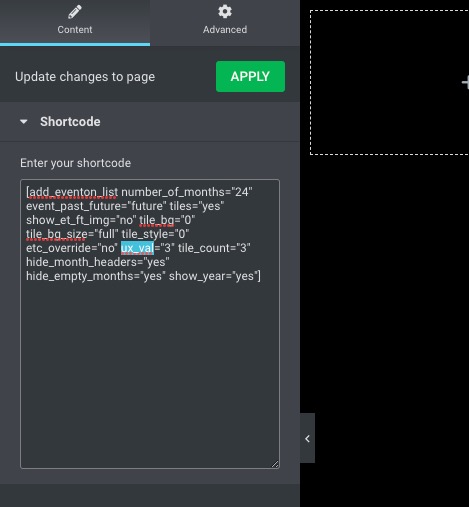
When added, ux_val overrides “User Interaction” for the whole calendar.
So please remove it:
Reply to: tickets(280399)
Ashan,
When you set Ticket Variation Stock Quantity (Leave blank for unlimited) to 0, it still shows that the variation is available:
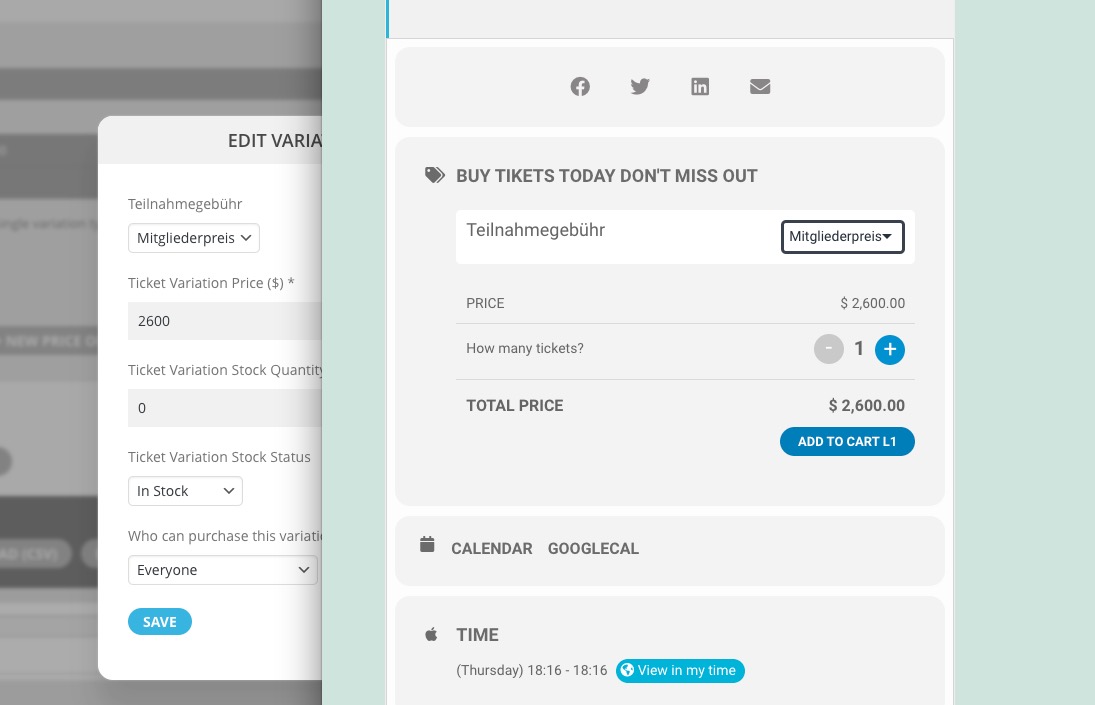
Example:
https://dev2.myeventon.com/wp-admin/post.php?post=30772&action=edit
Reply to: tickets(280399)
When “Total Tickets in Stock” and “Ticket Variation Stock Quantity (Leave blank for unlimited)” are 0, you cannot purchase tickets. That’s why it says “Sold Out”.
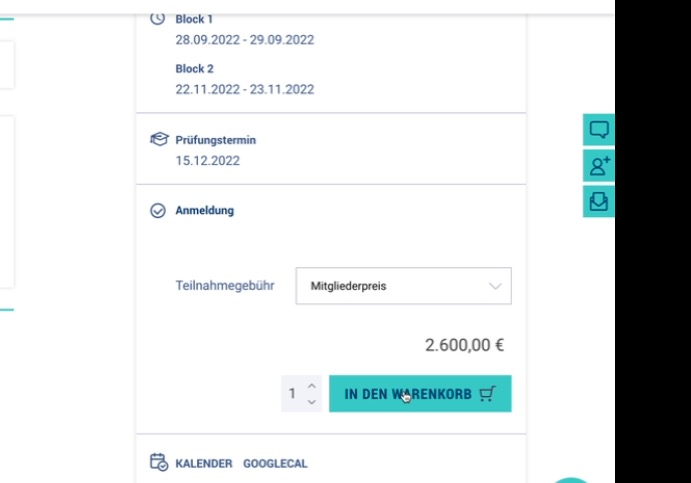
In the video you are trying to purchase “Mitgliederpreis” even so it’s 0 as well:
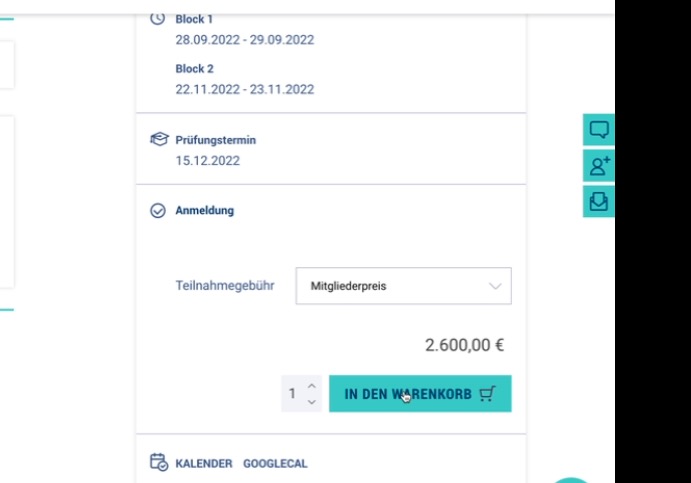
Unfortunately, you cannot use any specific options in Edit Product, since EventON uses products only as Base.
The only issue that can be fixed is
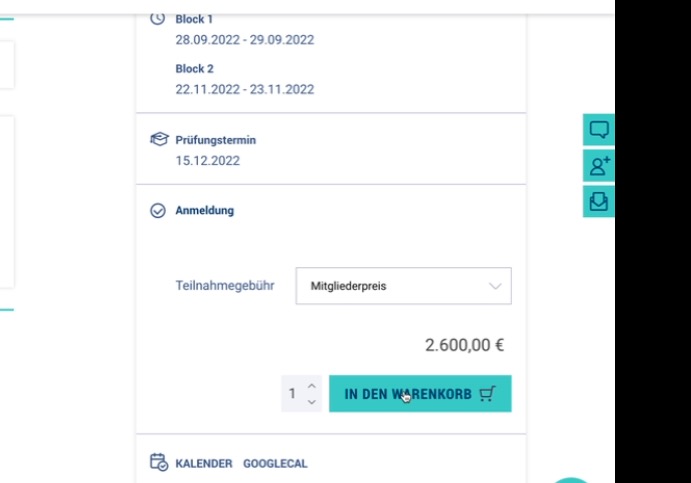
When loading the event, it should show that the variant is not available because it is sold out.
Thank you for your messages, I am going to assign this ticket to Ashan and he will be able to take it from here and find you a solution. Please allow some time for him to get back to you, we greatly appreciate your patience and thank you for being a eventon customer! Also please disable any IP blocking on your site if there are any.
Reply to: tickets(280402)
Please take a look at
https://docs.myeventon.com/documentations/set-seat-layout-map-admin-side/
If you don’t want to use seating chart, just leave “Enable Event Seating for this event” disabled.
Reply to: tickets(280402)
Is it possible to turn off the seating chart for some events?
Reply to: tickets(280399)
Hi Artem,
thank you for your reply.
I also change the tax class for the corresponding product, since I did not find a way to change tax class in the event directly. That’s the only change.
Yes, it should be “Regular” and not “All”, but when I change it, it does not get saved, so whatever I do it stays by “All”.
If I should not change anything in the product directly, how do I set this feature “backorders allowed” in the event directly? It’s important for my scenario to manage stock but still still allow backorders even if the stock goes under 0.
Thank you and best wishes,
Olga