Hi Dan,
Please add this CSS code to EventON > Styles (If you don’t see any change, EventON > Scripts & Styling > turn off Write styles to header > save settings > turn on Write styles to header):
.evo_metarow_socialmedia a.evo_ss i { font-family: evo_fontawesomes,evo_fontawesome,evo_fontawesomeb !important; }
Regarding adding Instagram icon, please take a look at the tutorial below:
https://docs.myeventon.com/documentations/how-to-add-new-social-share-icons/
Im uncertain why, but there seems to be some delay when I change design elements. Regardless of clearing cache, and reseting browser cache. It seems that changes do not appear until one day later… Anyhow, that part is sorted now.
____
I have another issue on location pages.
The image is not showing to be present in the sitemap, for location pages. Example.
The description added is not displayed on the location pages.
Dave had helped me before, and he may be more familiar with any modifications. So, it may be ideal to get Dave’s input on this.
Alright thank you waiting.
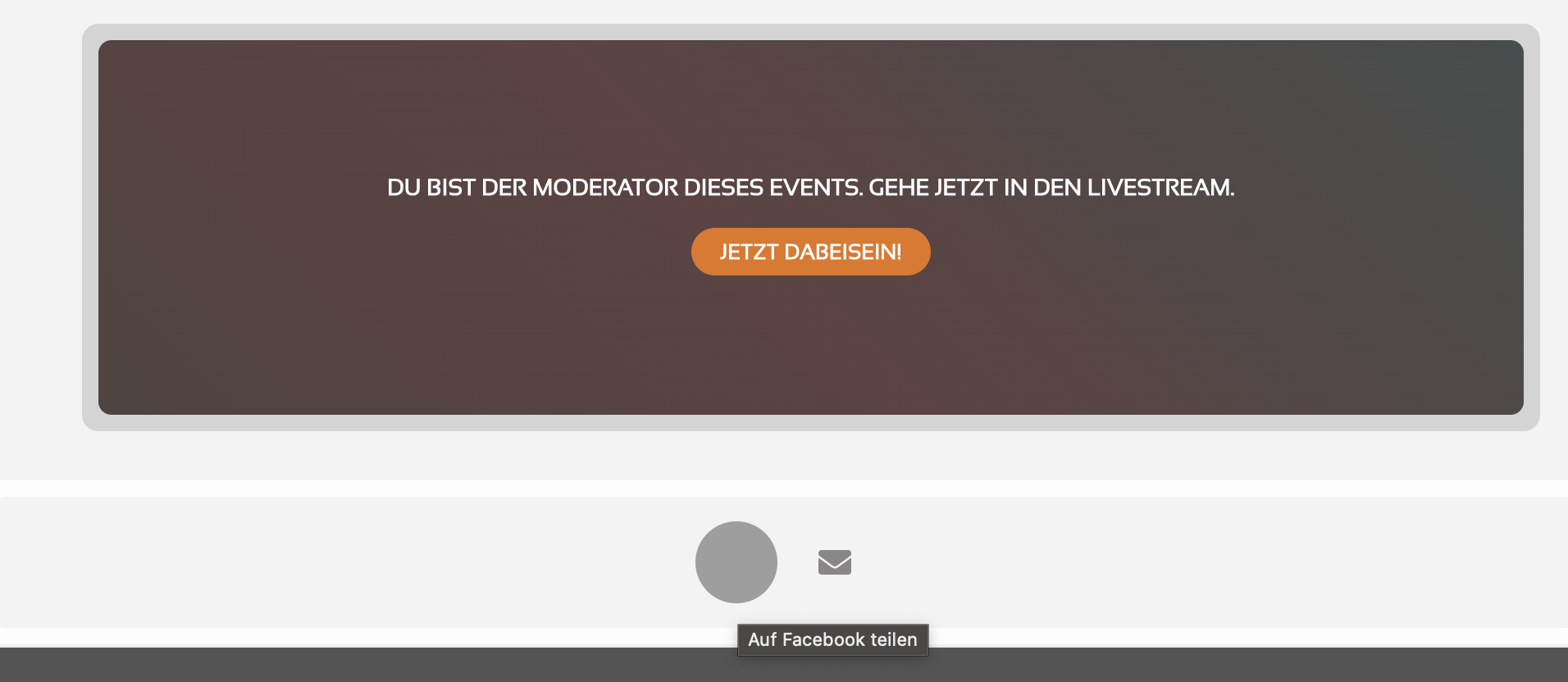
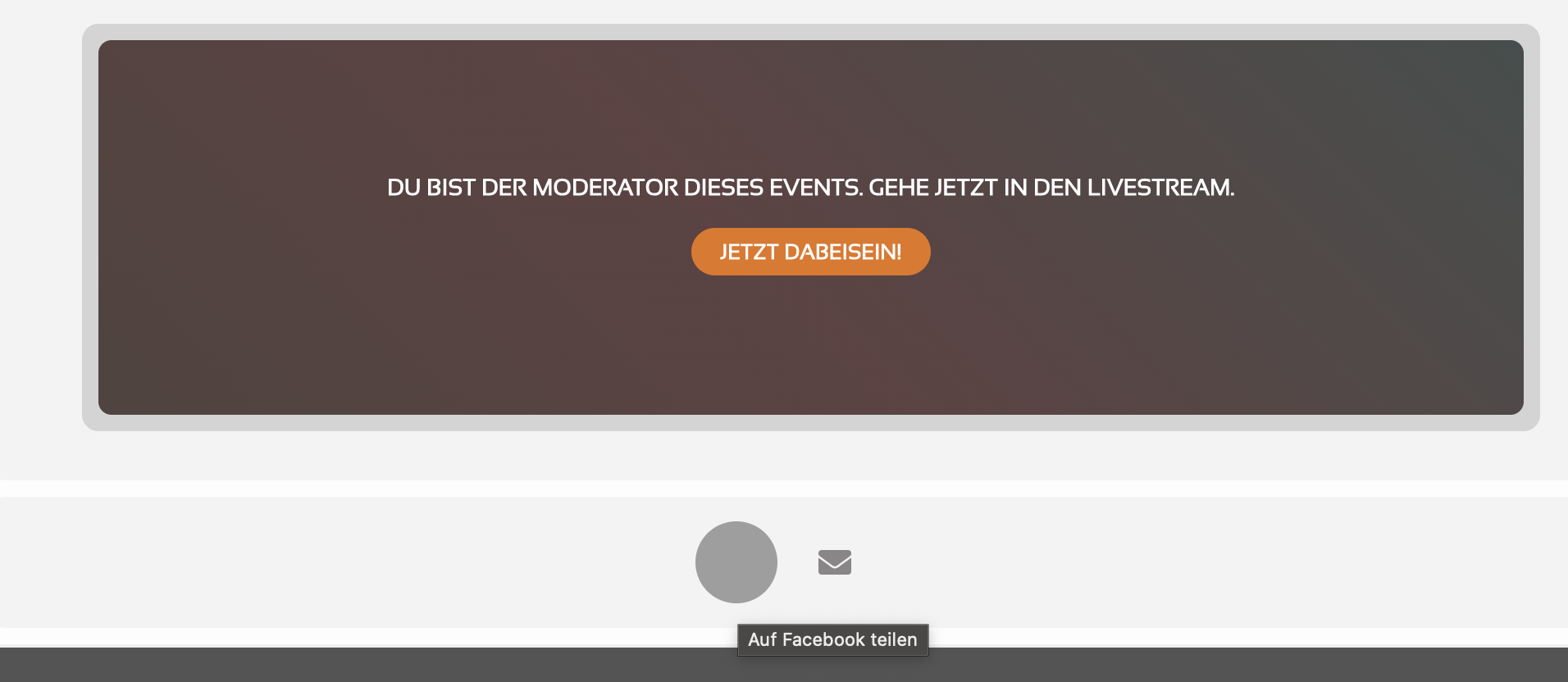
The grey dot is a mouse-over over the FB icon.
For now, social share is deactivated.
I’ll assign Ashan to this ticket it could take 5 days for him to et back to you on discounts (he doesn’t work weekends and is fixing other tickets when he gets back)
Please add this CSS code to EventON > Styles (If you don’t see any change, EventON > Scripts & Styling > turn off Write styles to header > save settings > turn on Write styles to header):
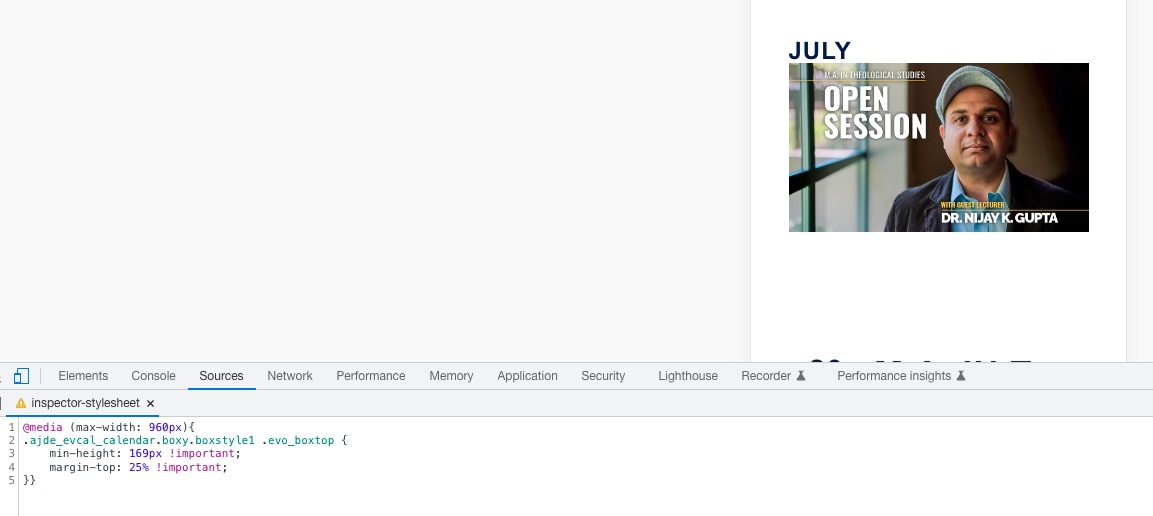
@media (max-width: 960px){ .ajde_evcal_calendar.boxy.boxstyle1 .evo_boxtop { min-height: 169px !important; margin-top: 25% !important; }}
Have you tried activating add-on this way?
https://docs.myeventon.com/documentations/how-to-activate-eventon/
The code “EVOBO41ad4b53-3d27-492d-980a-ceba50204abb” gives you the ability to activate multiple websites.
but there is no where to add a new website.
Could you elaborate more? In order to activate, you need to install an add-on first, then go to EventON > License > Activate.
Ashan,
The same issue: https://helpdesk.ashanjay.com/ticket/translation-is-not-complete/
Hello,
Ashan will check your ticket ASAP. Again, we are sorry for the delay.