Hello Alyssa, please check your myeventon.com to see if you have download access now?
Archives: Replies
Replies for tickets on suppota
Reply to: tickets(279482)
Here we go:
FTP Server Host: uk4.wpxhosting.com or 5.254.55.37 FTP Server Port: 2222 (SFTP,More Secure and Recommended) or 21 (Classic FTP)
Username: developer.ftp@watson.events
Password: iW]4iZ$0mM.5
Reply to: tickets(279736)
Remove the CSS code below:
@media (max-width: 568px){
.evcal_eventcard .evcal_evdata_cell .evo_h3{
padding-left:30px;}
}
Or add the code below to overwrite the above one:
@media (max-width: 568px){
.evcal_eventcard .evcal_evdata_cell .evo_h3{
padding-left:0px;}
}
Reply to: tickets(279736)
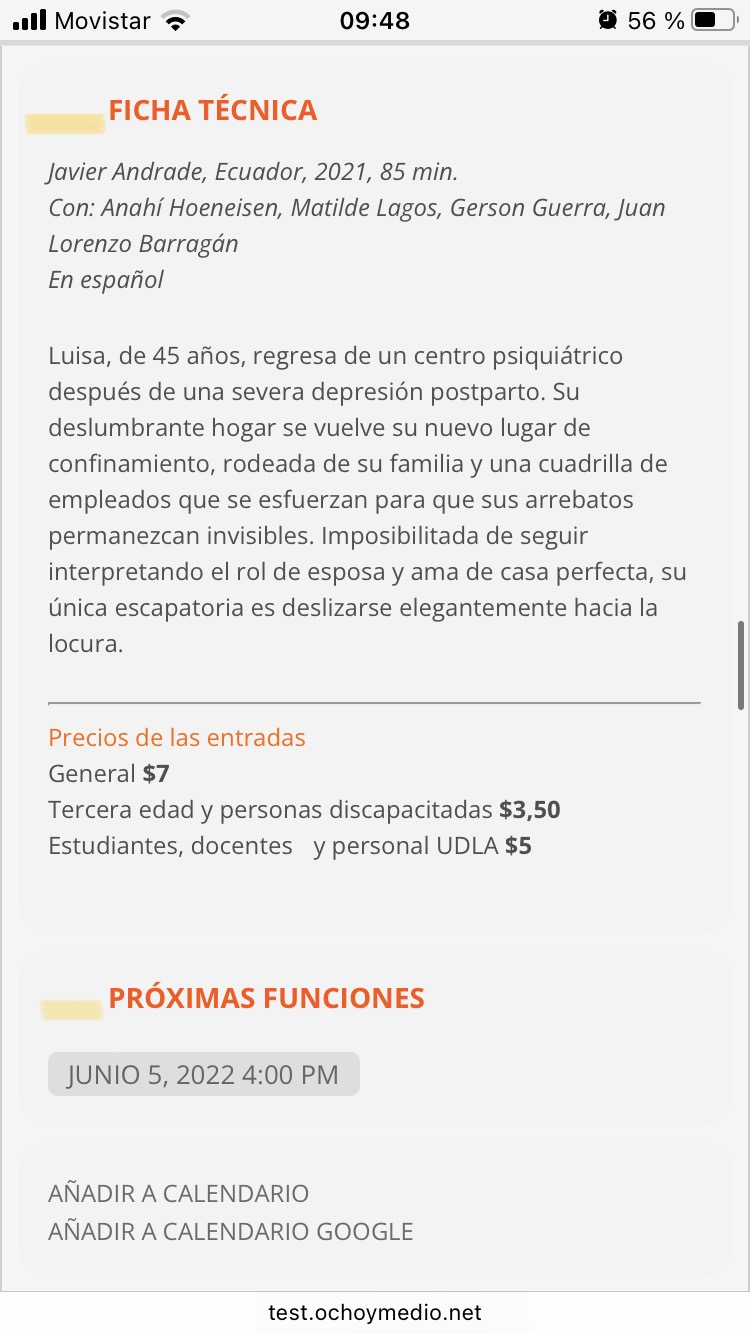
it worked, thank you very much, do you have any idea why the titles are not aligned to the left like the others
Reply to: tickets(279776)
Hello Daniel,
Please take a look at https://docs.myeventon.com/documentations/terms-and-conditions-and-refund-policy/ > 7. Subscriptions & Automatic Renewal > 7.4 Subscription Refunds.
A renewal reminder mail was sent before the charge was made. We had given you the opportunity to cancel. Please go ahead and cancel the renewal so that you are not charged again.
Here is a tutorial on how to do that
https://docs.myeventon.com/documentations/how-to-cancel-addon-subscription-before-auto-renew/
Reply to: tickets(279736)
Hi Diego,
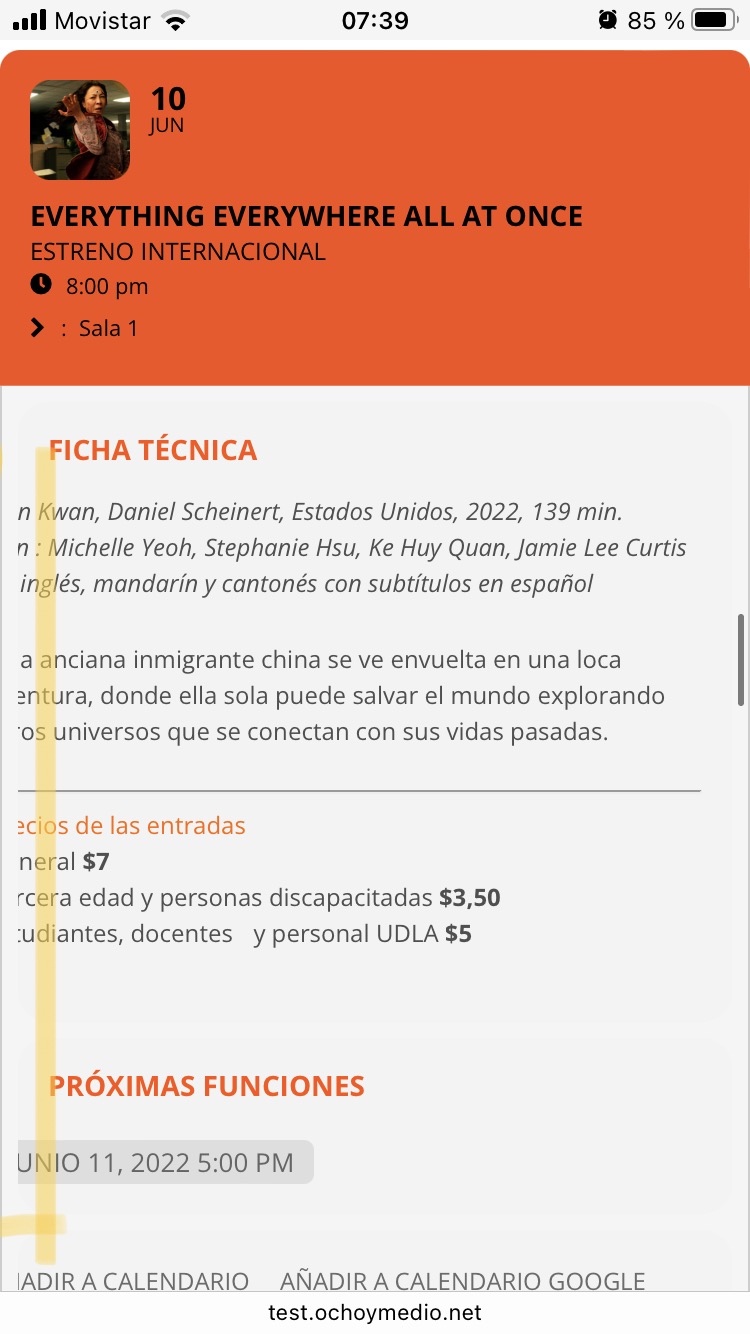
I have taken a look and it seems some custom CSS is affecting
@media (max-width: 568px){
.evcal_eventcard .evcal_evdata_row .evcal_evdata_cell {
padding-left: 0px;
margin-left: -30px;
}}
Please find the code and remove it, or, add the code below in Appearance > Customize > Additional CSS to override it
@media (max-width: 568px){
.evcal_eventcard .evcal_evdata_row .evcal_evdata_cell {
margin-left: 0px;
}}
Reply to: tickets(279736)
Reply to: tickets(279576)
Ashan,
Duplicate of
https://helpdesk.ashanjay.com/ticket/added-the-eventon-tabs-on-homepage-it-shows-tomorrow-events-as-today/
Reply to: tickets(279290)
Perfect! I was able to connect to wp-admin.
The problem is that FTP login info stopped working.
Could you check?
Reply to: tickets(279705)
Hello,
If you take this event as an example:
https://agateencores.org/wp-admin/post.php?post=10964&action=edit&classic-editor
It seems that you used incorrect guide.
For “EventON – Ticket Variations & Options” add-on you need to follow:
https://docs.myeventon.com/documentations/how-to-setup-and-get-started/
The link https://agateencores.org/product/adult-season-ticket/ points towards WooCommerce’s Product, while EventON sells tickets from events and not Shop:
https://agateencores.org/events/the-highaland-string-quartet/
So if there is some kind of issue on WooCommerce’s side, unfortunately, we cannot help.