I am not sure how Single Event template is completely replaced the a regular page page from the theme.
Can I also have access to Plugins, so I can install:
https://wordpress.org/plugins/health-check/
Also allow us access Appearance > Theme Editor.
Replies for tickets on suppota
I am not sure how Single Event template is completely replaced the a regular page page from the theme.
Can I also have access to Plugins, so I can install:
https://wordpress.org/plugins/health-check/
Also allow us access Appearance > Theme Editor.
Hello,
Please send us wp-admin access to your site from “Access Info” box on right side menu, to further assist your situation.
Try going to EventON > Advanced Settings > try a different Select calendar event content filter type.
Hello,
In order to access wp-admin I need to send a code:
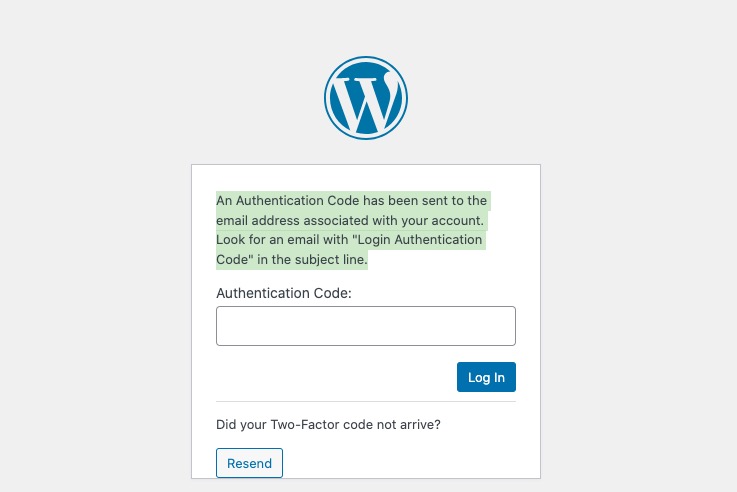
Please check and let me know.
Also elaborate more about the issue. Could you send us screenshot of the issue?
Hello,
Please send us wp-admin access to your site from “Access Info” box on right side menu, to further assist your situation.
I believe that the solution is to go to EventON > Time Settings > make sure that Default Event Timezone is similar to wp-admin > Settings > Time Zone.
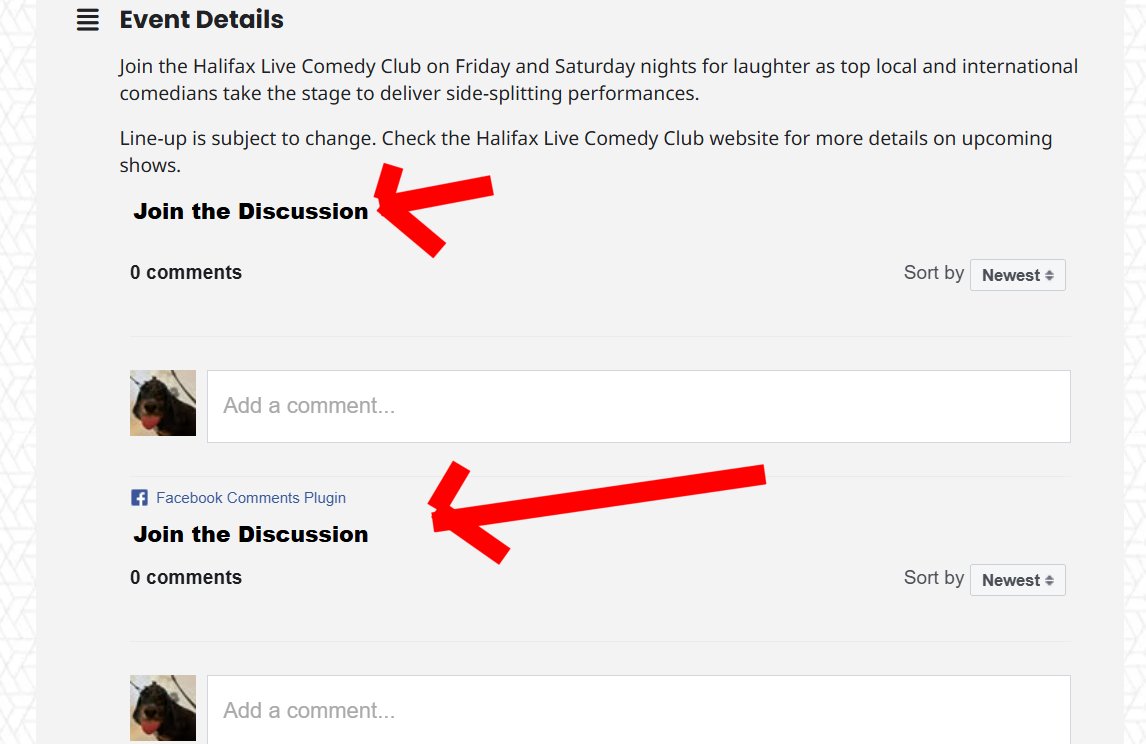
Hello! I apologize; I didn’t realize there were separate settings for that. I’ve given that user (VTHeditor) eventon permissions. Please try again. Thank you.
https://drive.google.com/drive/folders/1KKbzLKCQaMvPBglknivrtfLSJ – – URbZa?usp=drive_link
eliminate the spaces between the – – to complete the url, this software is making it into —
https://drive.google.com/drive/folders/1KKbzLKCQaMvPBglknivrtfLSJ–URbZa?usp=drive_link
Try this
After activating it, did you disable the cache plugin?
Could you try disable the cache plugin first, then try enabling “Enable language corresponding events” and try my suggestions?
If no changes, please try completely removing lang=”L2″ from the shortcode.
In order to hide it, please go to EventON > EventCard > open Designer > remove Location.