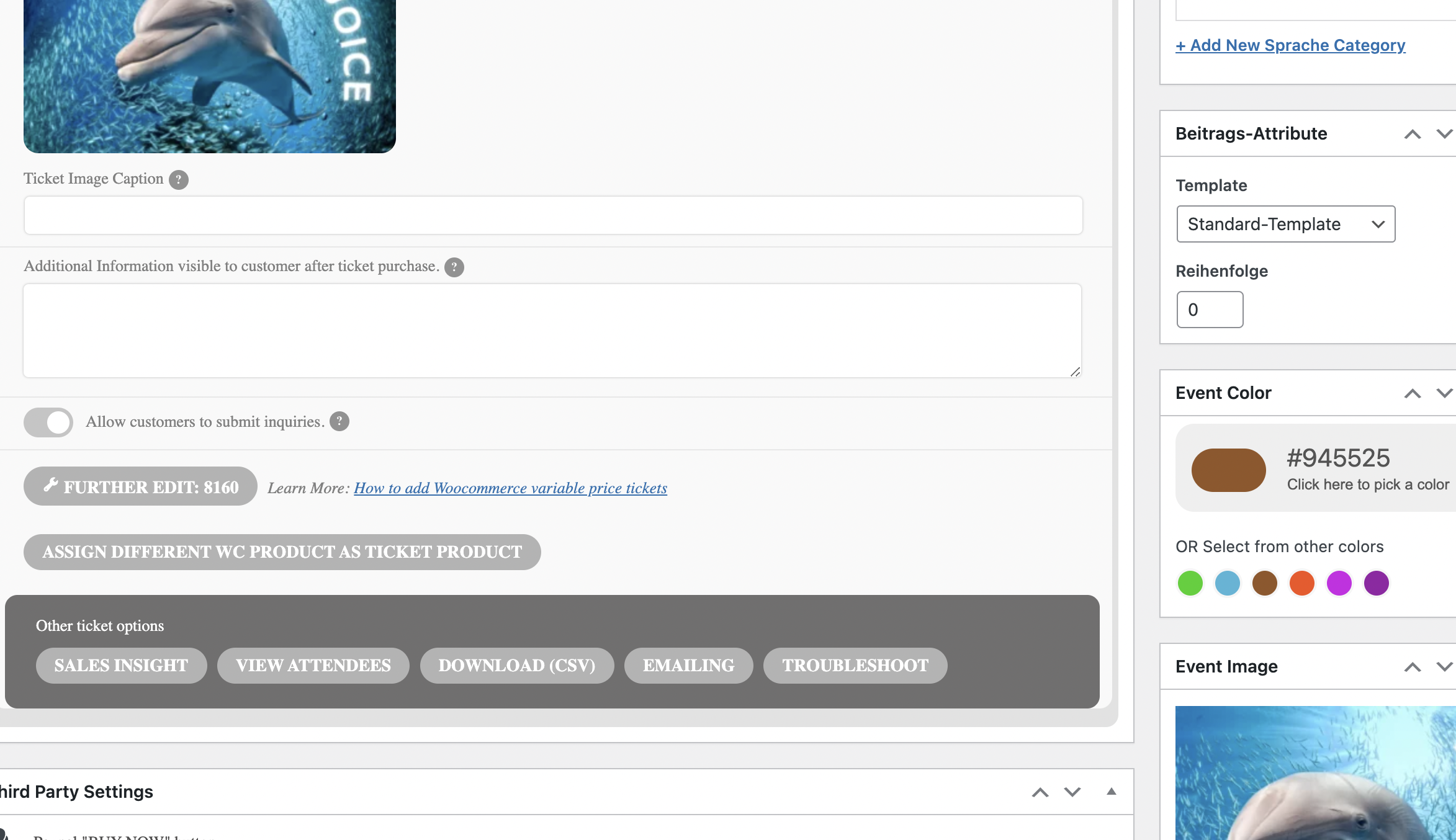
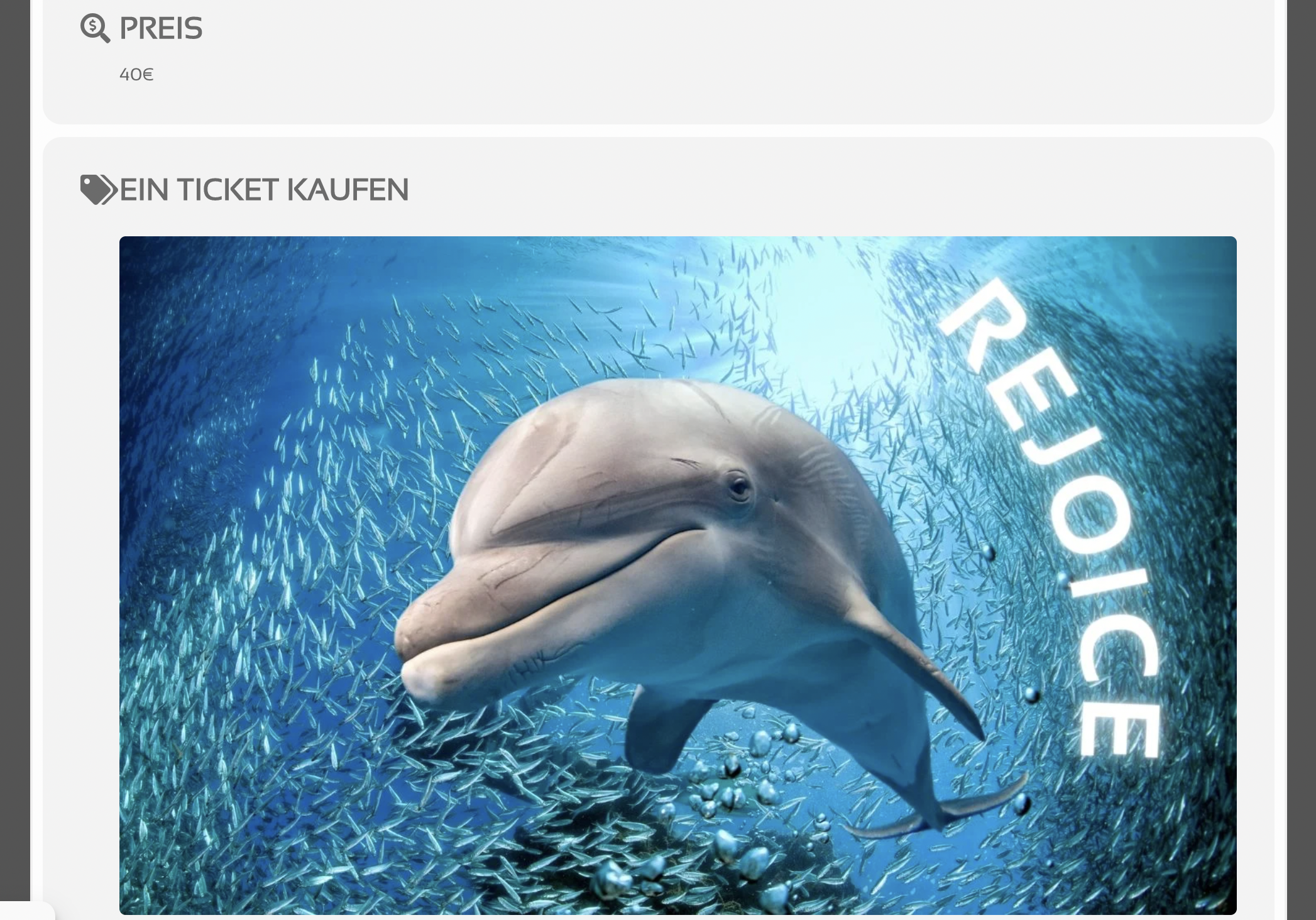
in the ticket checkout process, the street shows as “optional” and is mashed with the city code.
any idea what that’s about? nothing eventON, right?
Please contact the theme developer about the issue.
Do you need anything else or can we close the ticket?
Hello,
Please go to EventON > Appearance > EventTop > Text under event title (on EventTop. Eg. Time, location etc.). If you don’t see any change, EventON > Scripts & Styling > turn off Write styles to header > save settings > turn on Write styles to header.
OR
Please add this CSS code to EventON > Styles (If you don’t see any change, EventON > Scripts & Styling > turn off Write styles to header > save settings > turn on Write styles to header):
.eventon_events_list .eventon_list_event .evcal_desc .evcal_desc3 span.evowi em { color: red !important; } .eventon_events_list .eventon_list_event .evcal_desc .evcal_desc3 span.evowi_wi_area, .evo_pop_body .evcal_desc .evcal_desc3 span.evowi_wi_area { color: red !important } .eventon_events_list .eventon_list_event .evcal_desc .evcal_desc3 span.evowi, .evo_pop_body .evcal_desc .evcal_desc3 span.evowi { color: red !important }
yes, thank you very much! it worked.
::
this is probably not an eventON Tickets problem, right:
here: https://danmor.net/kasse/
in the ticket checkout process, the street shows as “optional” and is mashed with the city code.
any idea what that’s about? nothing eventON, right?
Hi Dan,
You can use the custom CSS code below:
.evoTX_wc.tximg .evotx_image img{display:none;}
Please add this CSS code to EventON > Styles (If you don’t see any change, EventON > Scripts & Styling > turn off Write styles to header > save settings > turn on Write styles to header):
Let us know if this helps.
You are welcome. If you have any other questions please feel free to create a new ticket.
Awesome! Thank you for incorporating the change from going forward.
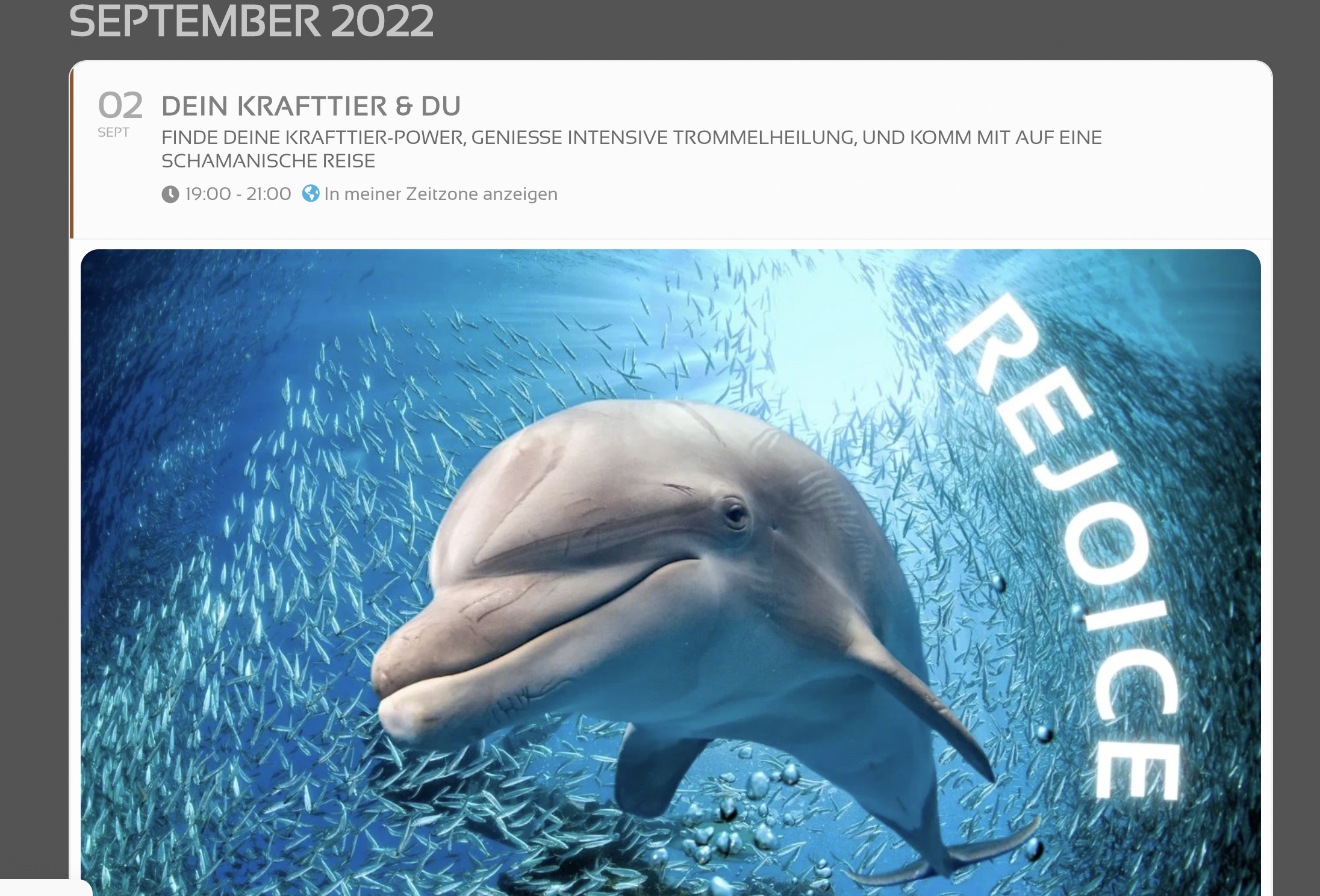
I tried to upload a mini-video.
It’s not possible, right?
Okay, here come some screenshots:
Hi Jay,
What I mean is, whatever changes you applied on the Patch fix will be present in the new updates. As in the code which has changed will be incorporated in the upcoming version, and subsequently other versions which follow. Please note that several people had the same issue you were having, hence why the upcoming version will have that fix included.
I hope that makes sense.