Hello,
Please send us wp-admin access to your site as a private message for us to further assist your situation.
Replies for tickets on suppota
Hello,
Please send us wp-admin access to your site as a private message for us to further assist your situation.
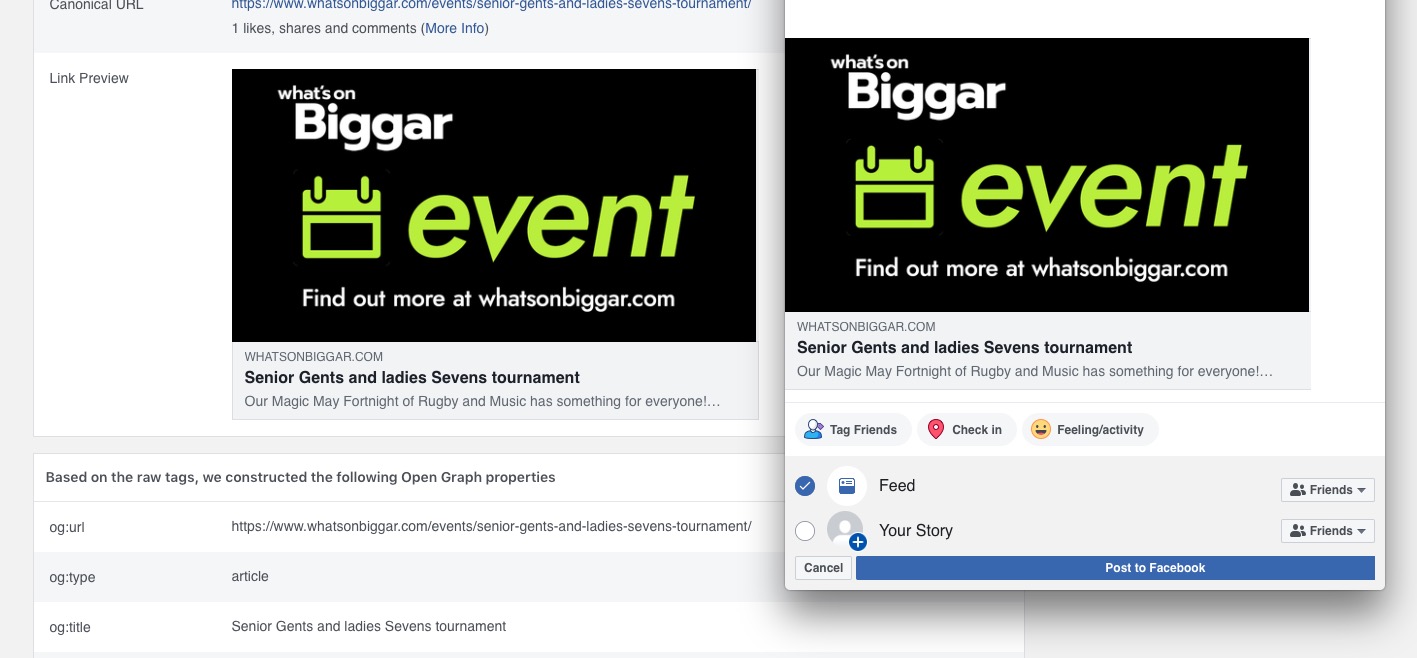
The image is visible. When you share, do you see similar picture?
Could you try updating EventON to 4.0.6?
To update eventon to latest version: If you are unable to do autoupdate, you can go to codecanyon your account > download and get the latest eventon version as zip file. Then you can go to your website, deactivate old eventon, activate (Do not delete eventon settings & data when EventON is uninstalled) from eventon settings, delete old eventon, install new one and activate. This link will further explain the process it. Also you can follow us on twitter to get real-time announcements on updates!
ok i solved that in another way: we finally decided to install new template on old website, this avoided us the imports of all datas.
BUT i will come back to you next week to give you precise infos about that with my dev?
Thx for your support 😉
Hello, I solved many things but I can’t hide the empty months and the accordion effect does not work. Would also like to let the event card open in a new window.
Would be great to get help. Thank you in advance and best regards, Josephine
it is because i need to have the complete list, for example to print o to check
So for example, the image on this one did NOT go across to Facebook:
https://www.whatsonbiggar.com/events/senior-gents-and-ladies-sevens-tournament
but this one was fine:
https://www.whatsonbiggar.com/events/cassi-from-radio-clyde-plays-gbx-at-biggar-rfc
Not sure if you need the Facebook account in question but just in case:
https://www.facebook.com/whatsonbiggar/
Thank you.
When I logged in, the pages were dark background. And it seems that when I choose “dark”, it makes the background light, and the text dark. And this is what I want, and I think is the default behavior. I have attached an image of the color I want sitewide.
I seem to have the background to the default color. However, on this page with embedded shortcode, I again Have white text. And I cannot identify the element which I need to modify.
Can someone help me identify where I would modify the text on this page.
IS there a guide on the differing settings for color and how those work together.
Right now, I am unclear on what differentiates eventtop, calendars, eventcards, and
Hello, I managed to implement the event card. But the accordion effect does not work. it shows the entire event card. I would like to have all the event cards as strips.
Would be great if you can help. Best regards, Josephine
I have now tried to set ‘Text under event title (on EventTop. Eg. Time, location etc.)’ to white color. It did not work. Then I activated ‘Write dynamic styles to header’ and it does not work either. This should work without having to use custom CSS code?
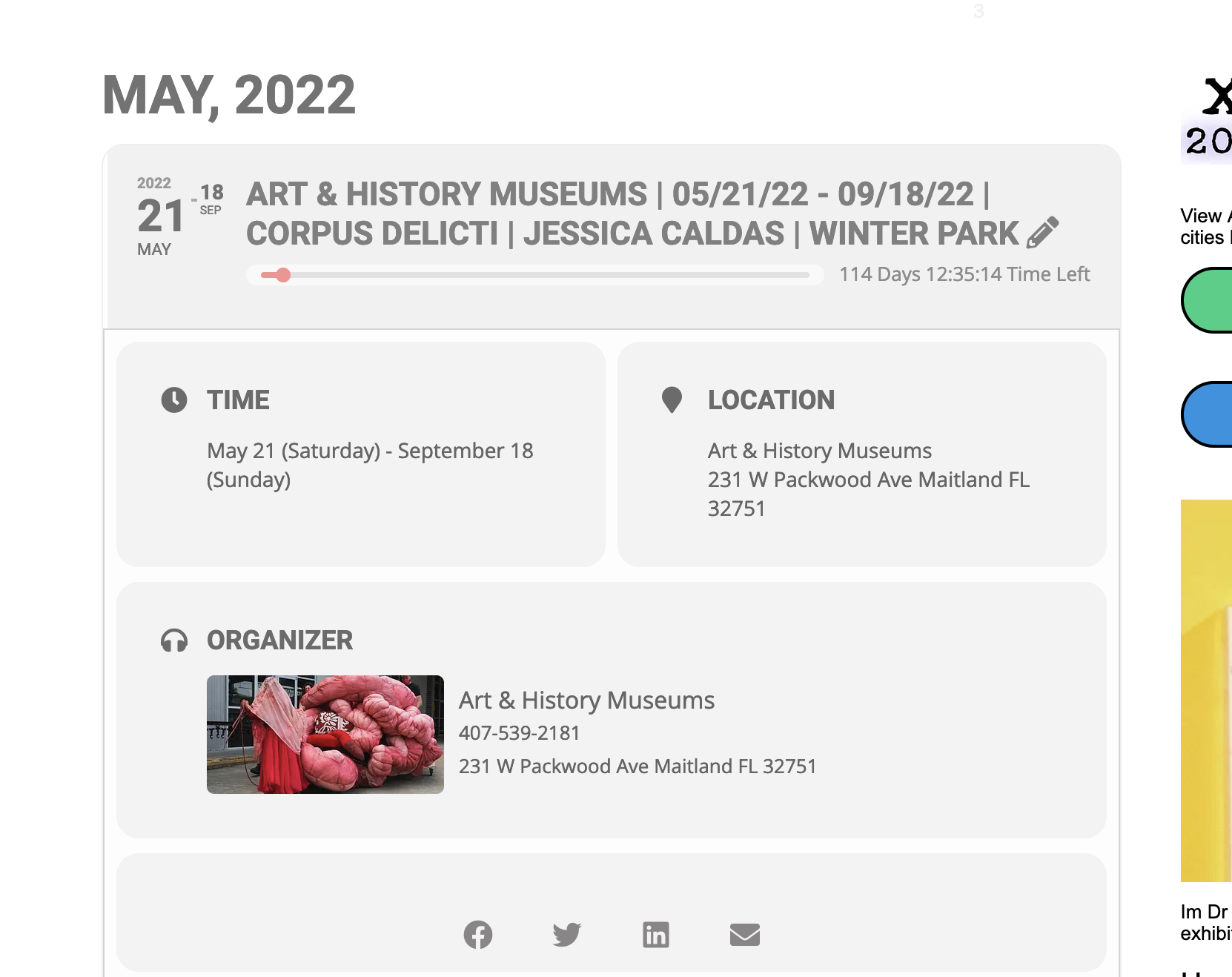
Could you send us a link to the event?