Also add this code:
.evo_month_title * { font-family: “yourgrace” !important; }
Replies for tickets on suppota
Also add this code:
.evo_month_title * { font-family: “yourgrace” !important; }
We are glad your issue is resolved, if you have any further questions or concerns please create a new ticket.
If you have a moment, we would greatly appreciate if you could kindly leave us a review at codecanyon! from your account > downloads. Cheers!
In my case they were not hidden by default
This is not normal. Can we take a look at wp-admin?
Please send us wp-admin access to your site as a private message for us to further assist your situation.
Everything seems to be working on my Google Calendar: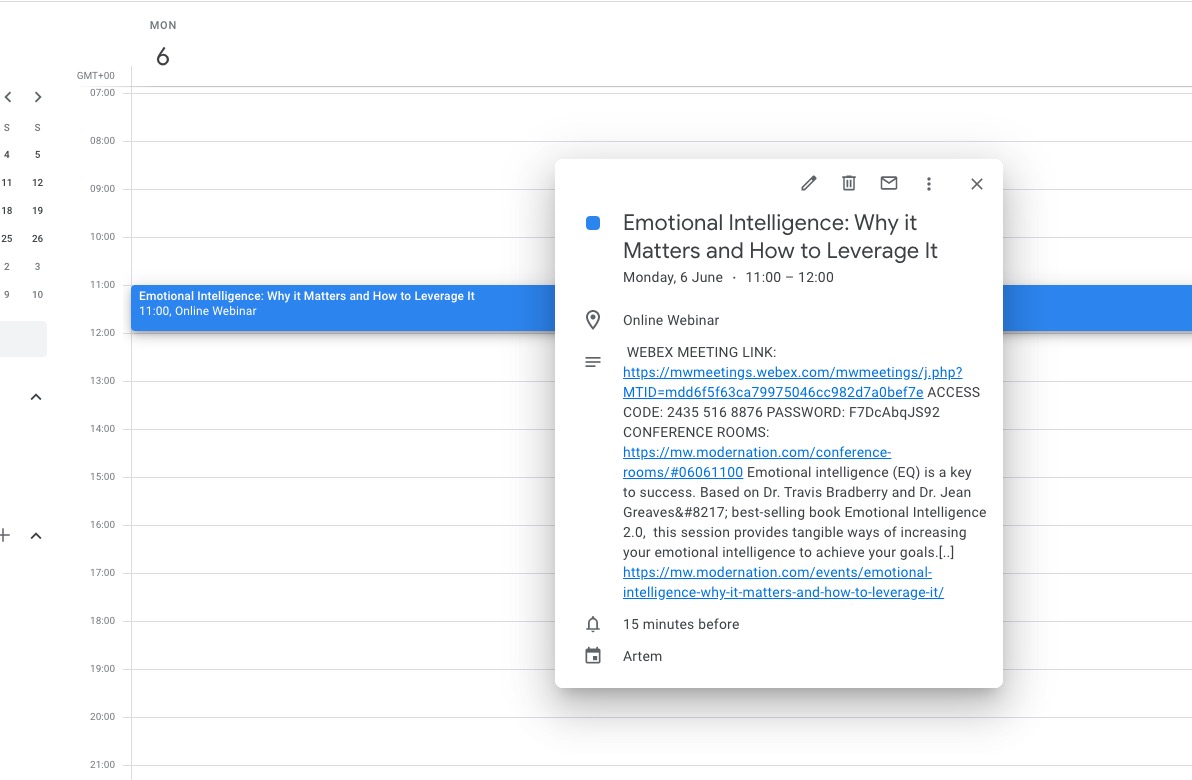
Calendar timezone:
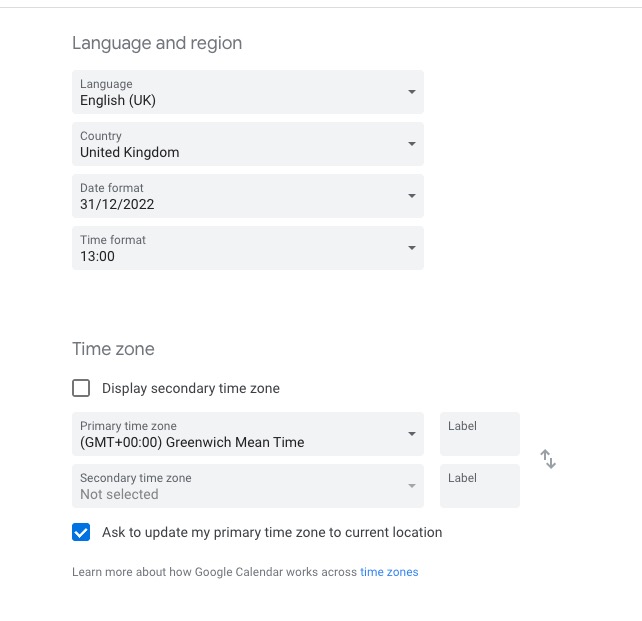
Hello,
Are there any errors? Could you check Developer Console for any JS errors?
Please also follow the instructions in this documentation to activate debug in your site to see any PHP errors recorded that can provide insight on to whats going on. Please reply with a link to debug.log file. If you are not able to do this please send us FTP access to your site so we can do this for you.
Hello,
Please add this CSS code to EventON > Styles (If you don’t see any change, EventON > Scripts & Styling > turn off Write styles to header > save settings > turn on Write styles to header):
.ajde_evcal_calendar + br {display: none !important;} .ajde_evcal_calendar + br + .ajde_evcal_calendar .calendar_header {display: none;}
Please check now.
and when I say padding, I am only referring to the pages which currently have zero padding. The event-type, organizer, location pages.
Hi,
This doesn’t seem to have worked – I added to styles and turned on write styles to header and have repeated this a few times
Thanks
Helen
Hi
.evcal_month_line {
display: none;
}
would do to hide the month. Do you have an idea for a beginner how to hide it EXCLUSIVELY in the tile_style?
Best regards
Thomas