The issue with making the top text 2% and 10% is I can’t seem to add page specific CSS just to the archive page-
on other page builders I can seem to add css just to a single page type or rather I can’t or don’t know how to make one for moble and one for desktop using your theme
see video
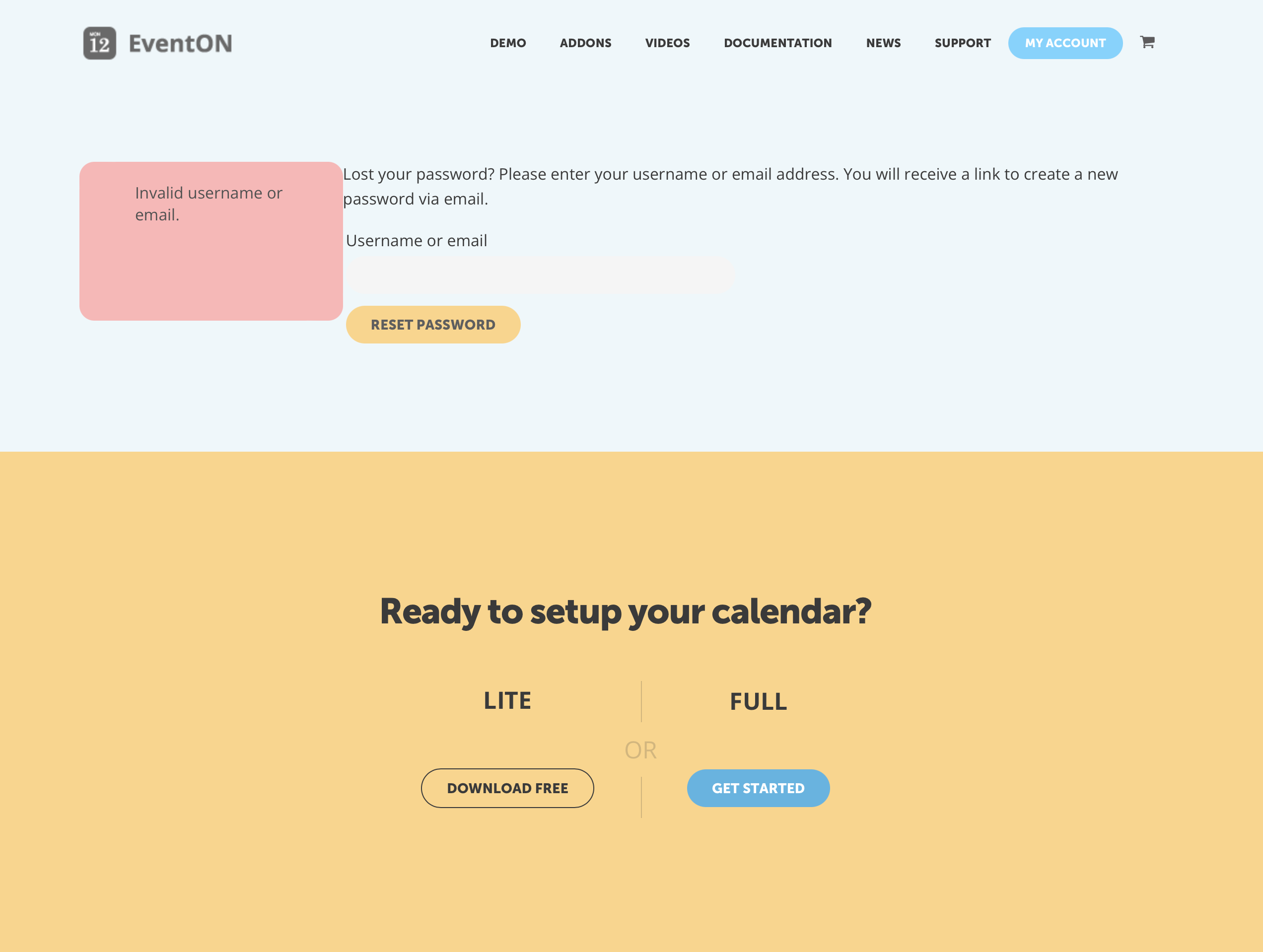
I have two accounts and for some reason I cant login to my account on myeventon.com my other account is webbuilderinc and I no longer own the domain as I didnt need it. I logged in a few mins ago and early I closed tickets.
I just need to know where the file is. I would really appreciate it. I have supported the plugins a long time. literally 6 years.
In order to override the event manager front end manager display template, you can copy the template on this path:
../wp-content/plugins/eventon-actionuser/templates/
to
../wp-content/themes/<– your-theme-directory–>/eventon/actionuser/
so clear your browser cache and have a look now
should be 2% on devices of 425 pixels width or lower
and 10% on anything bigger
for the calendar only at this point- needed to see if thats OK then I can work on the other parts of the page
thats why I said I need to play around with it once its on your site, looking into it now
that help file is for the action user addon
our records show the email address used on this helpdesk has not purchased action user
but Would you mind sending us the order ID for this addon purchase from myeventon.com, because we do not see this addon as purchased using your email address in our system. Thank you!
and let us know exactly what you are trying to edit- just the colors in the action user event manager?
editing colors of action user once its installed is in myeventon>>>settings>>>>appearance>>>>action user
you would have to add those to the eventon locations
so eventon doesn’t pull that data from listify you would need to either add them by hand or import somehow
it would require customization to link listify databases with eventons databases
I’ll add a note for future updates
We are glad your issue is resolved, if you have any further questions or concerns please create a new ticket.
If you have a moment, we would greatly appreciate if you could kindly leave us a review at codecanyon! from your account > downloads. Cheers!
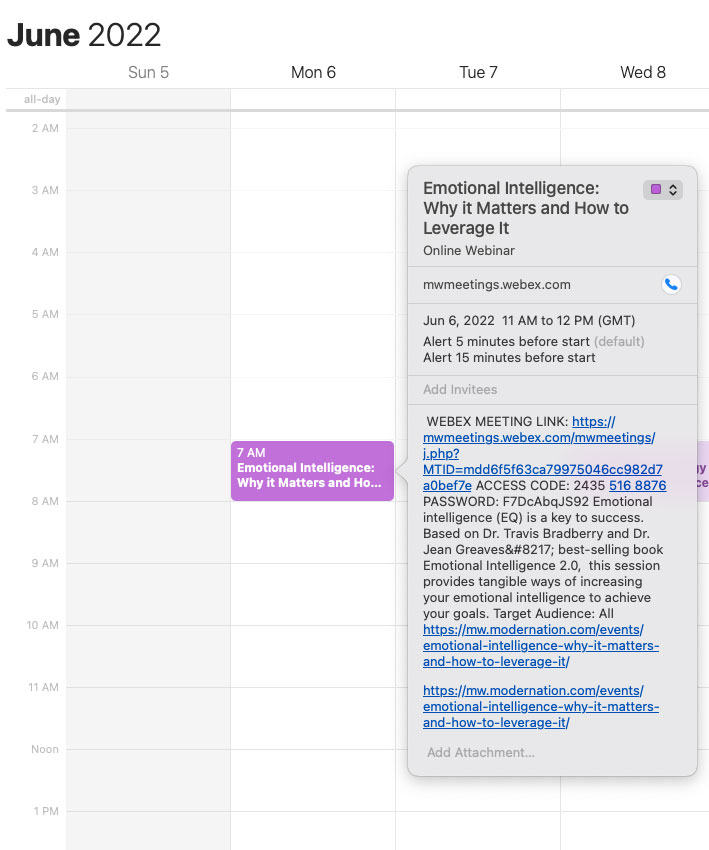
I also want to mention that I had a friend on a different computer get the same result, so it isn’t a setting on just my calendar.
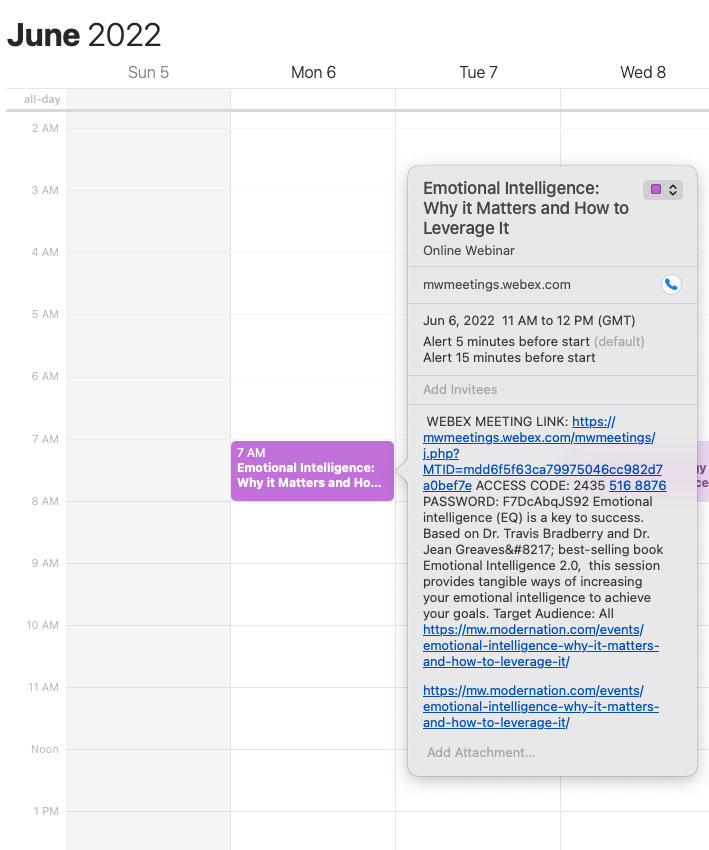
Here is a screenshot of the event on my calendar
Thank you very much for the thorough explanation. I never see the pointer when hovering over the left side of the name but now that I know where to go… You may want to make this more obvious in a future release and save some time explaining it. Thanks again, I appreciate it.