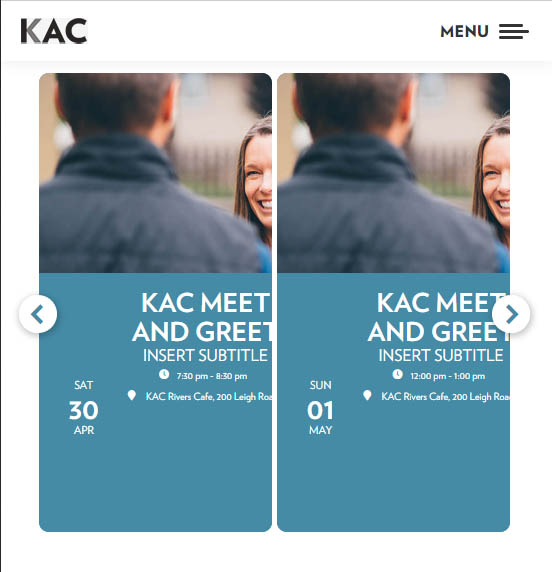
What about this page? It does not have the hide event time indicated on the shortcode(below), yet the page does not have the start end end date. Likewise, the tile page does not display both the start and end time
Where do I activate the start/end time for both ?
[add_eventon event_count=”6″ show_limit=”yes” ux_val=”4a” event_type=”3667,” tiles=”yes” tile_height=”400″ tile_bg=”1″ filter_type=”select” exp_so=”yes” hide_arrows=”yes” ft_event_priority=”yes”]
Ok. I cant add manually due to the volume of events Ill be dealing with.
It is necessary to have latitude and longitude for the map plugin to function, correct?
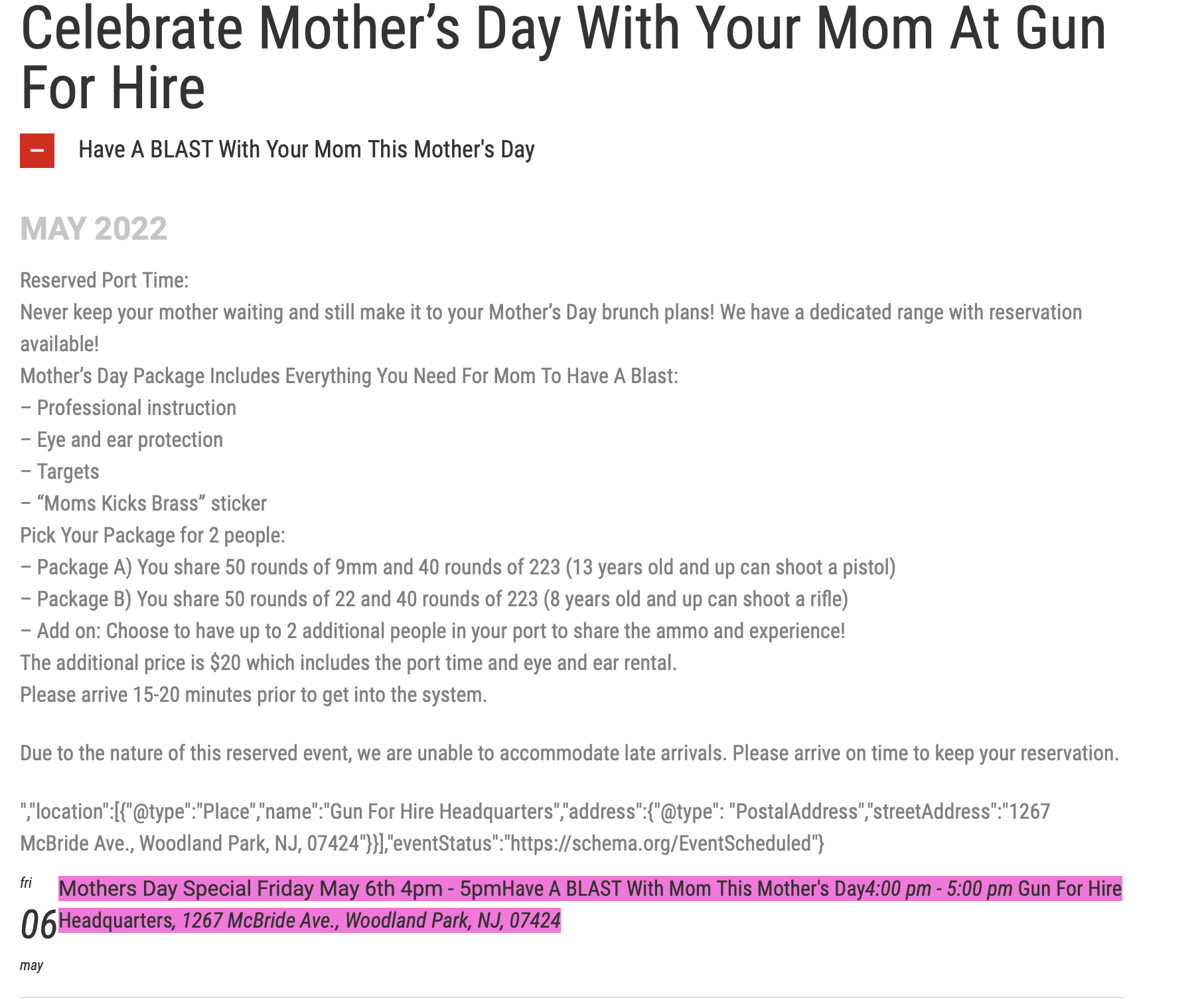
Here is a screen shot of the issue.
How are you going with this?
OK thanks – actually I did manage to fix this on my own actually. Much appreciated.
What is your opining on ot his addon: https://codecanyon.net/item/eventon-slider-addon/11063359?gclid=CjwKCAjwjZmTBhB4EiwAynRmD_LZP_t6Pk5P1BM2eza2AumgpXnEduPAKv_Kk0FzHumT636mHz5lbxoCtcUQAvD_BwE
I was looking at in part because the layout is closer to what we have been looking for (granted I have tweaked the CSS in such a way as to look much closer to what we want already) which like this
http://preview.codecanyon.net/item/eventon-slider-addon/full_screen_preview/11063359
That is really bad! It is a very impotant item to be able to download the checked in assistants… Is not any plugin can help to do this?
Acceptable CSV file fields can be found in EventON > CSV Import > **CSV file guidelines. Unfortunately, that’s all what is available at the moment.
You can extend it by following https://docs.myeventon.com/documentations/import-additional-fields-using-hooks/
You can also create a new ticket and select Feature Request as category so others can vote on your ideas and get it moved into development faster.
We do have plans on extending CSV Import, it’s just not our priority at the moment.
Following my previous message, I tried what you advise me:
Could you you try enabling Ticket (with evotx_tix variable) before adding the rest?
1. The same with variations. Please enable it first, then look for right variables in the HTML code, import them only after evotx_tix and _evovo_activate.
2. Could you send us a link to the ticket?
Hello,
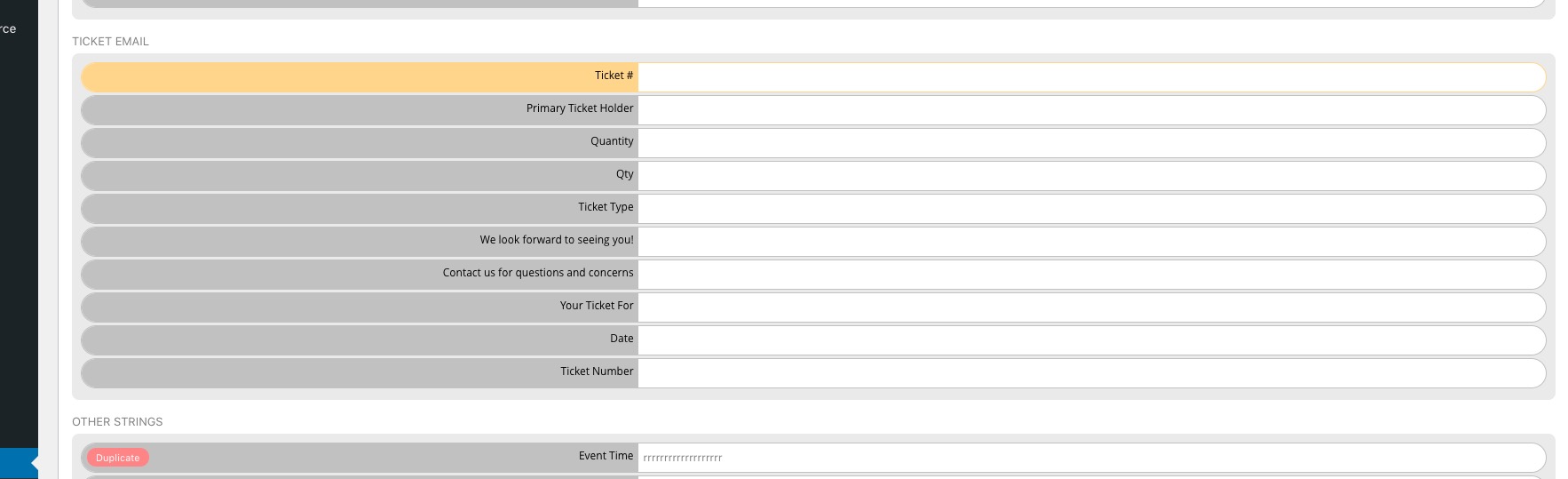
Please make sure to use the latest version of EventON – 4.0.6. You can find the strings you need in EventON > Language > ADDON: Event Tickets > TICKET EMAIL:
You should be able to add one by following
https://docs.myeventon.com/documentations/how-to-add-additional-fields-to-download-attendees-csv-file/
Unfortunately, by default, EventON Tickets doesn’t provide you with the info you want.
Hi Ryan,
You can submit a customization request to 3rd party developers via Customize EventON Page.