Hello,
Please use NOT in event_type_4:
event_type_4=”NOT-61″
Replies for tickets on suppota
Hello,
Please use NOT in event_type_4:
event_type_4=”NOT-61″
Hi Oriol,
Please take a look at this video on how to show past events.
https://www.youtube.com/watch?v=b0HtbBjTjL8
Hello,
Which plugin are you referring to? Is it the main Eventon plugin?
You are very much welcome. If you have a moment, we would greatly appreciate if you could kindly leave us a review at codecanyon! from your account > downloads.
Cheers!
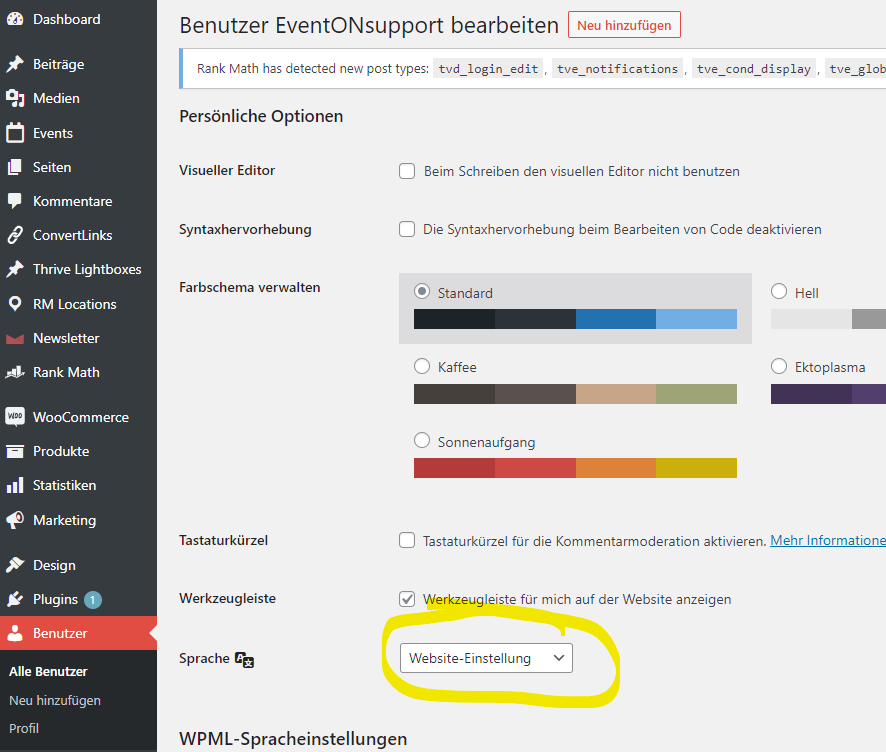
I’ll try:
I change language to site default (= German) for user EventONsupport.
Login, add an event and you will see the error.
Perfect! Thank you so much! Great video!
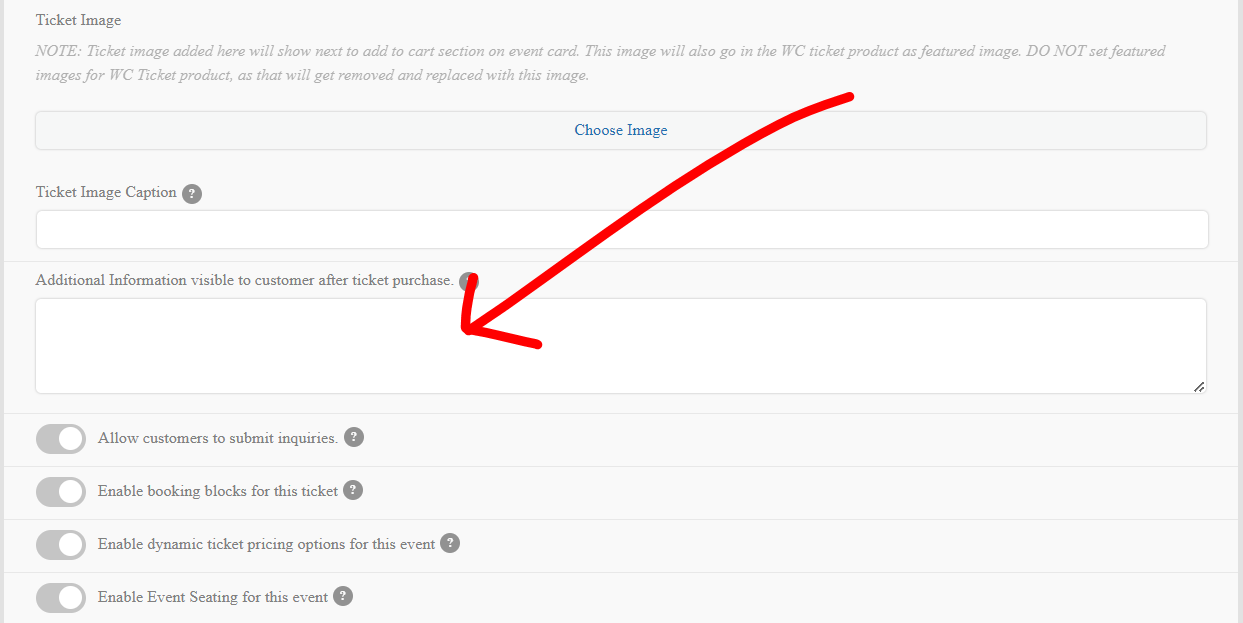
when editing the event in the ticket section their is field that allows you to add after purchase content that goes into the email
https://wordpress.org/plugins/autocomplete-woocommerce-orders/
so I can’t duplicate the minutes error on your site perhaps you have fixed that since posting
as for cron jobs issue- easier to show you in a video
requires a double save so save the date and time and then activaste the reminder and save again to create the cron time
in myeventon>>>>settings>>>>>scripts and styles
you had toggled on
Disable font awesome fonts
I have toggled it back on and boomshakalaka the fonts appear
(So activate that in your staging site)
We are glad your issue is resolved, if you have any further questions or concerns please create a new ticket.
If you have a moment, we would greatly appreciate if you could kindly leave us a review at codecanyon! from your account > downloads. Cheers!
Looking over your site maps created by math SEO they events are listed on the site maps
this page is just a normal page post
https://xzib.com/e/tampa-museum-of-art-06-09-20-06-19-22-herstory-stories-of-ancient-heroines-and-everyday-women-group-tampa
I think it would be benefitial to find out why theres an issue with the single events pages causing an issue. possibly with the slug being only E instead of events
I doubt very much that the single events page are causing you to vanish from google- thats not really how it works
looking over the rank match seo
https://xzib.com/wp-admin/admin.php?page=rank-math-options-titles#setting-panel-post-type-tvd_login_edit
events are in there. will need to diagnose a little more tho
please clarify this
also, on the event pages. I have ux_val=”4″
Yet, it is opening a dropdown, instead of the anticipated action of the new page opening. Is there a setting causing this?
can you send a link to that page I don’t see a drop down