Could you try going to https://theseeker.ca/wp-admin/admin.php?page=eventon#evcal_004aa and try Select Default Calendar EventTop Style: Clear with left border colors?
Archives: Replies
Replies for tickets on suppota
Reply to: tickets(274086)
I should also add that this is across my website no matter what type of calendar I am using, but please refer to experiencechehalis.com/calendar and experiencechehalis.com/about-us for examples.
Reply to: tickets(274086)
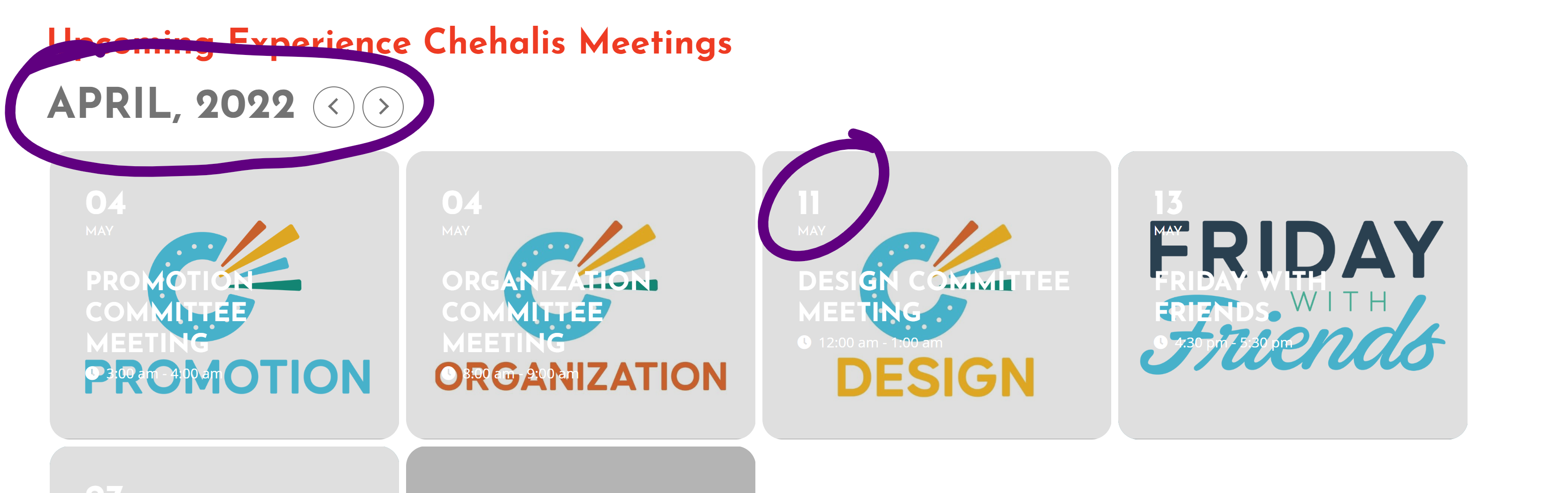
Hi again. The month function is still not working. No matter what I do, clear the browser cache, flush the website’s cache through my hosting, it still shows the calendar title as one month behind the actual months of the events displayed. Please see the attached screenshot for an example.
Reply to: tickets(276769)
Do you remember when I asked in the initial ticket
“Did I forget to activate something?“
SOLUTION:
Action user – Submission form fields
when I enter the header there and activate the ticket sale … then it works again!!!!
Reply to: tickets(275787)
Hi,
Can I kindly receive feedback regarding the solution of the problem reported in the ticket?
Reply to: tickets(256325)
try username “events” and password “@EventsON”
Reply to: tickets(276769)
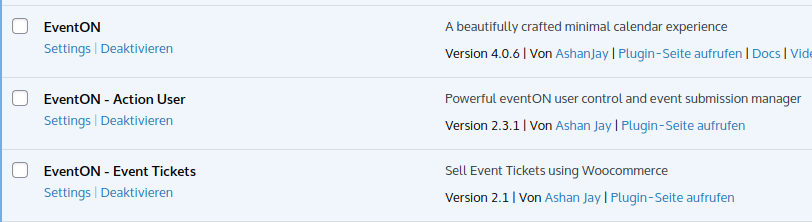
I updated now all eventon plugins. It doesn’t work. On the contrary the part
header=”Veranstaltung einreichen”
doesn’t work again (what worked before).
Reply to: tickets(269321)
we asked you 2 months ago to deactivate all plugins to see if it works (the very first reply to your ticket)
I am using that page to test things Keep it around for now.
Reply to: tickets(269321)
Ok, combien de jour ? Merci !
le gestionnaire d’événements travaille ici avec ce plugin désactivé
https://dev.artsixmic.fr/eventon-test-do-not-delete/ c’est à dire ?
Reply to: tickets(256325)
Hello,
We have tried to login to your site with the credentials you have provided with no luck. Kindly check if the credentials are working on your end.