Hello,
Thank you for your messages, I am going to assign this ticket to Ashan and he will be able to take it from here and find you a solution. Please allow some time for him to get back to you, we greatly appreciate your patience and thank you for being a eventon customer! Also please disable any IP blocking on your site if there are any.
Hello,
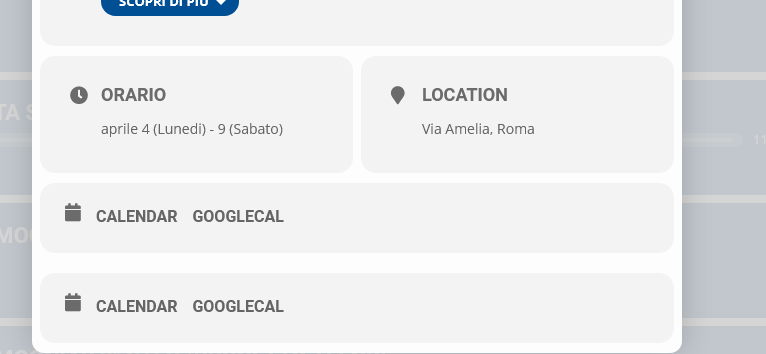
Please go to EventON > EventCard Design > delete one of them > save.
Please send us wp-admin access to your site as a private message for us to further assist your situation.
Hey, which files do you mean?
Sry I am new to WordPress…
Will this font-size work for you:
If so please add this CSS code to EventON > Styles (If you don’t see any change, EventON > Scripts & Styling > turn off Write styles to header > save settings > turn on Write styles to header):
@media (max-width: 480px){ .evo_metarow_ICS .evcal_evdata_cell p a { font-size: 16px; } }
It seems to be working for me. Please take a look at this message:
Reply to: 275778
Since you want events to be imported in a different timezone, you need to include it in the .ics file.
On my side:
It seems that it all depends on OS and/or browser.
Hello,
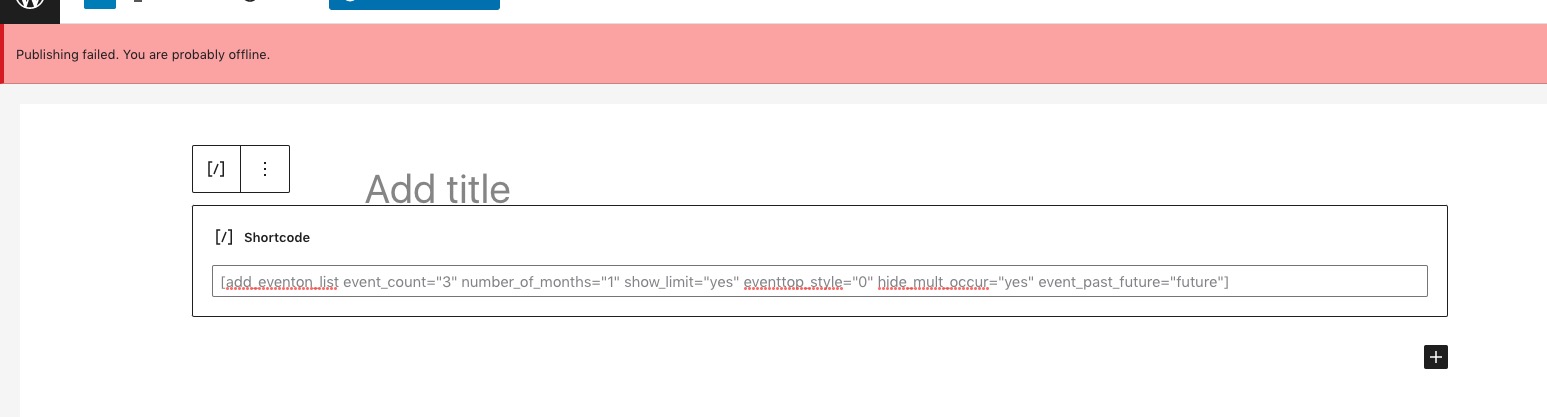
I cannot test the shortcode:
Could you check?
Hello,
Could you try disabling files minifying functionality (or cache plugin entirely) so we can check this?