We are glad your issue is resolved, if you have any further questions or concerns please create a new ticket.
If you have a moment, we would greatly appreciate if you could kindly leave us a review at codecanyon! from your account > downloads. Cheers!
Hello,
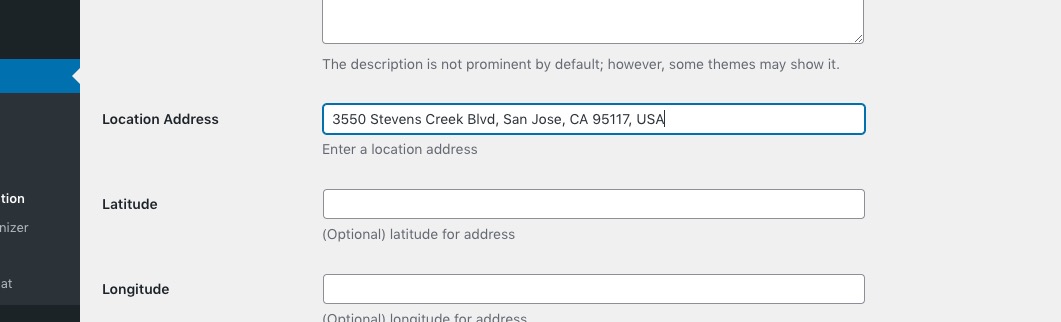
Try adding “USA” at the end:
Only make sure to delete, add again. You can also try using https://www.latlong.net/convert-address-to-lat-long.html and add Lat/Long values manually.
Hello,
Please go to EventON > Hide past events for default calendar(s) > select Hide events past today’s date.
Hello,
Unfortunately, temporary license isn’t available. The thing is that you can just installing and trying it out without activating it.
Any email, for example,
support@mail.com
Just make sure to copy the password and send it here.
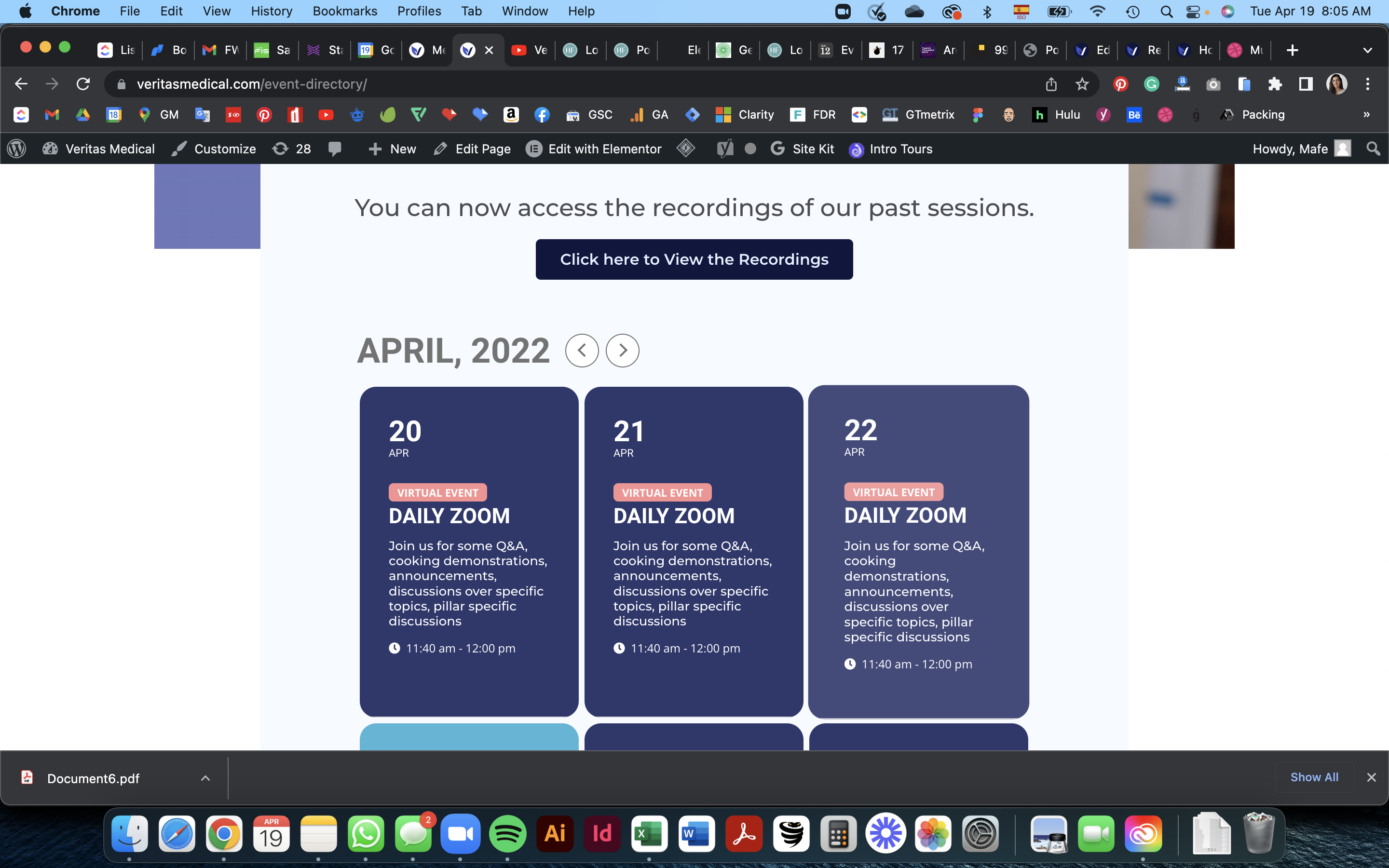
Hi, I added the code, but it still won’t show today’s events. Please view the screenshot. This is the code with the modification you suggested: [add_eventon tiles=”yes” tile_count=”3″ tile_height=”200″ event_past_future=”future” hide_past_by=”ee” ]
please advise what to do.
Awesome, thank you so much, sorry for my silly oversight of the closing bracket!
Yes dear Ashan, we only have this problem when we use special character. If we write “Ogrenci” instead of “Öğrenci”, wrong Turkish but there is no problem 🙂 That’s how we do it for now, the solution is in no hurry 🙂
We are more concerned with the qr codes problem in the media environment, probably like you. (image optimization software is priced by the piece and we can’t get rid of it by hiding it 🙂
We are aware that you have a lot of questions and problems. That’s why from time to time we also respond on your behalf. Don’t worry yourself friends…
Hi Dave and Artem,
The scroll bar only appears once one begins to scroll. Please see screen recording: https://share.vidyard.com/watch/rH4u7KUVqVMjrzdk49oTqS?
Ideally, I want the scroll bar to be visible by default.
Thanks for your help!
Carlos
Hi Artem,
Thank you for your detailed response.
- When I go to the Action User Event Manager tab within Action User I am unable to find the options you show in the top screenshot of your response. This is what I see: https://imgur.com/a/cMgrfFl
- Where do I locate the Feature event priority toggle on/off button you showed in the bottom screenshot?
I created a featured event on the test site. To clarify the only stylistic/functional difference between a normal event and a featured event is the orange icon that appears that reads “FEATURED.”
Thanks for your help.
Carlos