Your card wes declined for the subscription payment and it was already marked as cancelled, you will not be charged again for this order. If you wish to get new updates for CSV addon you will be able to purchase a new license to get the updates.
Archives: Replies
Replies for tickets on suppota
Reply to: tickets(394040)
We have gone ahead and refunded your order and subscription is cancelled as well. Glad you love EventON !!
Reply to: tickets(393749)
Artem tried his best to help you ment the gap to allow you to use this without refund route.
We have refunded your order as requested. Perhaps a future client for you would be a better fit for eventON calendar.
Thank you again for trying out our software.
Kind Regards!
Reply to: tickets(394037)
Hello,
With add_eventon_list, you can try changing number_of_months to 1.
Please also take a look at “Live Now Calendar View” shortcode:
[add_eventon_now]
Also check Event Lists: Ext add-on:
https://www.myeventon.com/addons/event-lists-extended/
You can show one event from multiple months with this shortcode:
[add_eventon_el number_of_months=”12″ event_count=”1″ event_count_list=”yes” hide_empty_months=”yes”]
Try on
https://dev.myeventon.com/wp-admin/
Reply to: tickets(394040)
Hello,
The thing is that we don’t usually refund renewals, since you can cancel your subscription at any time:
https://docs.myeventon.com/documentations/how-to-cancel-addon-subscription-before-auto-renew/
More info:
https://docs.myeventon.com/documentations/terms-and-conditions-and-refund-policy/ > 7. Subscriptions & Automatic Renewal > 7.4 Subscription Refunds.
However, I am going to assign this ticket to Ashan. Please allow some time for him to get back to you, we greatly appreciate your patience and thank you for being a eventon customer!
Reply to: tickets(393749)
Ashan,
They want to refund #213195.
When they created the ticket, their subscription was “bad”, but I thought that maybe if I help them, they will keep using EventON.
Still want to refund.
Reply to: tickets(393749)
Thank you for your messages, I am going to assign this ticket to Ashan and he will be able to take it from here and find you a solution. Please allow some time for him to get back to you, we greatly appreciate your patience and thank you for being a eventon customer! Also please disable any IP blocking on your site if there are any.
Reply to: tickets(393922)
I disabled smooth scroll in the theme options and it worked. They did also say
“basically, if you can add the HTML attribute data-lenis-prevent to the element that has scrolling issues, our script will skip applying its effect to it. The plugin author might also have implemented a filter for such cases.”
I’m not sure how to do that though.
Reply to: tickets(393749)
#213195 Is my order ID
Reply to: tickets(393801)
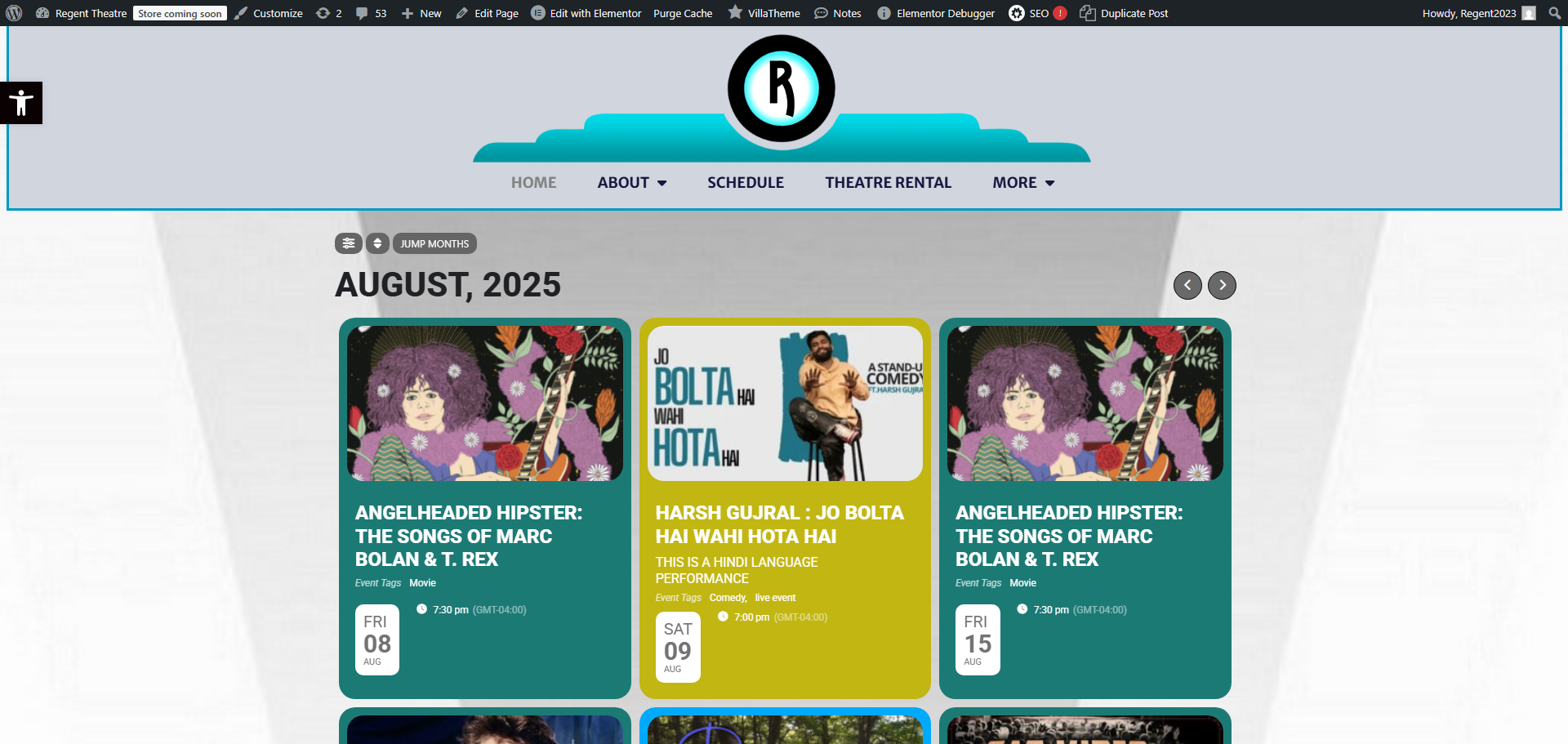
Thanks Artem but if I rearrange the Event Top won’t that change the look and feel of the homepage events, https://regenttheatre.com/? Isn’t there a way to take this grid layout and create shortcode and make it a list where the events are on top of each other? I just want to make it a list like the one I had in my previous message. Is there any post on how I can do this?
Thanks again, Greg