Hello,
1. Only text fields are available at the moment. However, could you check and see if it helps:
https://woocommerce.com/document/tutorial-customising-checkout-fields-using-actions-and-filters/
2. Yes. Three snippets for each field.
3. Please check this guide:
https://woocommerce.com/document/tutorial-customising-checkout-fields-using-actions-and-filters/
Hello,
After every purchase customers receive emails with tickets similar to
https://dev2.myeventon.com/wp-content/uploads/2022/04/Ticket_order_30114.pdf
You can customize the appearance by following:
https://docs.myeventon.com/documentations/how-to-additional-data-to-confirmation-email/
and finally, can the content and appearance of the ticket be edited?
regards
https://www.dropbox.com/sh/7gww8s2sgty3178/AAAKxRD7N_Uib-HqqApAN5pOa?dl=0
Here you can find the file. Thank you!
Let me know if this works…
Username: socialcrowdmedia1
Email: bookings@socialcrowdmedia.com
Password: Isaac2012!*
Hi
Thanks for your reply. I have one more question: will/can the tickets be sent by email?
regards Emil
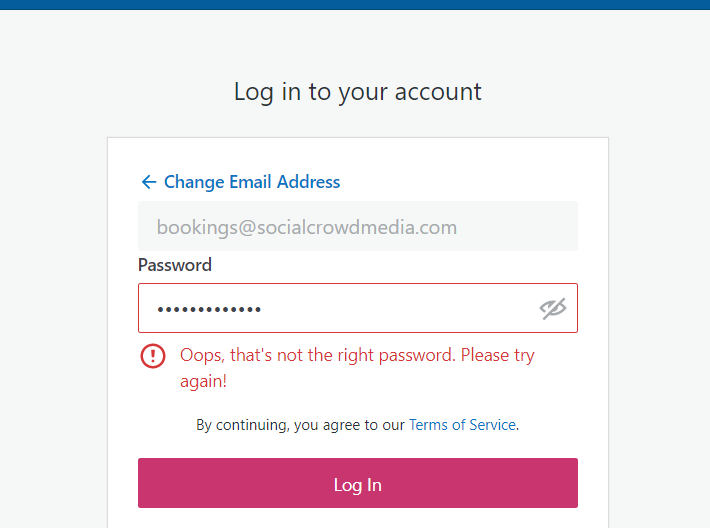
Hello,
Unfortunately, I am not able to login using the credentials you have provided. Please send some which do work so that we can troubleshoot the issues you are having.
Hi Blair,
Please try including this to your shortcode
hide_past_by=”ss” event_past_future=”future”
Let us know if that works for you.
Hello,
Please follow the instructions in this documentation to activate debug in your site to see any PHP errors recorded that can provide insight on to whats going on. Please reply with a link to debug.log file. If you are not able to do this please send us FTP access to your site so we can do this for you.
WordPress login:
Username: bookings@socialcrowdmedia.com
Password: Isaac2012!!**
I had tried putting in that shortcode with the other shortcodes I have but I just wasn’t working for me. Could you help me do that?
https://socialcrowdmedia.com/calendar-of-events/
On this link above all my calendar of events, if you pull down you’ll see that the images are above the buttons, and I want the buttons to be first before the image so that they aren’t hidden. What i’m trying to do is have my events look like this:
https://nocovernightclubs.com/las-vegas-nightclub-events/
And then once you hit “more info”… have it look like this:
https://nocovernightclubs.com/events/dj-karma-jewel-nightclub-monday-april-11-2022/