I see you have added custom styles of
.ajde_evcal_calendar .calendar_header p {
text-transform: none !important;
}
so go into Myeventon>>>>language>>>>months & dates
and retype the month names exactly the way you want them to appear
Replies for tickets on suppota
I see you have added custom styles of
.ajde_evcal_calendar .calendar_header p {
text-transform: none !important;
}
so go into Myeventon>>>>language>>>>months & dates
and retype the month names exactly the way you want them to appear
Please send us wp-admin access to your site as a private message for us to further assist your situation.
we need to see what should be displaying on the event
that css is for the widget can you clarify “hard-return” fill
UPDATE: I have been trying some different things and it appears that if I remove the event_past_future=”future” parameter from the short code, it does display the current day’s events. So if you go to the link above, it might appear to be working properly now. But I’ve had that parameter set like that for the last year and a half and never had any problems. Plus, without it, it sounds like I will have to log in daily to delete past events and that isn’t workable on my end. Any idea what is causing this issue?
also is it possible to have tickets priced at £0.00? ie free tickets?
also what analytics / reporting is there in this app?
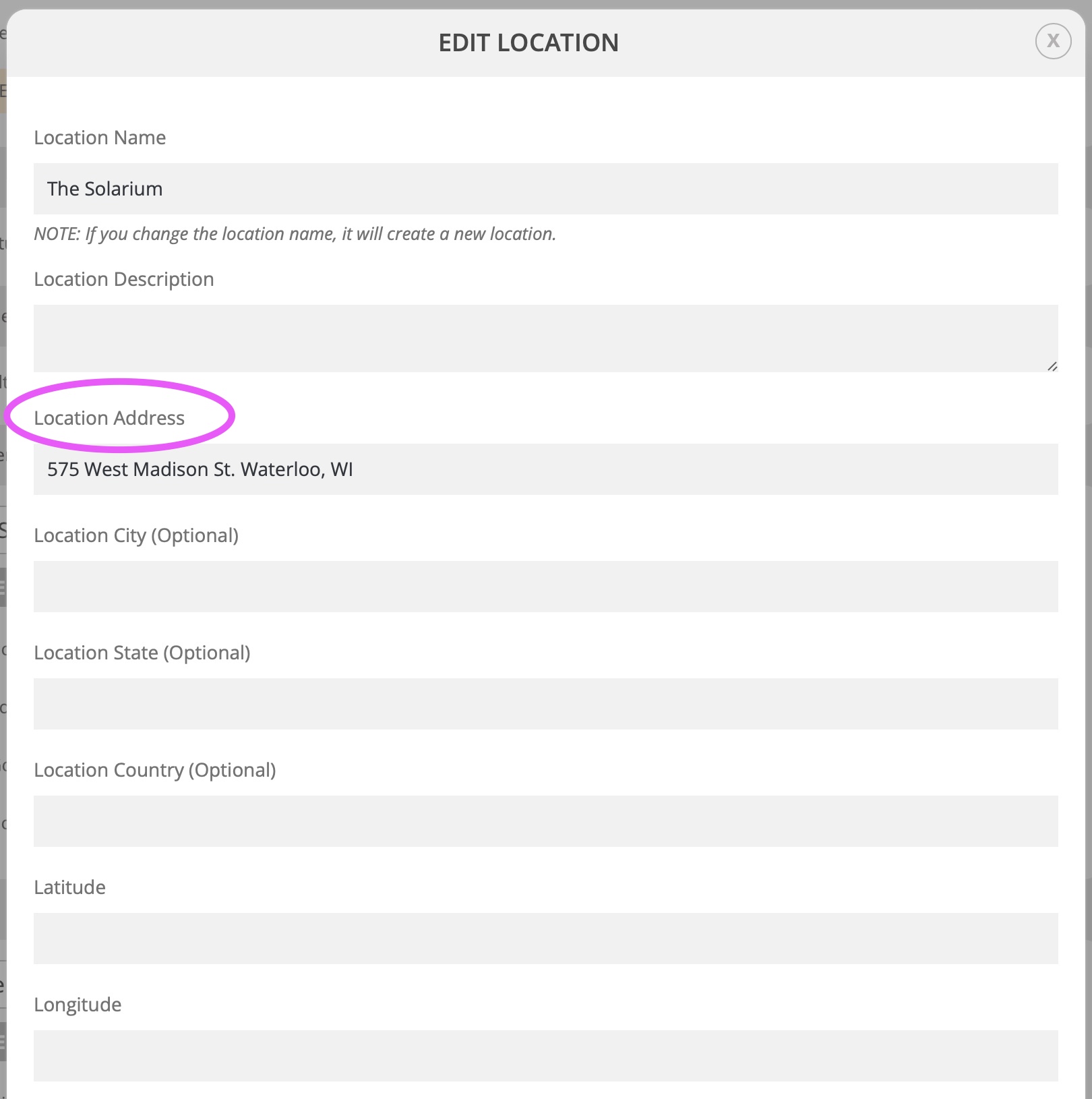
Screen grab of where I’m talking about attached…
Hey Ryan,
It is possible but this will require to match things on WordPress and how it imports stuff, something like WPImport All may work.
Ok, I’ll wait.
Hey Sandy,
We have assigned the ticket to him, so he can review that accordingly
You are welcome Michel!
If you have a moment, we would greatly appreciate if you could kindly leave us a review at codecanyon! from your account > downloads. Cheers!