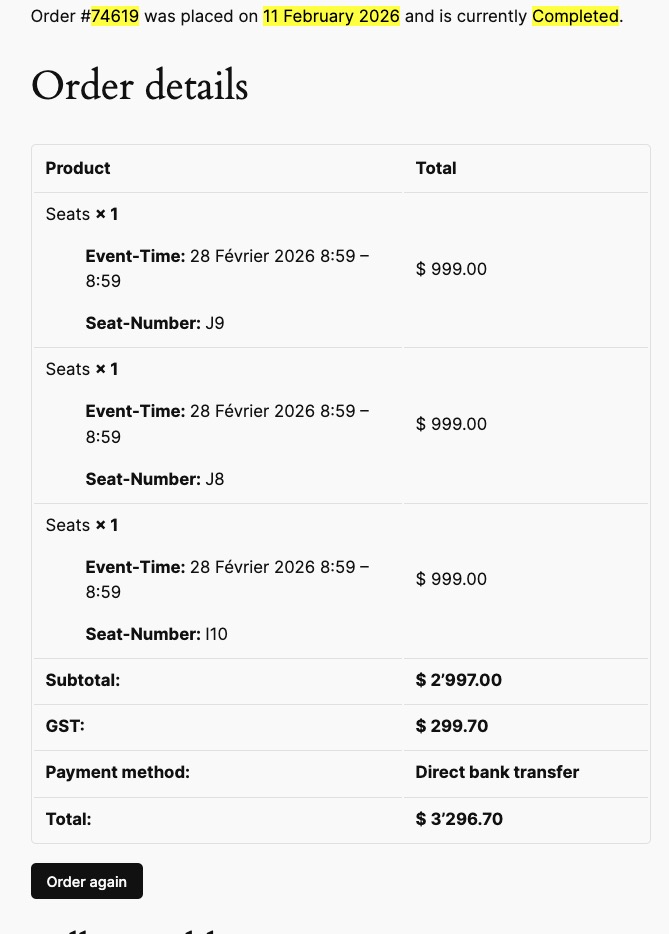
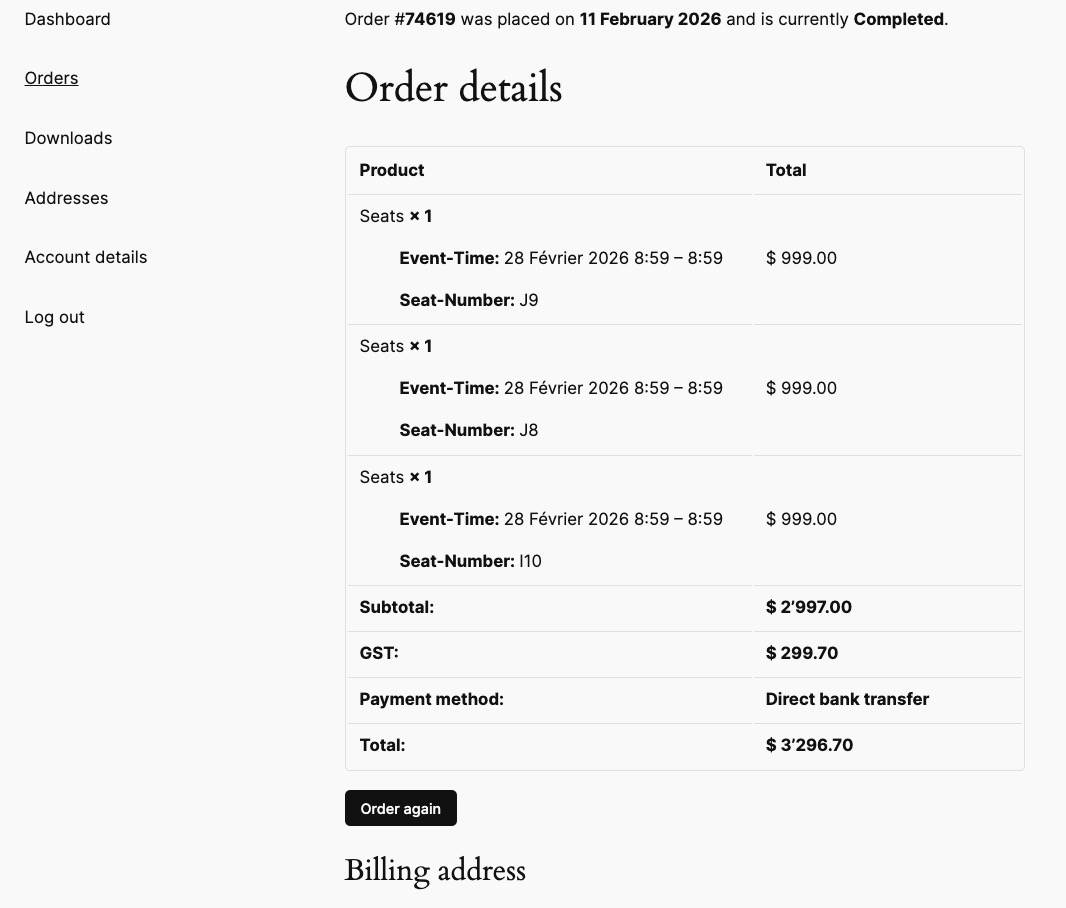
I just checked orders on our website without EventON activated (no Ticket and so on).
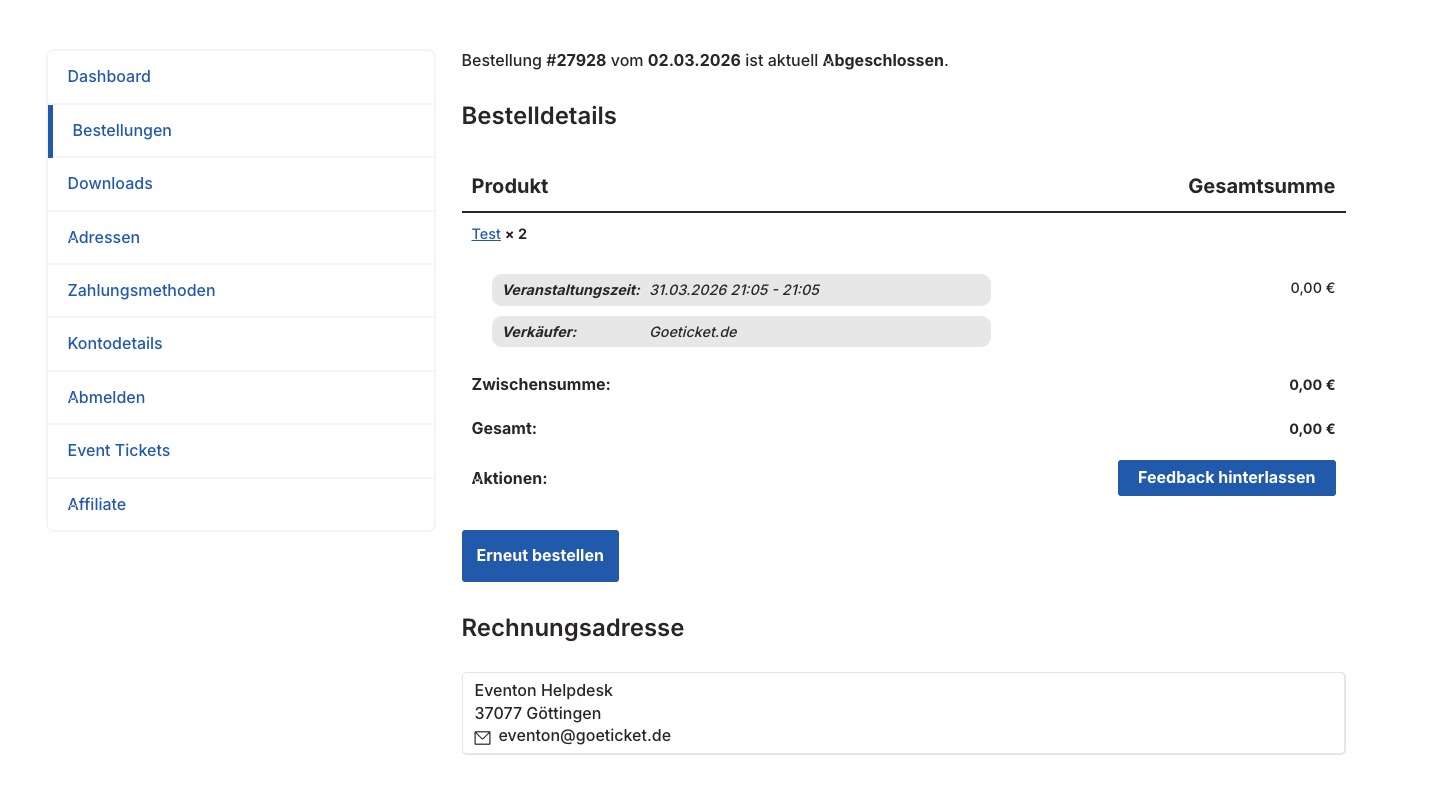
Orders as well as [woocommerce_order_tracking] page don’t show the download button as well:
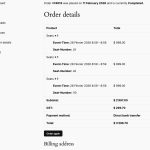
The button should be on this page?
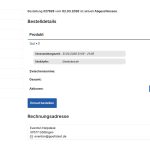
”View Ticket” button issue is fixed when you go to EventON > Skripte & Styling > disable Laden Sie eventON-Skripts und -Stile nur auf eventON-Seiten. Could you check and let me know?
Fixed version that seems to be working for me at https://drive.google.com/file/d/18A1PC7vuck72V8yFiG_NdMqOmo_9UJ51/view?usp=sharing
Hello,
Please send us wp-admin access to your site from ”Access Info” box on right side menu, to further assist your situation.
Also this link doesn’t show the RSVP section at all:
https://euth.at/events/euth-trifft-us-botschaft
Could you check and let me know?
Hello,
Which event are you referring to? Could you send us a link and also a screenshot of the issue?
Hello,
To update eventon to latest version: (If auto update works, please try that from with your website plugins page)
1. If you purchased eventON from codecanyon > Go to EventON Full page and verify your purchase to get a free copy of eventON latest version and move your purchase over to myeventon.com.
2. If you already purchased eventON from myeventon.com go to My Account > Downloads and get the latest version copy.
Once you have the latest version zip file. Then you can go to your website > make sure ”Delete eventon settings & data when EventON is uninstalled” is De-slected from eventon settings, delete old eventon, install new one and activate. This link will further explain the process it. Follow us on X to get real-time announcements on updates!
I performed the update and custom repeat is working again. Must have missed the email for 5.08! Thank you! Closing ticket.
Hello,
Thank you for your great suggestion, at the moment it is not supported. However please create a new ticket and select Feature Request as category so others can vote on your idea and get it moved into development faster.
Hello Kyle Webster,
We don’t provide customizations anymore, I am afraid. Please create a new ticket and select Feature Request as category so others can vote on the idea and get it moved into development faster.
Actually we have another idea that might work. Please purchase a new addon using the correct email, which will create the Paypal Subscription ID for that email. We can then use that for the old orders that are using the old email and replace those.
Then we can refund you the test addon purchase order.
Hello,
Could you update EventON and Event Lists: Ext add-on as well?
To update eventon to latest version: (If auto update works, please try that from with your website plugins page)
1. If you purchased eventON from codecanyon > Go to EventON Full page and verify your purchase to get a free copy of eventON latest version and move your purchase over to myeventon.com.
2. If you already purchased eventON from myeventon.com go to My Account > Downloads and get the latest version copy.
Once you have the latest version zip file. Then you can go to your website > make sure ”Delete eventon settings & data when EventON is uninstalled” is De-slected from eventon settings, delete old eventon, install new one and activate. This link will further explain the process it. Follow us on X to get real-time announcements on updates!
To update eventon addons: You can download latest eventon addons from myeventon > my account. Then you can go to your website, deactivate old addon and install new one and activate then delete the old addon. This link will further explain the process. Also you can follow us on twitter to get real-time announcements on updates!