Hello,
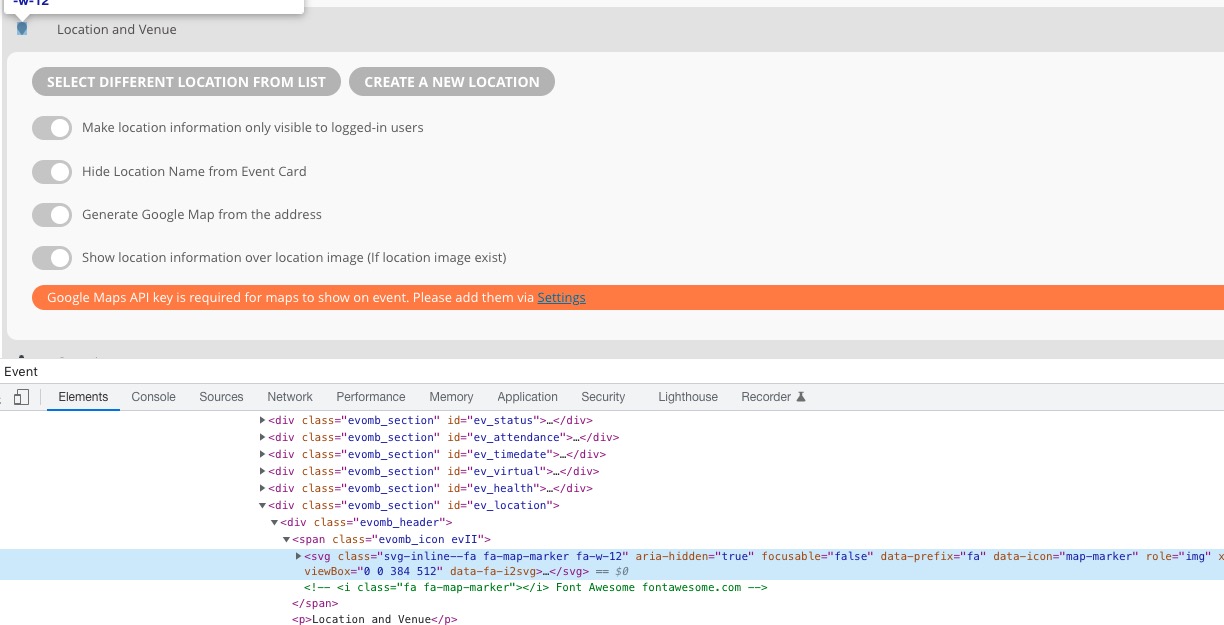
Something replaces all <i> tags with <svg>. Could you please try the instructions mentioned in this documentation?
Replies for tickets on suppota
Hello,
Something replaces all <i> tags with <svg>. Could you please try the instructions mentioned in this documentation?
Ashan,
When you try to edit the variation, it shows All:
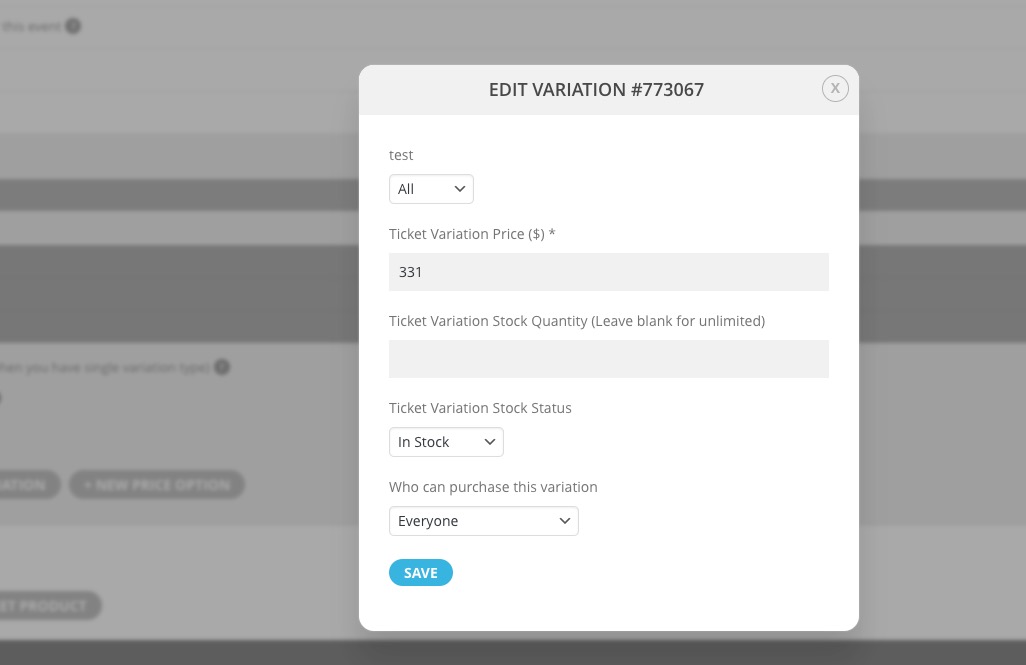
However, you still can select the correct one and then edit it.
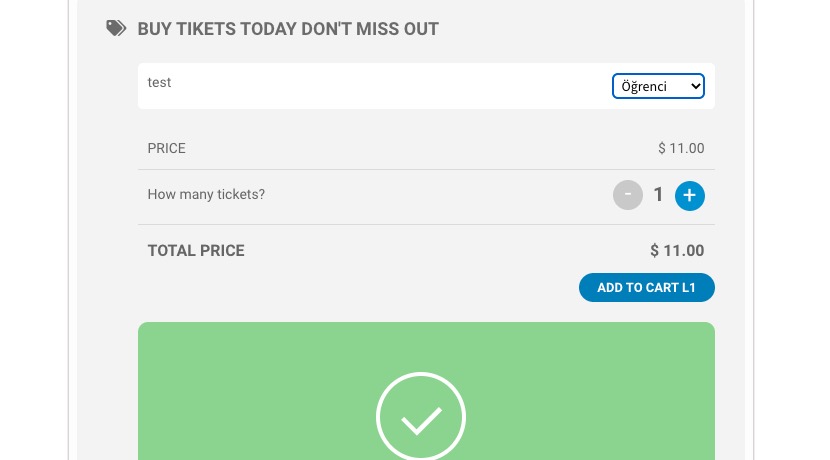
The main issue is that you cannot select it on Event Card:
https://dev2.myeventon.com/events/var/
Could you send us a link to the event with the issue?
Thank you for your messages, I am going to assign this ticket to Ashan and he will be able to take it from here and find you a solution. Please allow some time for him to get back to you, we greatly appreciate your patience and thank you for being a eventon customer! Also please disable any IP blocking on your site if there are any.
I rechecked the YearlyView options and unfortunately, it doesn’t support hide_mult_occur=”yes”, that hides events from showing more than once in between months.
Login info still doesn’t work with the same error.
Hello,
Could you send us a link to the file so we can check it?
Hi Ricardo,
1. Please add this custom CSS to Appearance > Customize > Additional CSS to make the icons show
.evo_metarow_socialmedia a.evo_ss i { font-family: evo_fontawesomes,evo_fontawesome,evo_fontawesomeb !important; }
2. You can take a look at the link below on how to add other social sharing buttons
https://docs.myeventon.com/documentations/how-to-add-new-social-share-icons/
Sorry about that, I’ve reset everything
Username: eventon
PW: Alexpro2022!
found it in languages – have changed text and am testing – will revert shortly after testing
HI
I have not yet decided if I want ot use that plugin – it is irrelevant as though as the eventon text is going out on completed orders anyway – where can I find the source of that text?
Your order is still in process, once the order is completed you can submit your purchased event submissions!
Great, that did the trick. sorted now