I don’t know how you get anything done on that site it takes a minute to load the visual builder
both shortcodes had the same event type 55
so I edited it and theres no events on this page https://ftj.burntarrowmedia.com/ateliers-et-tutoriels/
might need to clear your browser cache if you see events
Hello,
Please send them to us, so we can fix this.
then we get a critical error
WordPress usually sends you an email with the error. Could you send it here, so we can check the error code?
Hello,
Everything seems to be working correctly on this page:
https://ftj.burntarrowmedia.com/105443-2/
First has 6 events, the second – 0:
https://ftj.burntarrowmedia.com/wp-admin/edit-tags.php?taxonomy=event_type&post_type=ajde_events
Hello,
Try this code:
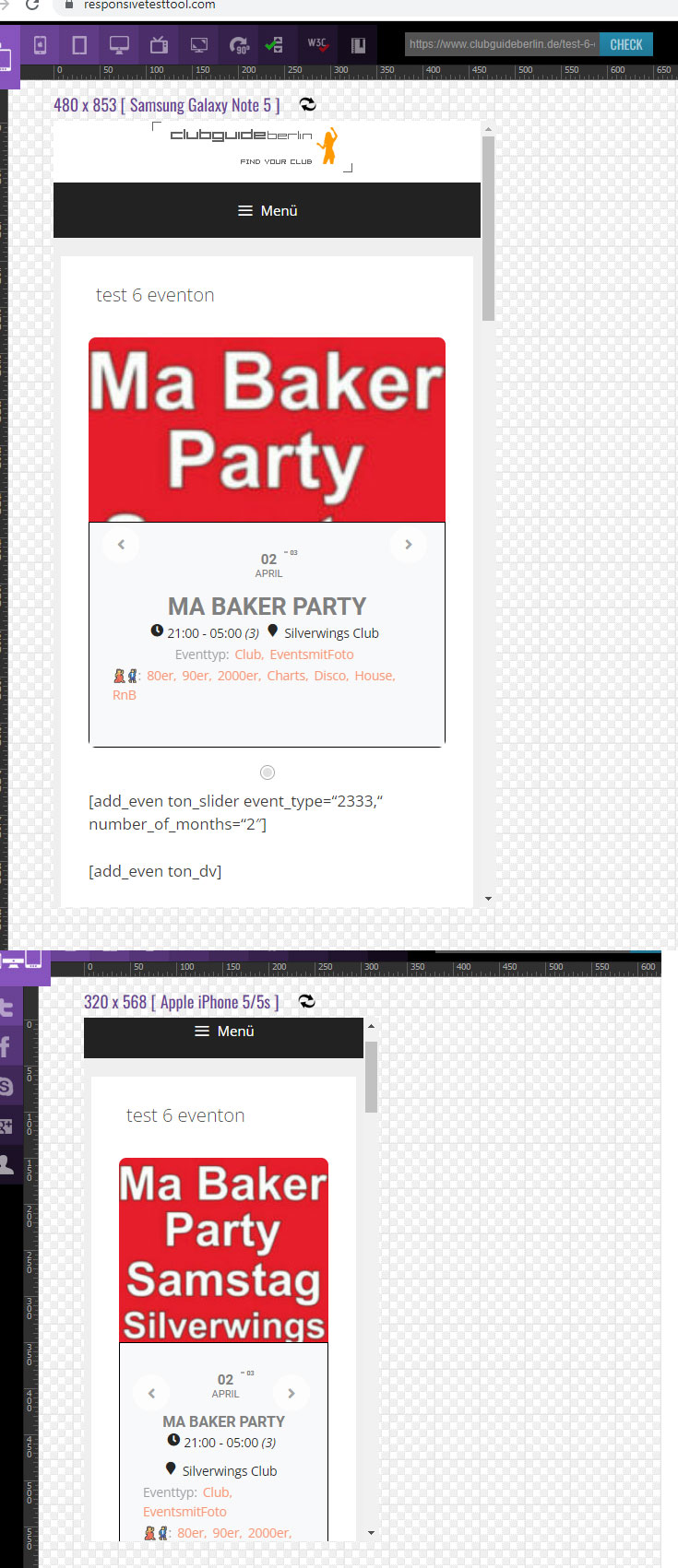
@media only screen and (max-width: 480px) { .evoslider.ajde_evcal_calendar.ss_imgtop .eventon_list_event.hasbgimg .evo_boxtop { height: 400px !important; flex: 1 0 400px !important; } }
Change 400 to a number that works for you.
Hello,
Maybe Variations’ add-on version is out of date? Could you check?
To update eventon addons: You can download latest eventon addons from myeventon > my account. Then you can go to your website, deactivate old addon and install new one and activate then delete the old addon. This link will further explain the process. Also you can follow us on twitter to get real-time announcements on updates!
Hello,
Please add this CSS code to EventON > Styles (If you don’t see any change, EventON > Scripts & Styling > turn off Write styles to header > save settings > turn on Write styles to header):
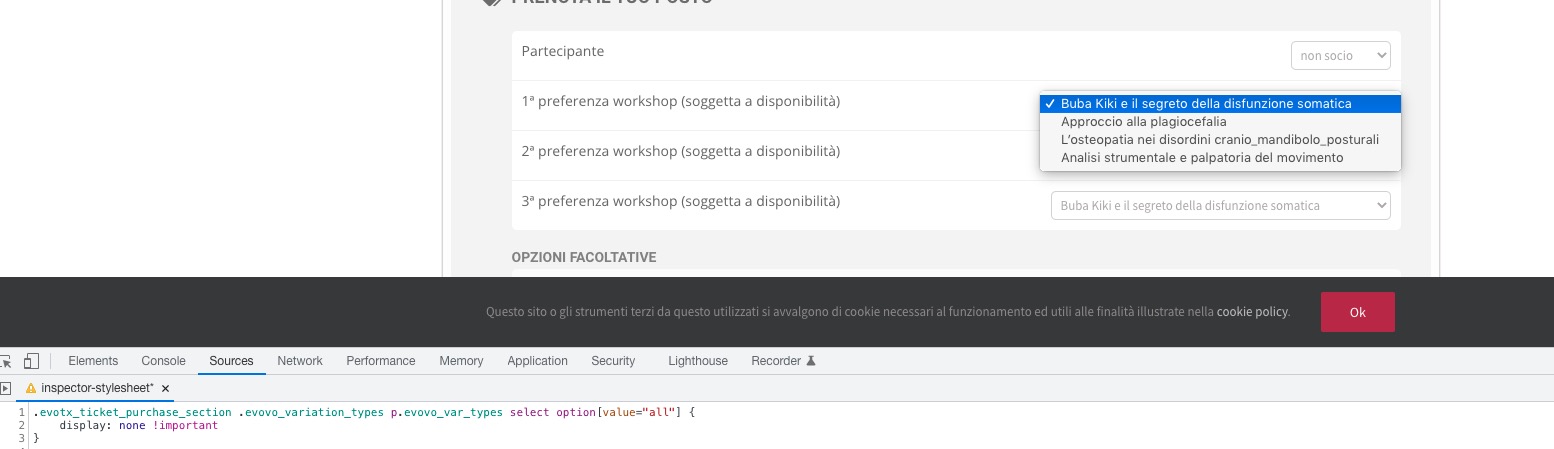
.evotx_ticket_purchase_section .evovo_variation_types p.evovo_var_types select option[value=”all”] { display: none !important }
Hi Basilis,
could you please help me?
I would like to hide “all” option in the select
Thank you
Unfortunately, it’s only set up on my local machine. I will try and get it uploaded tonight and give you access. Is there anything obvious I can look for or a screenshot I can give