It will be accesable by google search engines but as its not keyword rich it only has the events on that page and the organiser name to rely on
you can also create your own organiser page see video below
Archive pages are not that useful tbh so by creating your own dedicated page that can be something google can find easily
the only weakness is if you have 214 organisers you’ll need to create 214 organisers but if you only have 20- then thats not a huge task to make
Try adding the code to https://www.associazionesaras.it/wp-admin/customize.php?url=https%3A%2F%2Fwww.associazionesaras.it%2F > Additional CSS.
Also, I’m getting errors too… Any ideas on why this would be happening? Is there a log to view?
This is because of enabled “Enable duplication event name check during importing”. Some events cannot be imported because they are already exist.
however, we need the start times to be four hours earlier for both end and start
Try going to https://www.forkunion.com/wp-admin/admin.php?page=evoics > change Event processing timezone method to the one that is 4 hours earlier > import events with the time needed.
So the issue is with “Print Attendees List” button on
https://helpdeskx.s3.amazonaws.com/wp-content/uploads/2022/04/07124219/Screenshot-2022-04-07-at-20.39.22.png
Correct?
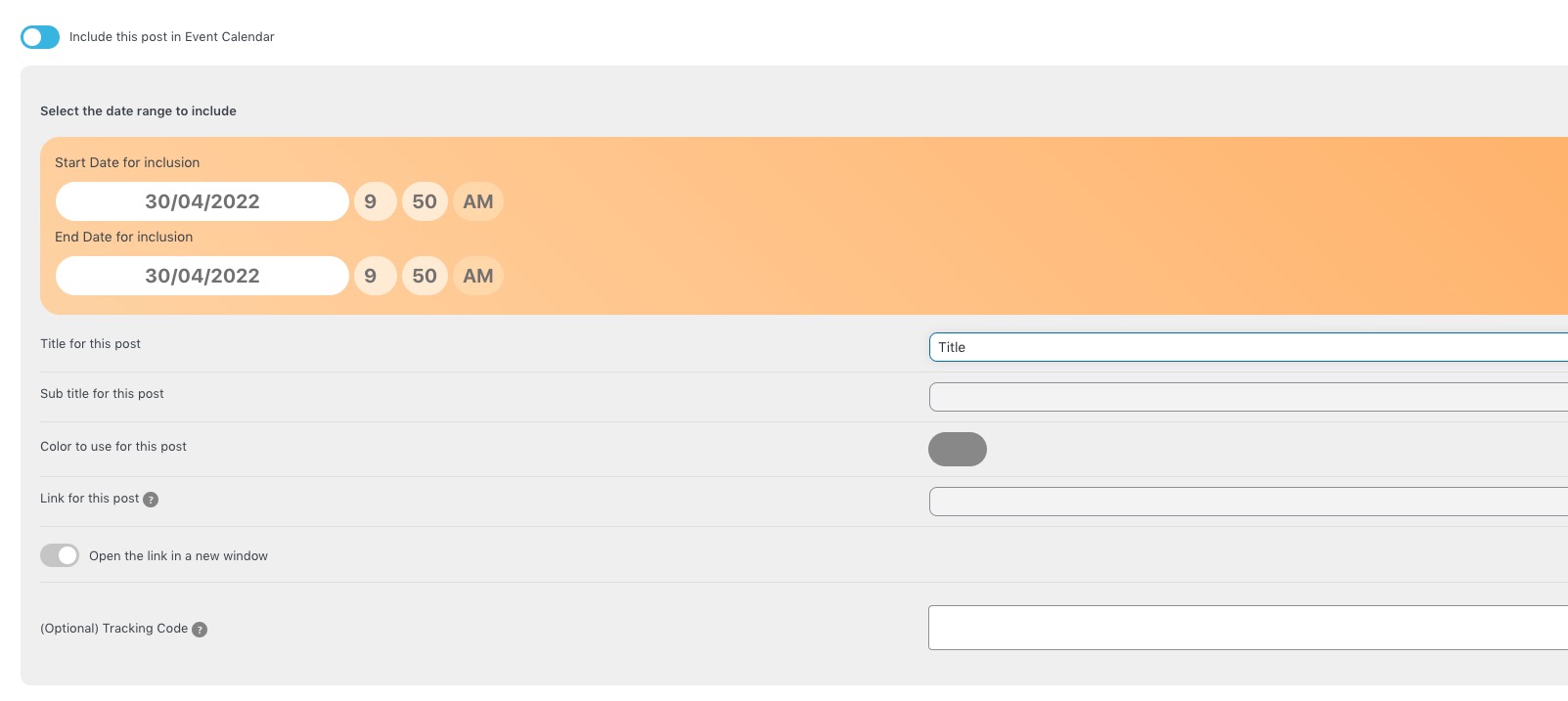
Could you go to Edit Post > make sure that Title and other fields are filled:
So if i don’t link manually the organizer page created with EVENT ON, that page will be inaccessible ?
Can i generate a page with a list with all organizers?
Great! Please keep us updated.
We are glad your issue is resolved, if you have any further questions or concerns please create a new ticket.
Hello,
Unfortunately, the only way of removing this is to customize the email template from WooCommerce’s side:
https://woocommerce.com/posts/how-to-customize-emails-in-woocommerce/
EventON’s ticket emails can be customized by following
https://docs.myeventon.com/documentations/customize-ticket-email-template/