If that icon blanked out is the very one you wanted to use- then theres an issue – but 99% of those icons are never used so if its the latter I wouldn’t worry about it
but let us know how you go with your analyzes
Replies for tickets on suppota
If that icon blanked out is the very one you wanted to use- then theres an issue – but 99% of those icons are never used so if its the latter I wouldn’t worry about it
but let us know how you go with your analyzes
you can change those in myeventon>>>>>Language
but the language change only effects the front end- not the back end

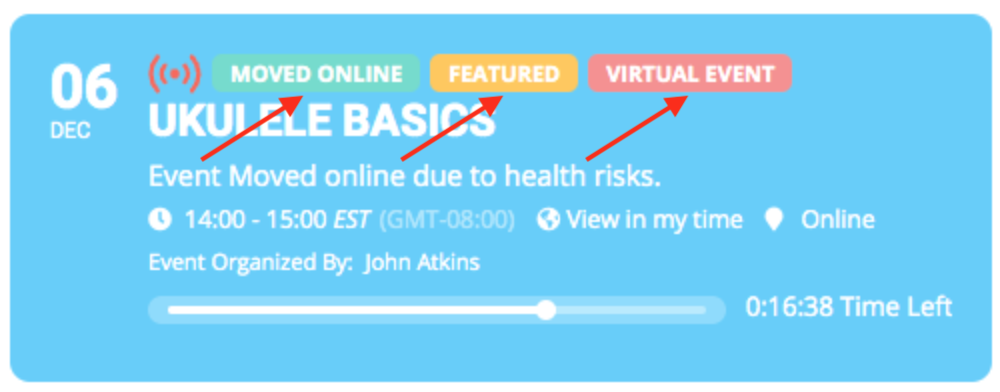
Okay, thanks. I read over the articles, but it doesn’t seem like the plugin is able to do what I’m trying to accomplish. Just to confirm, I am not able to modify the buttons to custom text that I’ve marked on the image I’ve attached?
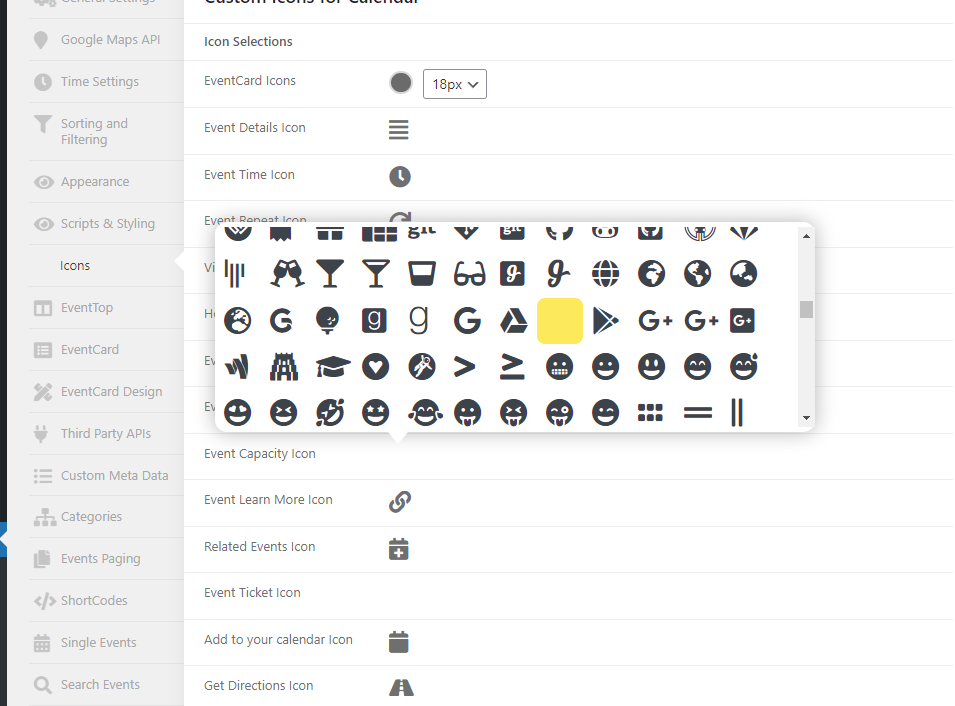
I’ve added this line to the css file and it fixes the most of the icons, but some icons are now no longer visible.
I will analyze the other plugins the next days when I have some time, maybe there is a option to disable font awesome css in backend. Very annoying.
Hello,
Thank you very much for your support, but we want to display all events (past events/future events) and display them like a grid.
Like this https://imgur.com/a/RWVBT1f
Waiting for your answer,
Thank you!
image sample:

that didn’t work but thanks- instead i added margin-top: 10px; to a piece you gave me before and it worked ref:
.olympus-theme .woocommerce table.cart .product-thumbnail .cart-product__item img, .olympus-theme.woocommerce-page #content table.cart .product-thumbnail .cart-product__item img, .olympus-theme.woocommerce-page table.cart .product-thumbnail .cart-product__item img { margin-right: 30px; margin-top: 10px; }
yay!
Hi Artem,
Well spotted. I’ve notified the developer of the sign-up sheets plugin. Hopefully they come up with a solution.
Thanks for the help so far. I’ll get back to you when they have replied.
Mark
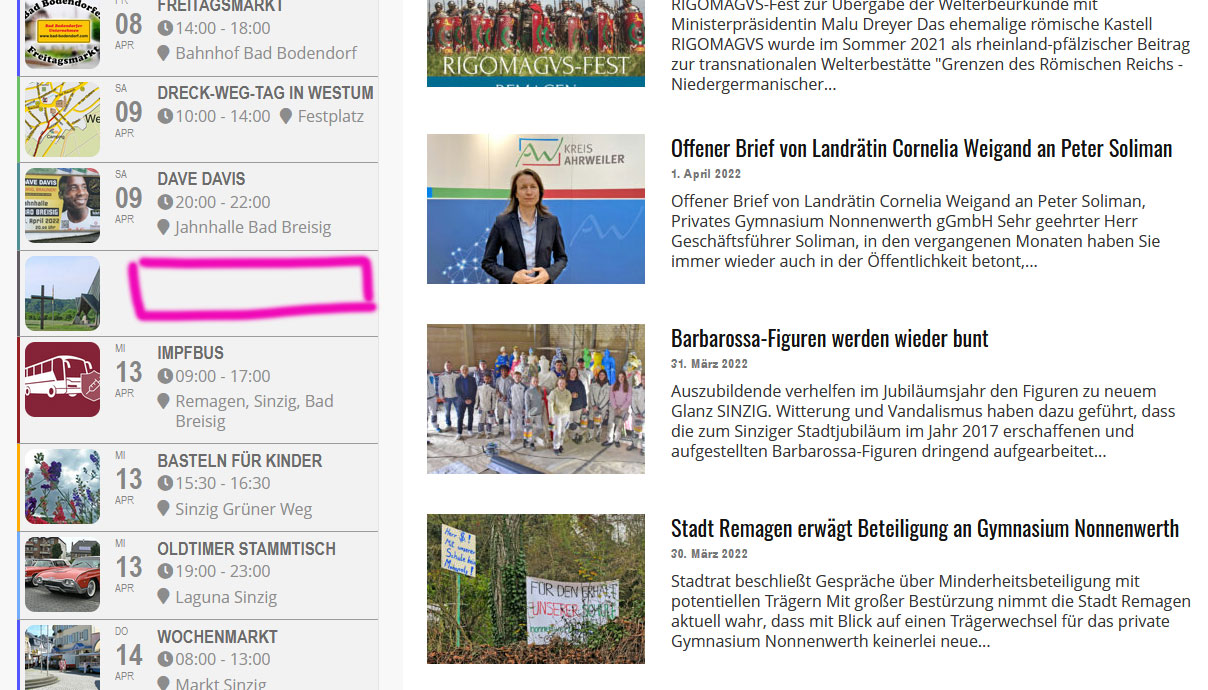
Hi,
Admin Access coming soon.
But here is the Shortcode.
[add_eventon_el event_count=”14″ event_count_list=”yes” eventtop_style=’0′ sep_month=”yes” etc_override=”yes” show_et_ft_img=”yes” event_type=”18517, 18522, 18481,18484,18483,18478,18476,18482,18485, 18477,18486,18487,” exp_so=”no” hide_so=”no” hide_past=”no” el_type=”dr” ux_val=”3″ add_eventon include_any=”yes”]
Screenshot