Hello,
The problem is in
Google Maps JavaScript API error: ApiNotActivatedMapError
https://developers.google.com/maps/documentation/javascript/error-messages#api-not-activated-map-error
Please take a look at https://churchthemes.com/page-didnt-load-google-maps-correctly/
can you create a staging site so that we can test out and disgnose without it effecting your customers
Unfortunately, we cannot provide customizations because of CodeCanyon’s Support License policy.
No featured image here english https://congressiconvegni.it/en/archivio-eventi-2022/
weglot is the paid version
Hello,
Could you go to EventON > Time Settings > adjust time with “Custom eventon only time offset value (in minutes)”?
I am sorry, the access information you have provided did not work for us. Please check them and post the correct login information as a private message, thank you!
and also what timezone are you?
Login info stopped working. Could you check?
Please also try going to EventON > Time Settings > enable Use UTC offset time globally on calendars (BETA).
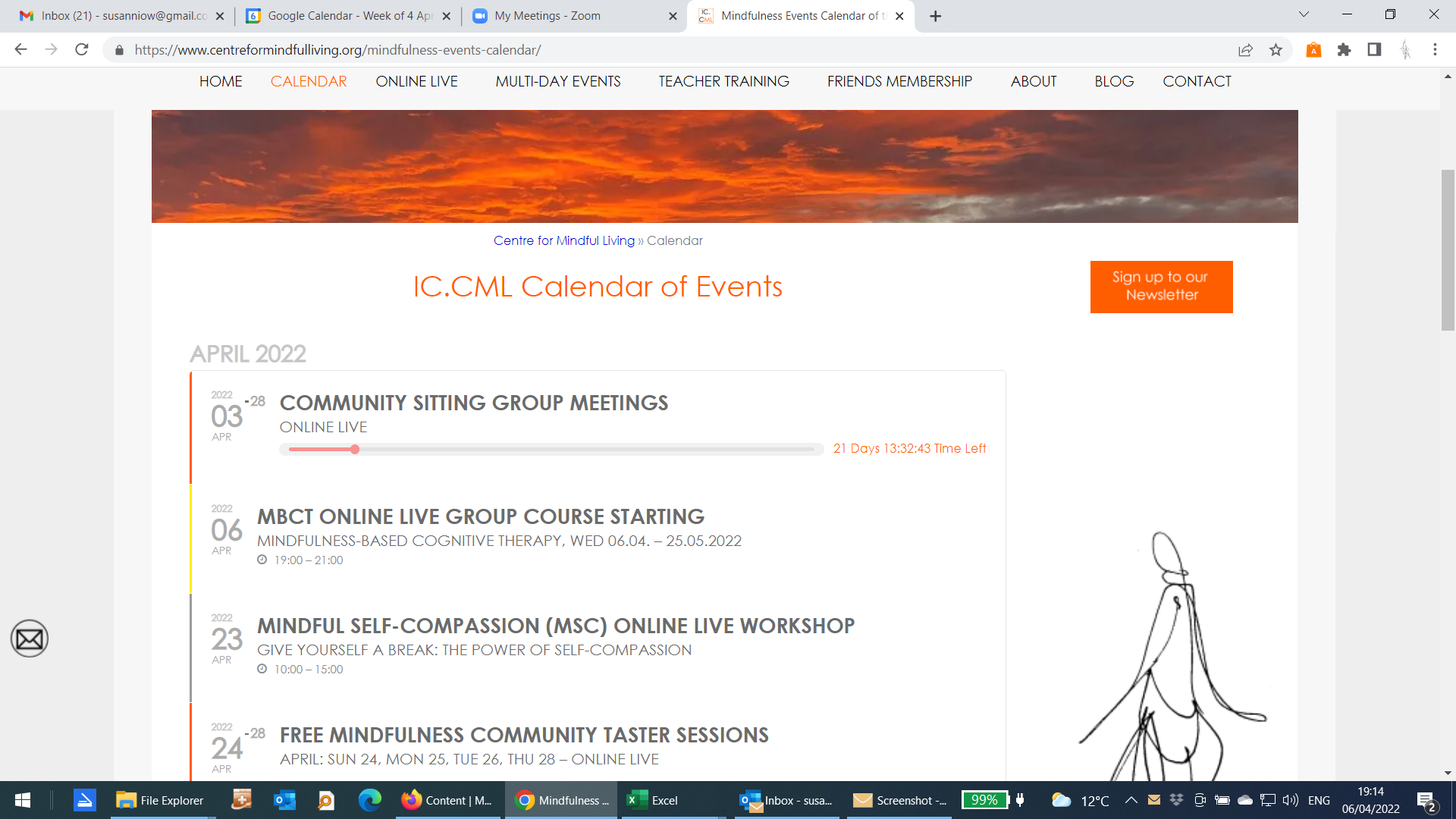
I forgot to add the URL in question it is
https://www.centreformindfulliving.org/events/mbct-online-live-group-course-starting/
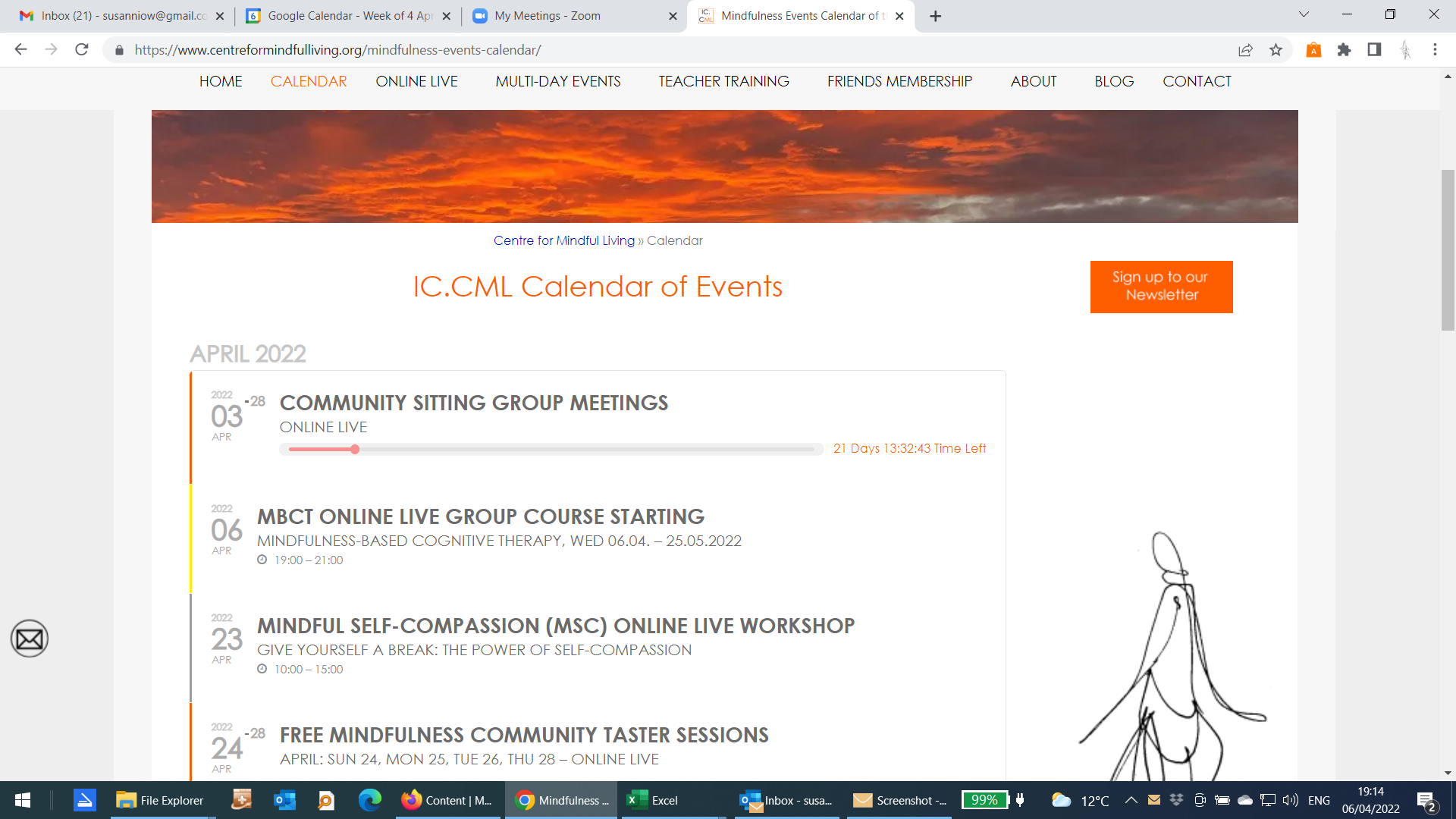
Sorry for the delay in getting back to you, I got hit with Covid 🙁
At the moment I’m having issues with a specific entry with regards to the time line not showing up it is for this event
MBCT Online Live Group Course Starting (The second item in the list on the Calendar screen shot)
I hope this helps.
Thank you,
But I don’t know how to code.
Can you do it for me?