what user roles are having trouble
can you give us a account as that user type so we can see for ourselves and diagnose
Replies for tickets on suppota
what user roles are having trouble
can you give us a account as that user type so we can see for ourselves and diagnose
have you modified the checkout fields?
the reason I ask is when you add the product via the event- on checkout it should have fields for ticket holders names- but these do not show up on your checkout
can you clarify what desk view is? and give a page as I cannot see eventon on the page you provided
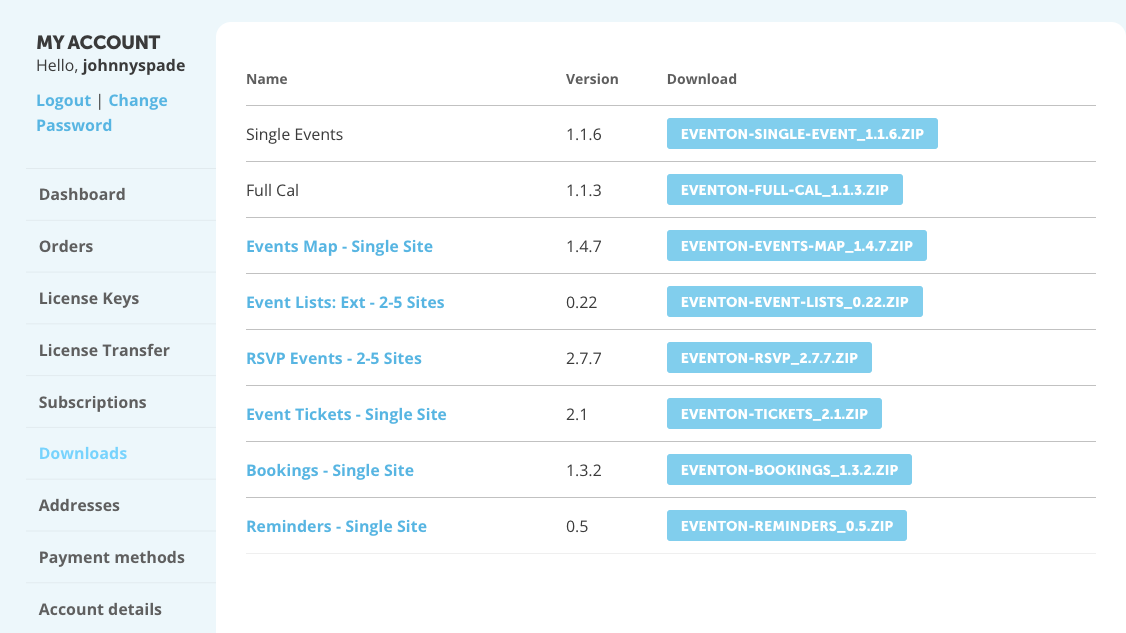
Ah, i can see that. I do not see the the latest version in my downloads though. The version listed there is 1.1.3. Where do I access the update?
Hello,
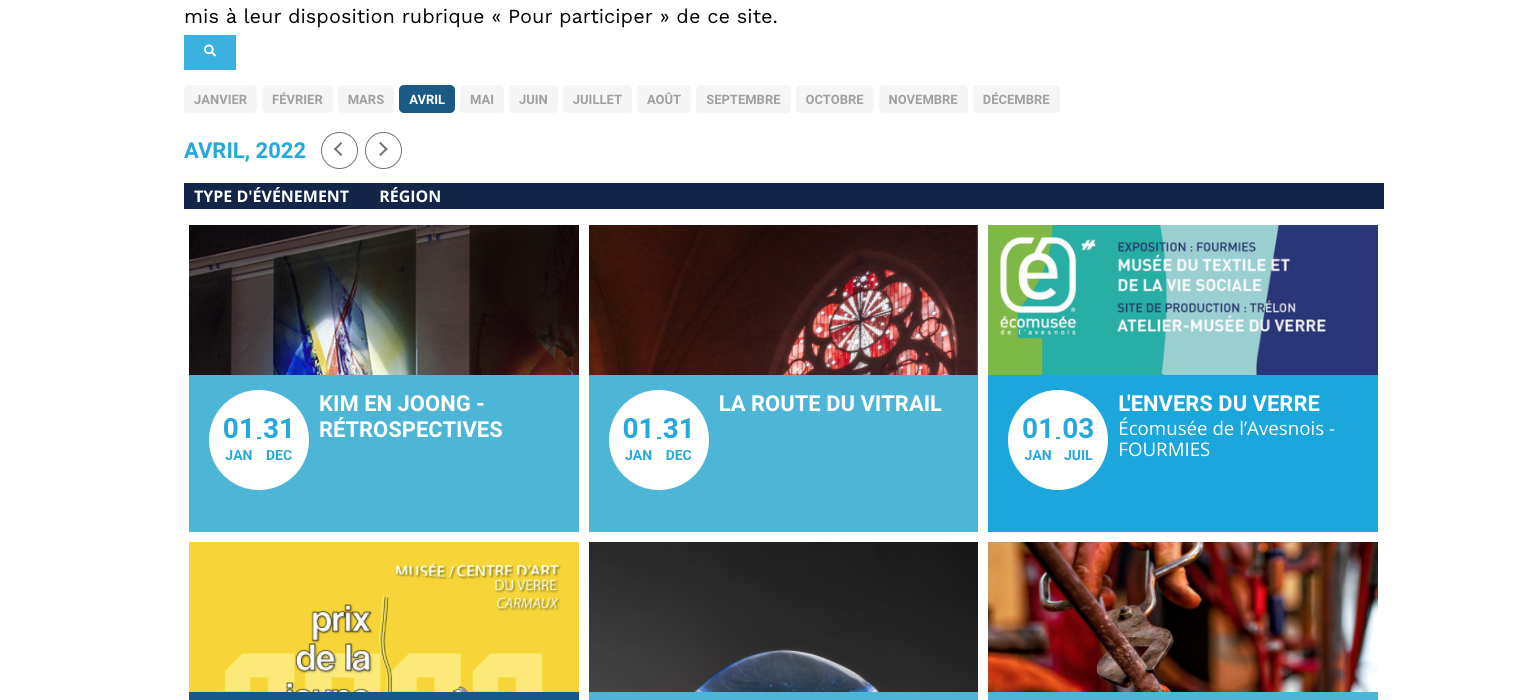
It seems that your theme is conflicting with our plugin. Would you mind checking that out? You can also contact the theme developer to check if they can help.
Hi Martin,
We are glad your issue is resolved, if you have any further questions or concerns please feel free to create a new ticket.
Thanks for your reply,
I was able to correct the problem
Hi Bob,
You can remove the icon using the custom CSS code below:
.eventon_filter_line .eventon_filter_dropdown p.select:before{display:none;}
Please add the custom CSS code to “EventON Settings > Styles” and save changes. If you do not see the new style changes, Go to “EventON Settings > Styles & Scripting > Turn off write styles to header” Click save changes – to write the styles css code direct into page header. You can turn this off once the cache is cleared. You can also clear cache on your website via wordpress and/or from server to make sure new style changes are populated into page.
Hi Cheryl,
Do let us know how it goes. If you have any other questions, please feel free to create a new ticket.