Could you send us a page with the form, so we can give you the CSS code?
Archives: Replies
Replies for tickets on suppota
Reply to: tickets(273335)
Hi,
Thank for this patch !
Will the modification be integrated in a future version?
Regards
Reply to: tickets(272638)
Hello,
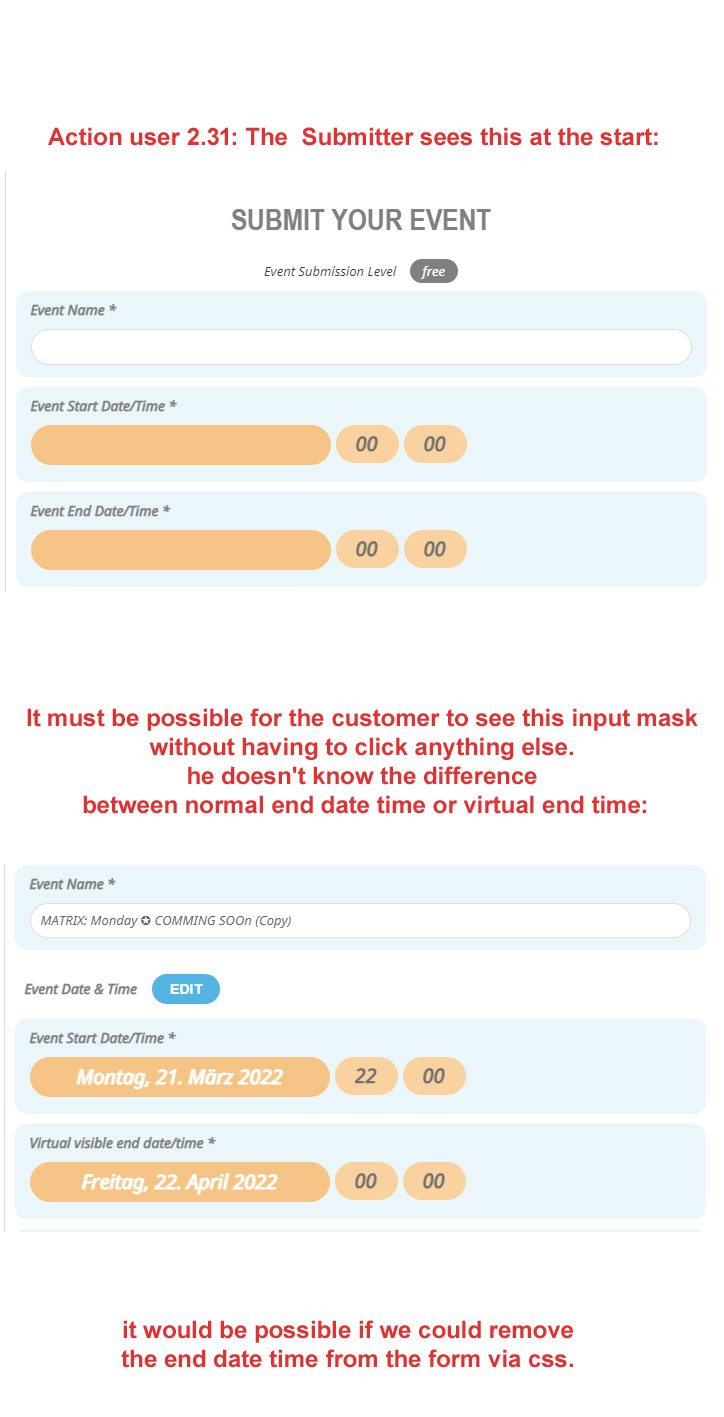
In action user 2.3.1 the virtual time is integrated.
However, the function described above is not yet available, so the virtual time cannot be used – it is too complicated for the customer.
Or is it possible to hide the end date time via css?
it is a beta maybe you can still change it?
here is a picture of how it should look at the start of the input:
Reply to: tickets(274133)
Hi, try again please:
User: eventon
Pass: VeVtjbz$aZJ)xbpLPi126pJR
Reply to: tickets(271250)
Ok thanx
Reply to: tickets(272998)
Reply to: tickets(272998)
Reply to: tickets(272998)
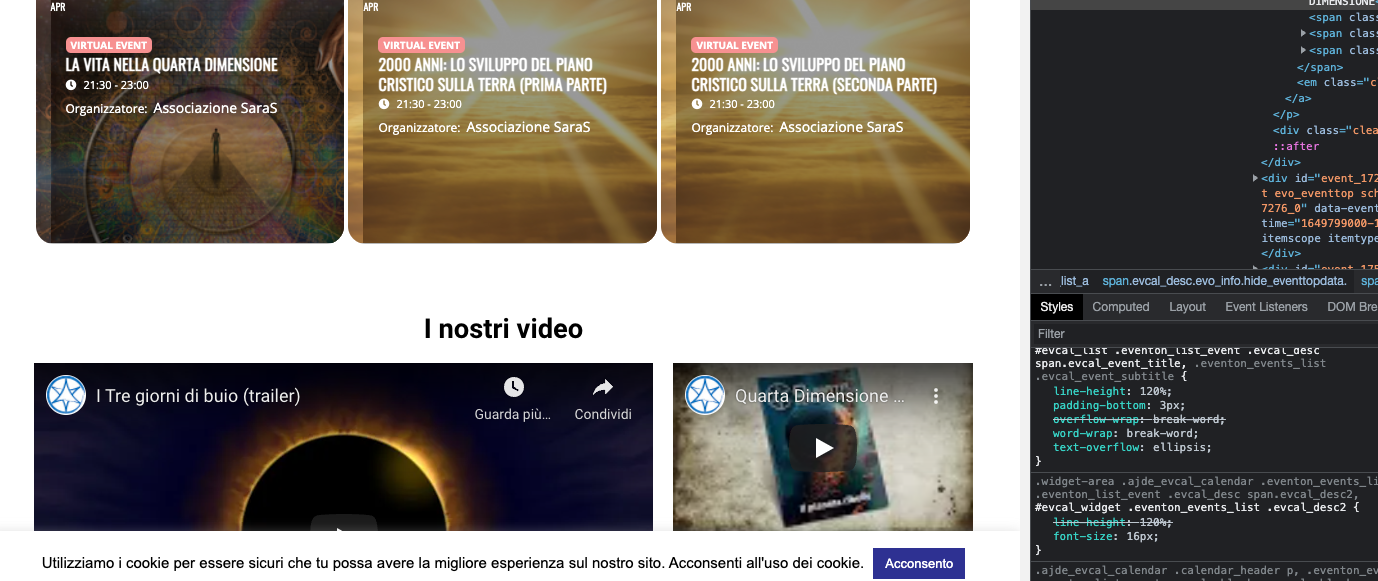
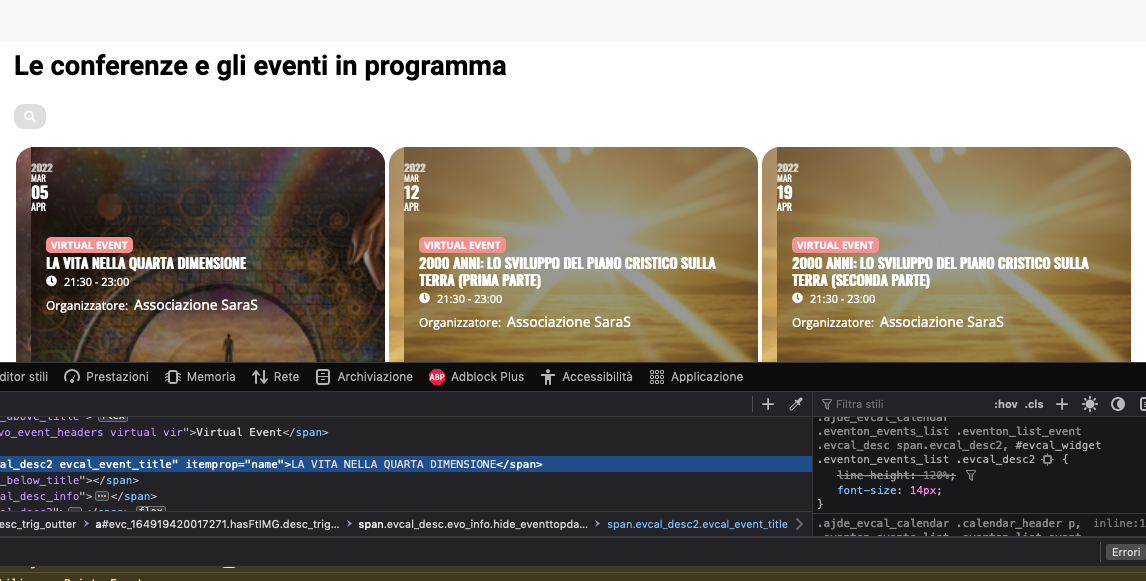
I am doing some tests to see how to change it.
My difficulty was related to the fact that despite changing the px of the font the writing remained the same.
After your post I also looked with Chrome, I usually use Firefox, and I saw that the events are displayed differently.
I am attaching the screenshots!
The first with the font at 14 is Firefox while the second with the font at 16 is Chrome!
Reply to: tickets(271778)
have you ticked the daylight saving tab when creating your event
Reply to: tickets(274294)
sort of depending on your exact needs
heres a video brainstorm (sorry it goes on for a bit)
(the repeating events would work with multiple sessions on different days)
you can play around with this yourself at https://dev.myeventon.com/wp-admin/
Some people have also used a gravity form inside the event itself- all depends on your exact needs. Gravity forms are OK but the form goes to your email- not sure you’d have to create some way to organise the sessions yourself using gravity forms
if you have say multiple speakers
probably create 1 event as your master event and from that have links to each speakers group of repeating events to choose their session
if you let us know the full set up of your event and needs we might be able to figure out a better alternative