Thank you, I figured it out! I have another question regarding categories.
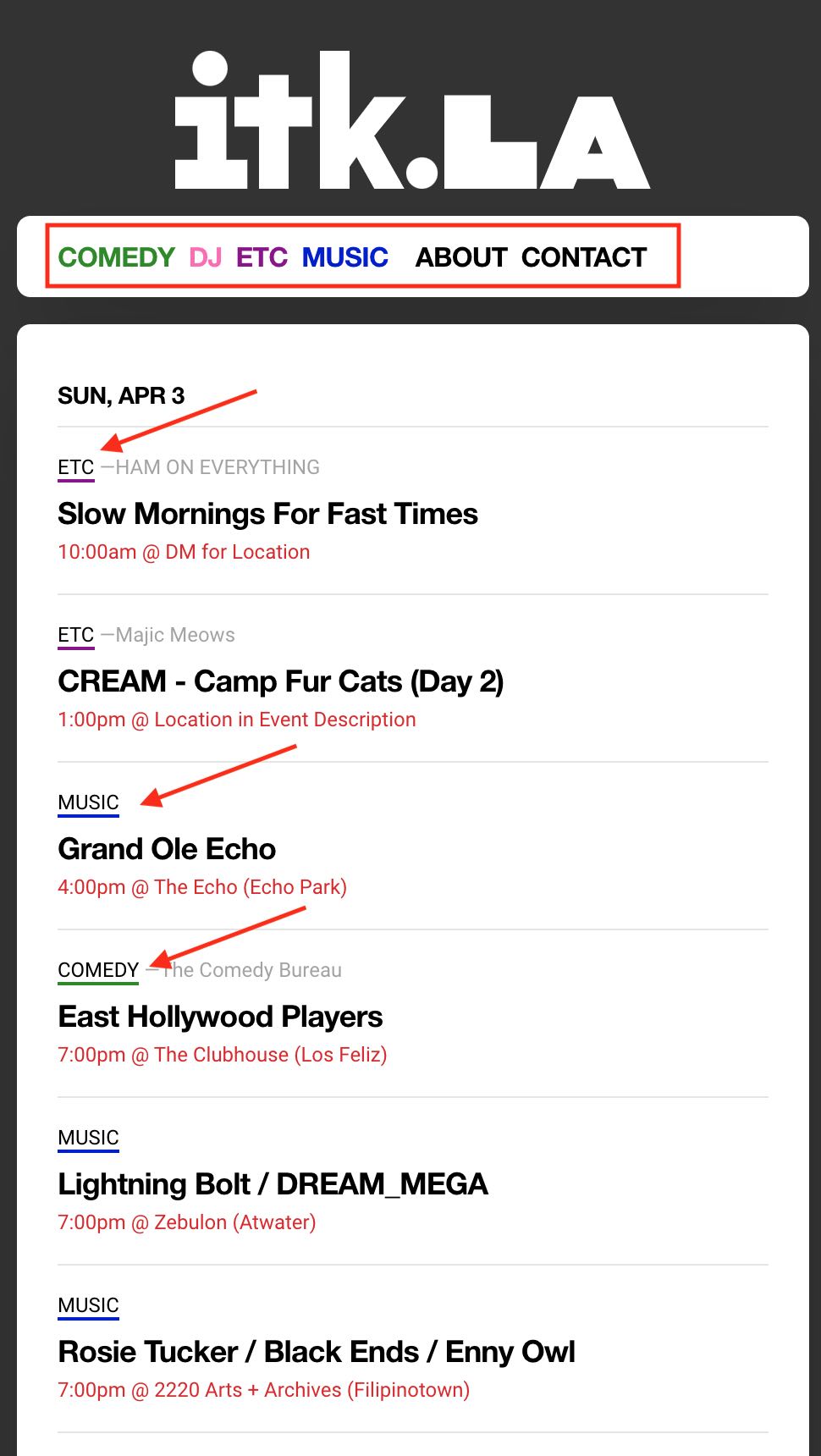
I’m trying to replicate something similar to the website itk.la I want to add a category tag to every event. For example, ITK has Comedy, DJ, ETC, and Music as a menu to filter their events. They can tag each post with a different category type and color. Are we able to do this with EventOn?
Thank you!
Hello Artem,
thank you for your answers!
1. could you please give me an estimation in time and cost to implement it ?
2. evo_rsvp_manager is perfect but I need to add a button/link only when user is checked, how could I do that with an hook/filter or how much does it cost?
Thank you,
Daniele
Use this with added tiles=”yes”:
[add_eventon_el number_of_months=”12″ event_count=”5″ event_count_list=”yes” show_limit=”yes” show_limit_ajax=”yes” tiles=”yes”]
1. Does event_id such as 986189905634837 exist and assigned to an event?
2. Both event_start_date & event_end_date must be added in this format: mm/dd/YYYY
Otherwise it may cause issues.
Hello,
Instead of Tag name please use Event Tag ID you can find here:
http://p79117-730-27964.s730.upress.link/wp-admin/term.php?taxonomy=post_tag&tag_ID=455&post_type=ajde_events&wp_http_referer=%2Fwp-admin%2Fedit-tags.php%3Ftaxonomy%3Dpost_tag%26post_type%3Dajde_events
…tag_ID=455…
Tags:
http://p79117-730-27964.s730.upress.link/wp-admin/edit-tags.php?taxonomy=post_tag&post_type=ajde_events
Hello,
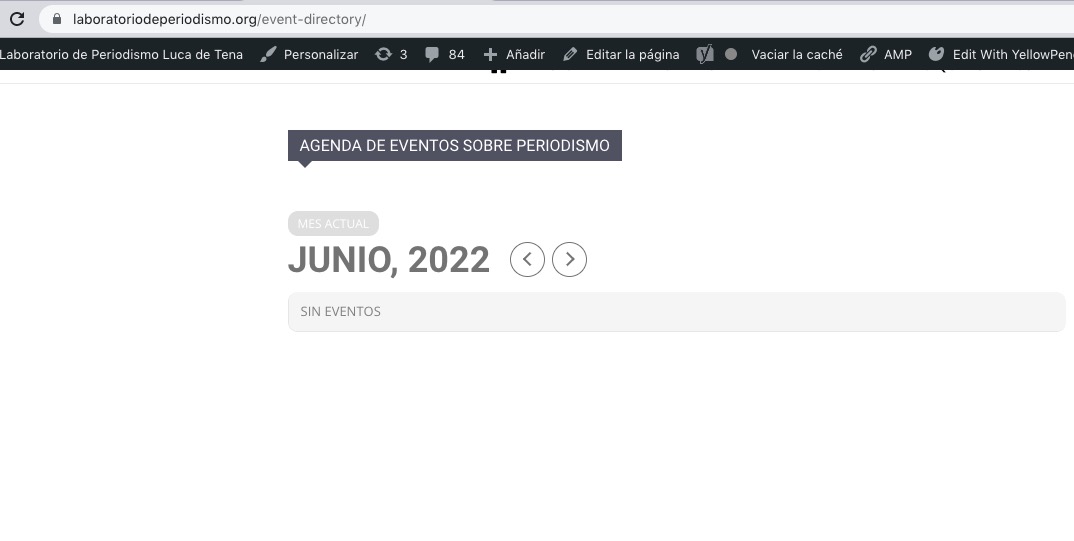
There is some kind of issue on the website. When you logged-in it works, otherwise – doesn’t:
Could you please try the instructions mentioned in this documentation?
Hello,
Thank you for your great suggestion, at the moment it is not supported. However please create a new ticket and select Feature Request as category so others can vote on your idea and get it moved into development faster.
Hello,
Please use this shortcode:
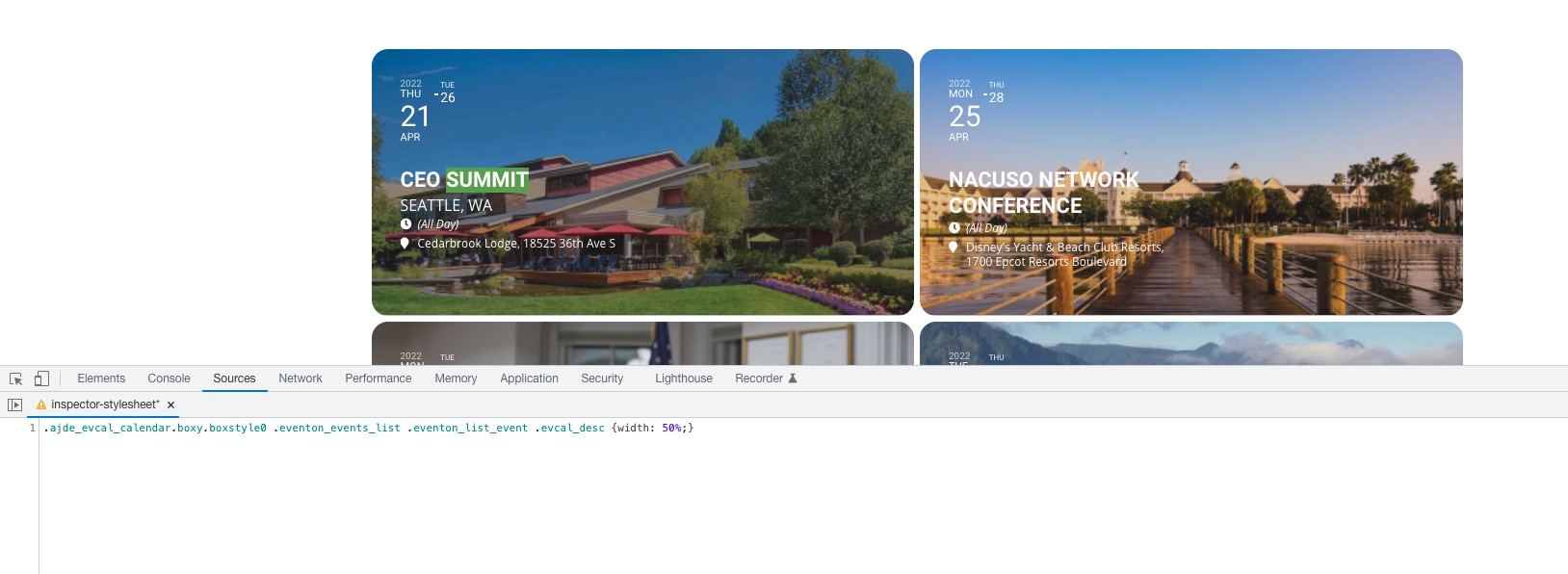
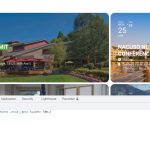
[add_eventon_el number_of_months=”12″ hide_empty_months=”yes” tiles=”yes” tile_bg=”1″]
Check on https://dev.crmnext.us/1208-2/
Please also add this CSS code to EventON > Styles (If you don’t see any change, EventON > Scripts & Styling > turn off Write styles to header > save settings > turn on Write styles to header):
.ajde_evcal_calendar.boxy.boxstyle0 .eventon_events_list .eventon_list_event .evcal_desc {width: 50%;}
Hello,
The only way is to hide them manually by following:
https://docs.myeventon.com/documentations/change-css-calendar/
Hello,
Unfortunately, you cannot show only one week. However please create a new ticket and select Feature Request as category so others can vote on your idea and get it moved into development faster.