Hi Ashan,
Thanks for that.. we will add that on when we are ready to roll out the updates to our live site.
I have noticed one thing though…
Please see this event: https://stage.meltonlearning.com.au/events/fraser-rise-community-walking-group-3/
Note: This site now has the updated EventON core and EventON RSVP.
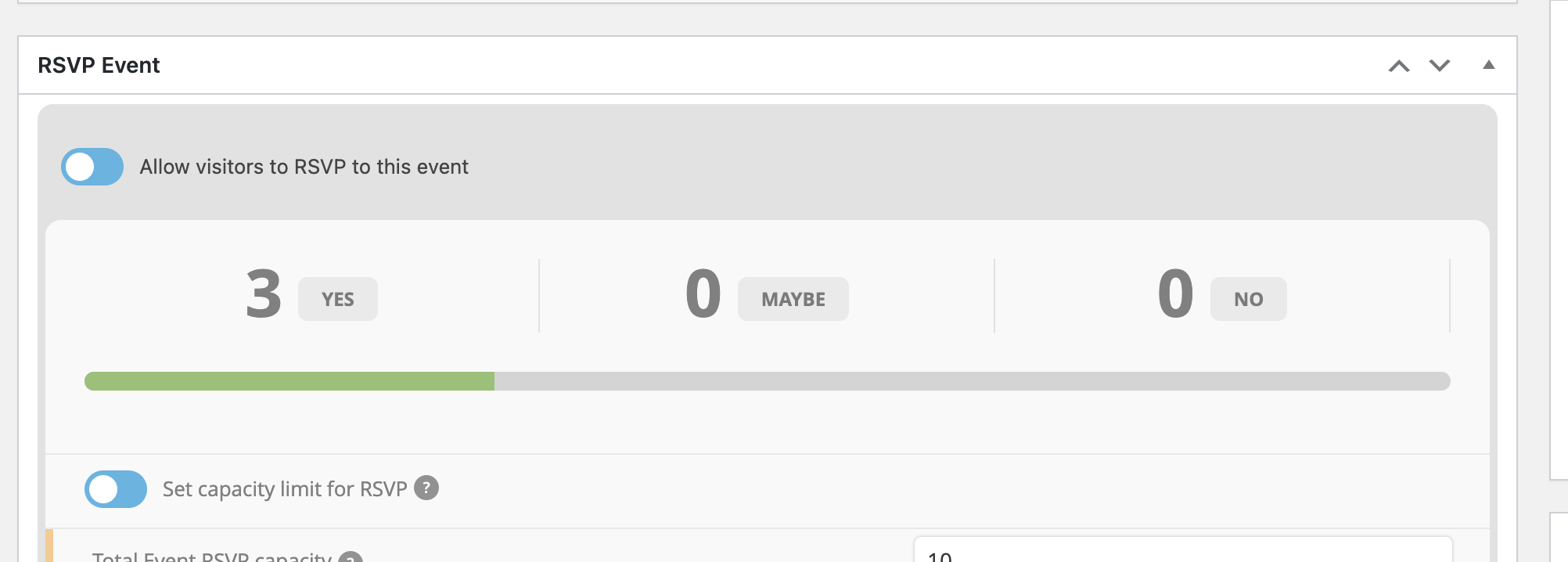
The RSVP says there are 3 Yes’ (see screenshot)
But when I click ‘view attendee list’ it only displays two customers?
When downloading the CSV, it displays all 3 ? Even syncing the list does not update the attendee list.
This is what our client is concerned about with other events that might be behaving the same way. Is there a reason why all 3 customers are not displaying in the ‘View Attendee list’ ?
Thanks
Hi Ashan,
Thanks for the feedback. I’ve tried to make it work by using a setting in the theme that activates the google API, but I can’t get it Eventon to work like this. Any ideas how I would do as you say and call the google API before the eventon_script.js is loaded?
see video below for image size
as for the rounded corners see video below
paste this into
appearance>>>>customize>>>>additional css
.ajde_evcal_calendar.boxy .eventon_list_event.hasbgimg, .ajde_evcal_calendar.boxy.boxstyle1 .evo_boxtop, .ajde_evcal_calendar.boxy.boxstyle2 .evo_boxtop {
border-radius: 0px;
}
.ajde_evcal_calendar.boxy.boxstyle1 .evo_boxtop, .ajde_evcal_calendar.boxy.boxstyle2 .evo_boxtop {
border-radius: 0px 0px 0 0;
}
.ajde_evcal_calendar.boxy.boxstyle1 #evcal_list .eventon_list_event .desc_trig {
border-radius: 0px;
}
I’ve never heard it remove custom css from the theme before
best to copy the css into a notepad file while updating so you can paste it back in after updating without having to stuff around with backups
you will see changes if you have not updated for 1 year to the event top.
but you can revert the look by (after updating) theres new option in myeventon>>>>settings>>>>event top to pick the default event top style
as it defaults to a single event color- see video below
I am sorry, the access information you have provided did not work for us. Please check them and post the correct login information as a private message, thank you!
you will need the events list extended addon to do that
https://www.myeventon.com/addons/event-lists-extended/
amongst other things it does it can show the next x events regardless of the month
I am not able to replicate this issue on your site ….
https://www.loom.com/share/8d0973ed4abb41d6a13f65f68442d5e8
Export function calls for wp_query to fetch event posts. And that use lot of memory, if the theme is already using a lot of memory that would break the threshold.
Have you tried switching to a default WordPress theme?
If you want me to dig deeper and debug kindly send FTP access to your site. this ticket is private now.
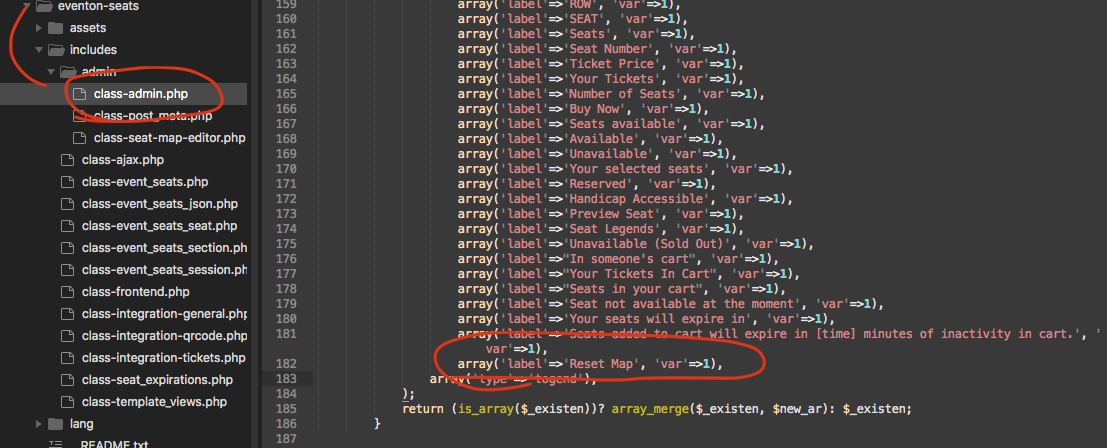
my apologies kindly add this code into ../includes/admin/class-admin.php page
I am sorry I have not logged in to your live site. ALso Orca, lets please have 1 ticket for all these issues as they are all related and makes our job hard to answer multiple tickets on the same topic. 🙂