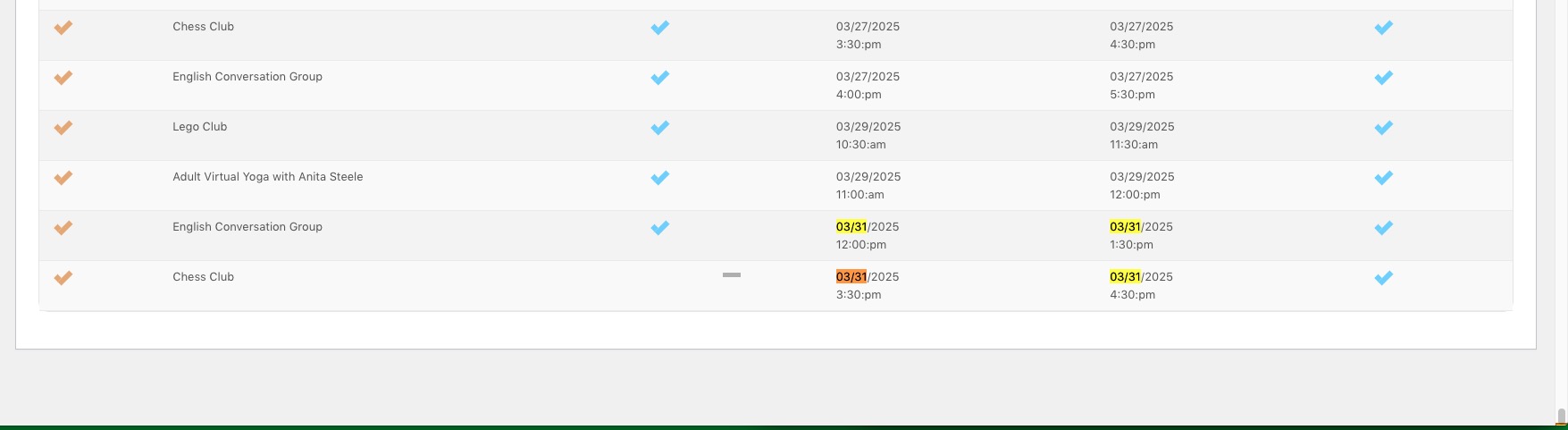
I think its better for my workflow to get the images into the eventon, and then export csv, and import csv with image metadata.
But first, the design concerns.
How complicated would it be to get the caption below?
How hard to program images to 2-3 on desktop per row, and 1-2 on mobile(about 500px)?
Im trying to create a minimal aesthetic like this page. https://xzib.com/galleries/nyc/chinatown
Is this possible?
Is this possible?
I was able to go through and detect the plugin issue. The filtering is now displaying. Thank you for that!
Is there a way to change “Event Type” in the filter to different text? We’re wanting it to read “Filter by Campus”
That’s not helpful. I am able to develop myself and you could at least tell me the phps where I can find the relevant parts.
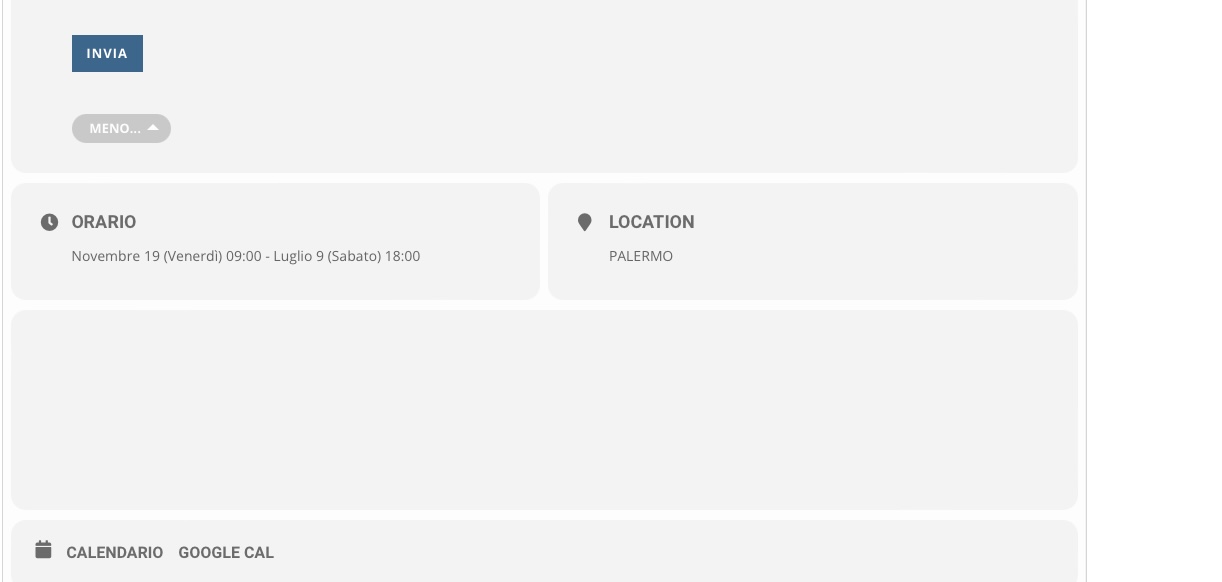
How to have that behavior here and in the other page like this . https://congressiconvegni.it/archivio-eventi-2022/
This is the code that we are using
[add_eventon_list number_of_months=”12″ fixed_month=”1″ fixed_year=”2022″ hide_empty_months=”yes” show_year=”yes” show_et_ft_img=”yes”]
How to see the event page without, read more, show more, at the end of the content page?
Thanks
You can find developers on upwork.com or studio.envato.com.
Okay. And how do I do the customization?
Hello,
1. There are only two events on March 31st 2025:
Could you try going to EventON > ICS Import > enable Import past events as well from ICS file? Also make sure that the file has events you want to import.
2. Please take a look at
https://docs.myeventon.com/documentations/add-support-additional-ics-fields/
3. & 4. You need to use Event Lists: Ext add-on for this
https://www.myeventon.com/addons/event-lists-extended/
[add_eventon_el number_of_months=”12″ event_count=”5″ event_count_list=”yes” show_limit=”yes” show_limit_ajax=”yes”]
Try on https://dev.myeventon.com/wp-admin/
Hello,
None of these are possible without customizations, unfortunately.
Yes, perfect. No IP blocking. Thank you in advance!