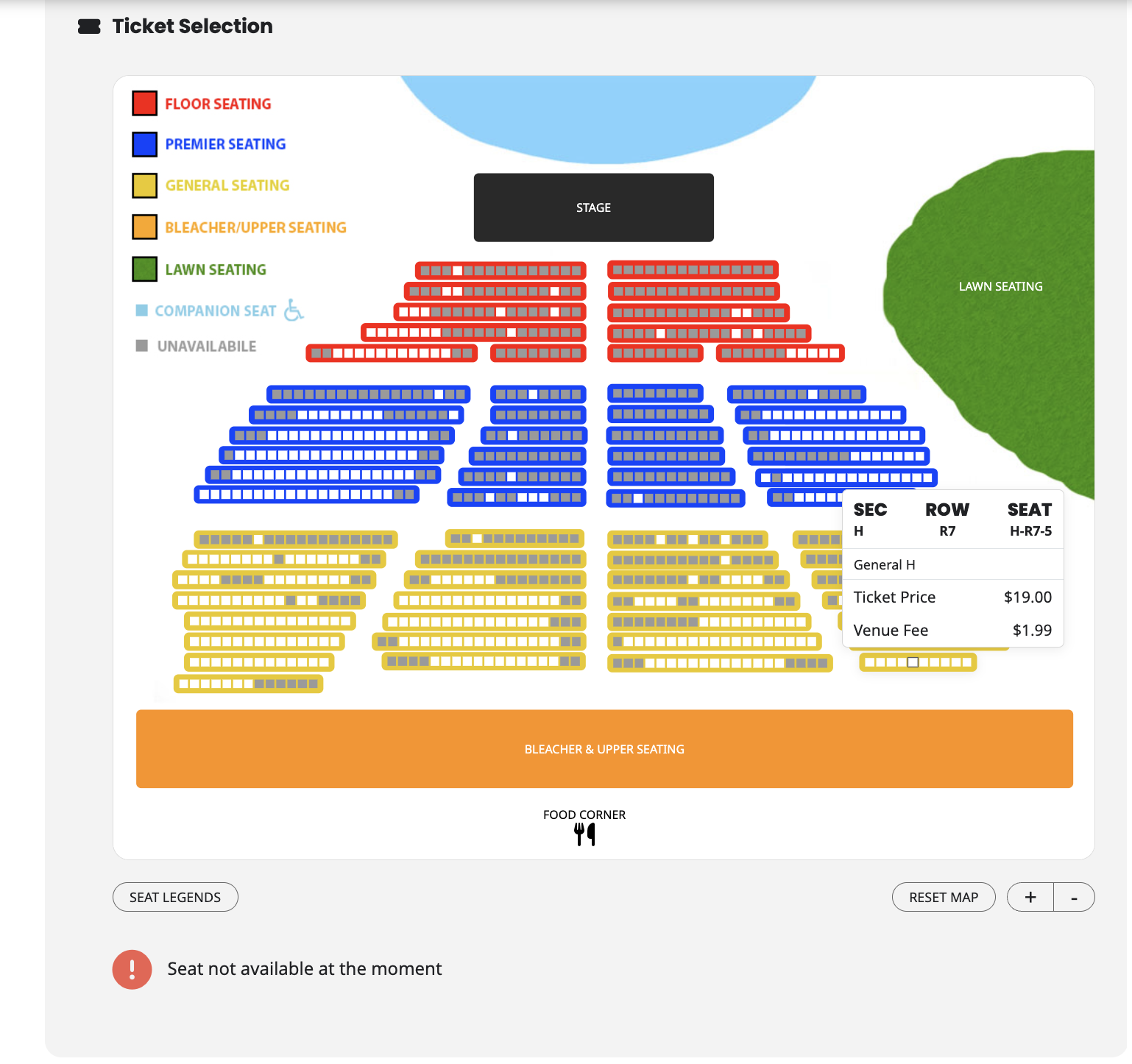
We had to remove it as it won’t let any available seats be added any more. I can’t do these types of test as site is live. I have big events coming up and can’t restrict sales. Please view attached it says “Seat not available at the moment”
Replies for tickets on suppota
We had to remove it as it won’t let any available seats be added any more. I can’t do these types of test as site is live. I have big events coming up and can’t restrict sales. Please view attached it says “Seat not available at the moment”
The code has been added
Hello, I tried this but ever since I added the code I have not been able to import new events. It just loads endlessly and never imports them. Please help!
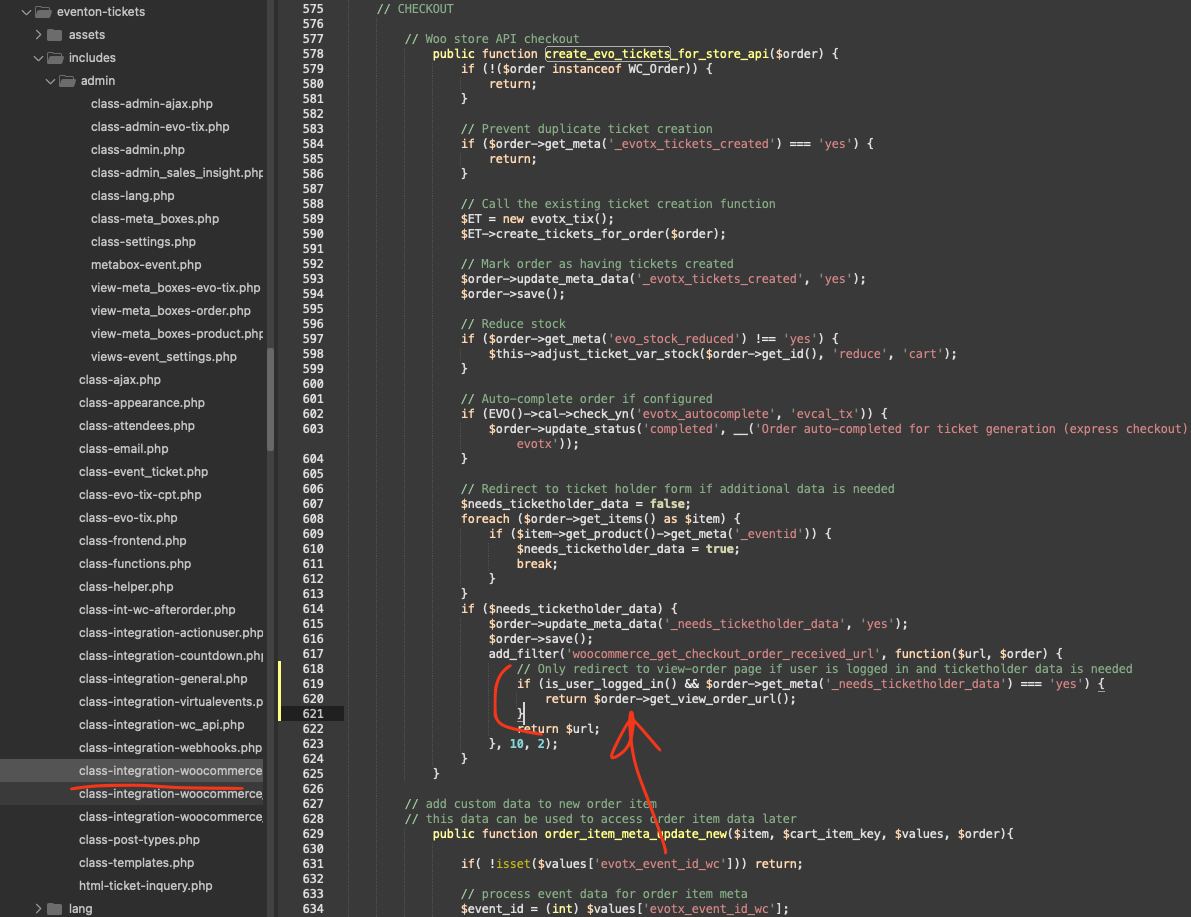
ok kindly apply this code fix for your website. This will stop non-logged in users from redirecting to view-order page, which will be accessible for loggedin user.
The reason for this redirect is, so the customer can fill the ticket holder details from that page, which is usually in checkout page, but that will be by-pass for express checkout.
code:
if (is_user_logged_in() && $order->get_meta(‘_needs_ticketholder_data’) === ‘yes’) {
return $order->get_view_order_url();
}
Please try removing lightbox=”yes” from the shortcode. It should remove the modal window and show only white box for each map marker.
Event Type:
.eventon_events_list .eventon_list_event .evoet_cx .level_4 em i {
font-style: normal !important;
font-weight: bold !important;
}
Title:
#evcal_list .eventon_list_event .evoet_cx span.evcal_event_title {font-size: 25px !important}
Subtitle:
.eventon_events_list .evcal_event_subtitle {font-size: 25px !important}
Calendar Header:
.ajde_evcal_calendar .calendar_header p, .ajde_evcal_calendar .evo_footer_nav p {
font-size: 35px;
}
CALENDAR GOOGLE:
.evcal_evdata_row.evo_metarow_ICS .evcal_evdata_cell p a { font-size: 25px !important; }
EventTop button:
.eventon_single_event.immersive .eventon_list_event .evoet_time_expand em.evcal_time, .eventon_single_event.immersive .eventon_list_event .evoet_location em.evcal_location { background-color: red; }
Please try and let me know.
Fields are hidden on my side:
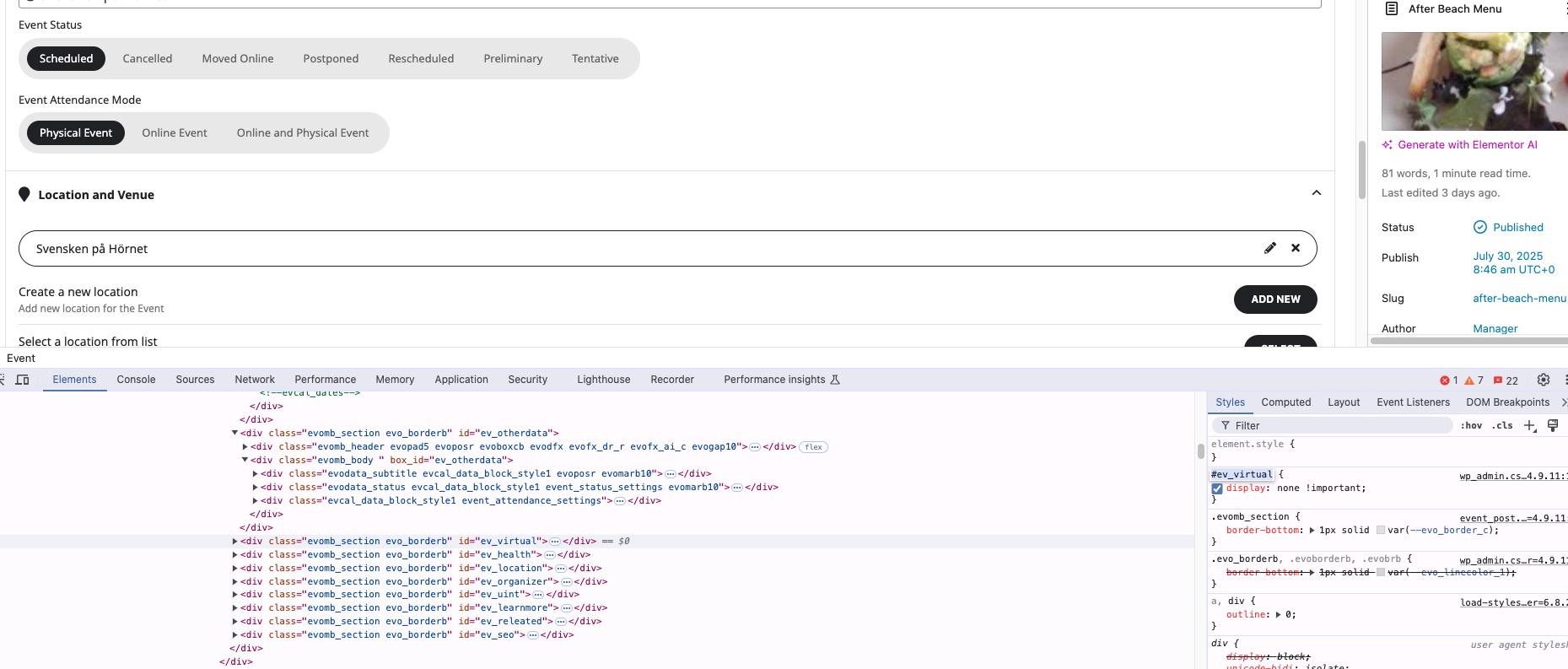
Please manually clear your browser cache:
https://support.google.com/google-ads/answer/32050?hl=en-AU&co=GENIE.Platform%3DDesktop
I see it.
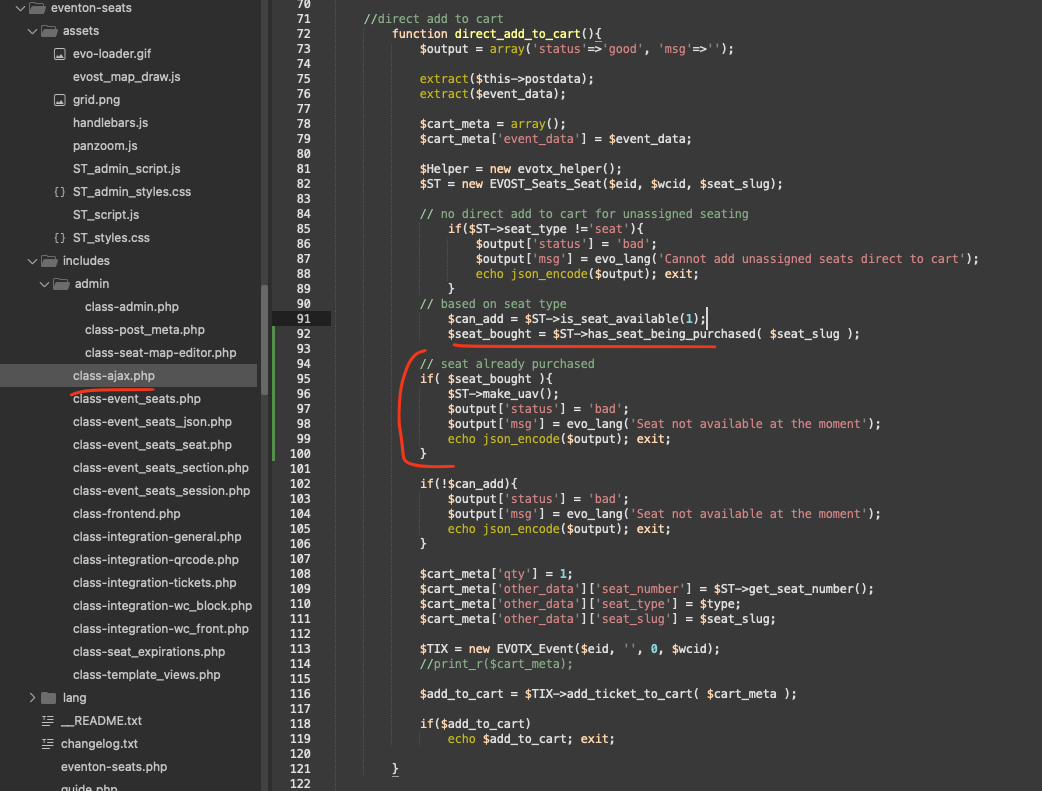
Lets stop the seat duplication process first.
Please add this code in there.
code: https://dev2.myeventon.com/codeshare/PXGZdBHMUMTF
— this should stop anyone from adding a seat to cart which was already purchased. And if that seat was purchased it will make that unavailable for future.
Hello,
Please deactivate them from your account according to “Method #2” of this guide:
https://docs.myeventon.com/documentations/how-to-deactivate-eventon-addon-licenses/
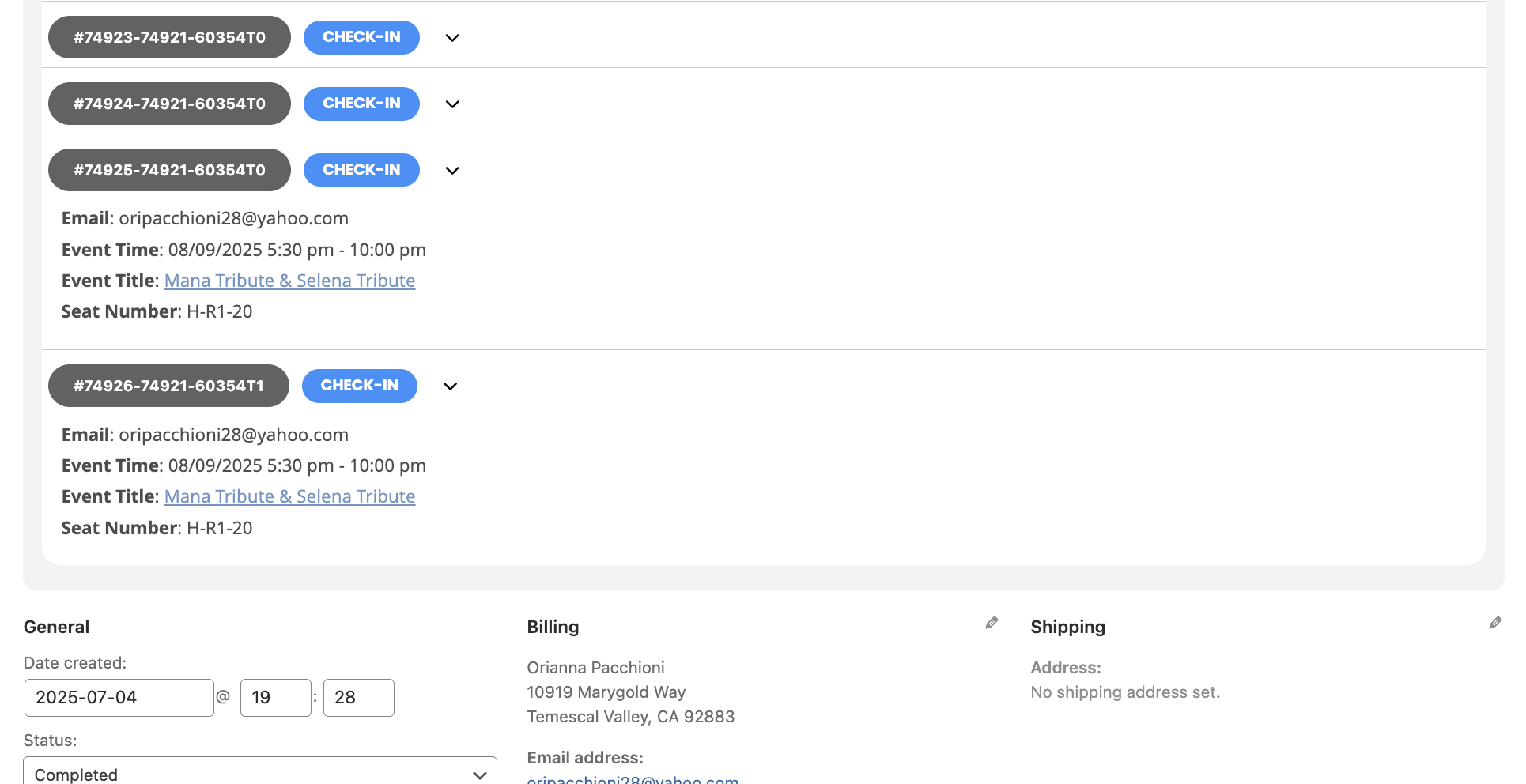
Also order #74921
Has a duplicate seat ordered on the same ticket sale.
Please view attached.
seat number: H-R1-20