Okok, I play around with it… At last, I shall hide Related Events as well. In the code you sent me you spell related wrong.
#ev_releated { display: none !important; }
What shall I use, Related or Releated
Replies for tickets on suppota
Okok, I play around with it… At last, I shall hide Related Events as well. In the code you sent me you spell related wrong.
#ev_releated { display: none !important; }
What shall I use, Related or Releated
When the lightbox opens it’s resizing the image but doesn’t maintain constraint proportions.
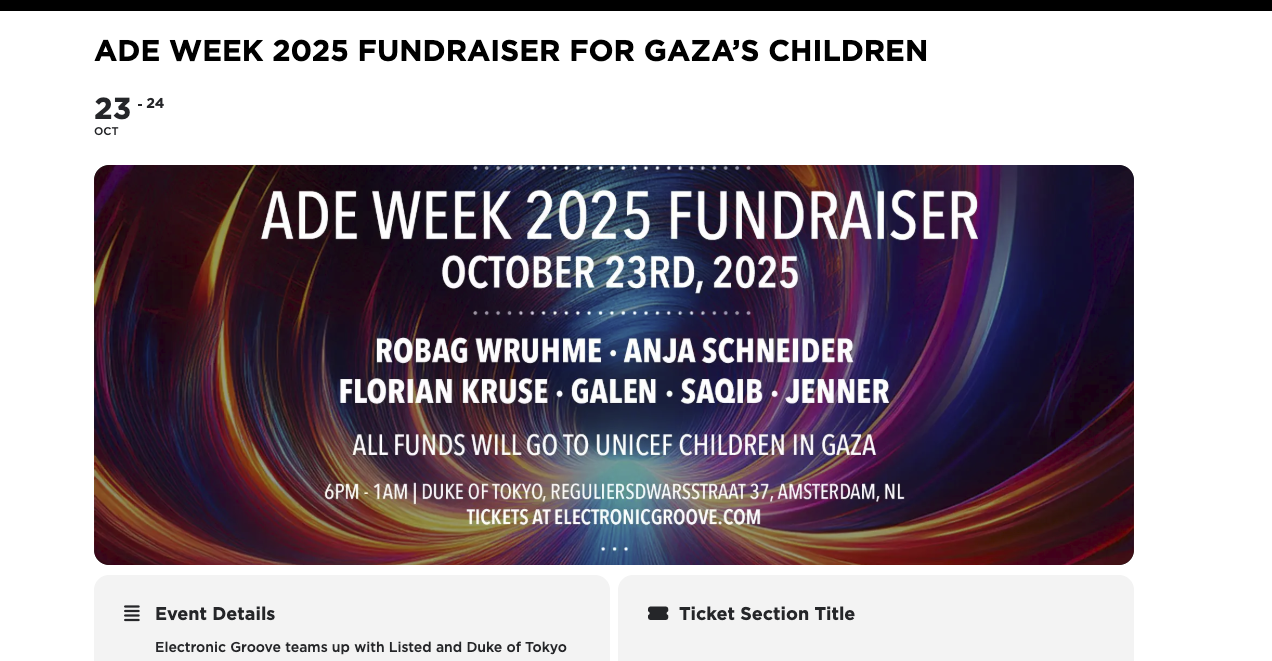
Everything is working now, but we are afraid of overwriting it when updates come?
Hello,
Will this be added to plugin in update?
Please follow the instructions in this documentation to activate debug in your site to see any PHP errors recorded that can provide insight on to whats going on. Please reply with a link to debug.log file. If you are not able to do this please send us FTP access to your site so we can do this for you.
Please compare your screenshot
https://helpdeskx.s3.amazonaws.com/wp-content/uploads/2025/08/06060247/iScreen-Shoter-Opera-250806150227-scaled.jpg
with mine:
https://helpdeskx.s3.amazonaws.com/wp-content/uploads/2025/08/06141636/Screenshot-2025-08-06-at-23.16.15.jpg
As you can see both sections are hidden on my side.
Firefox on my side:
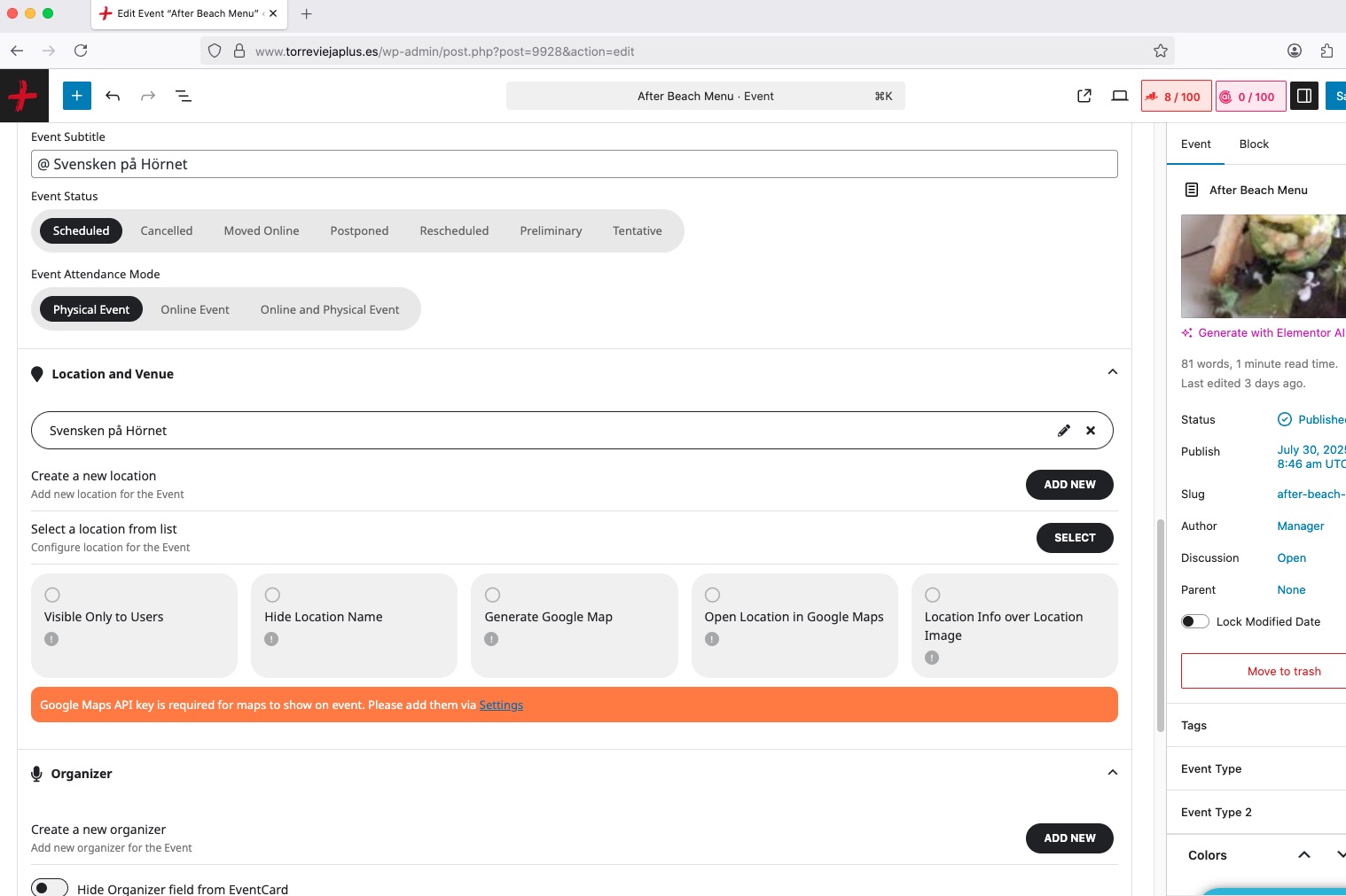
How do I get them under the TITLE as they where before? I tried drag and drop but they not stick.!
Try installing Classic Editor:
https://wordpress.org/plugins/classic-editor/
Hello,
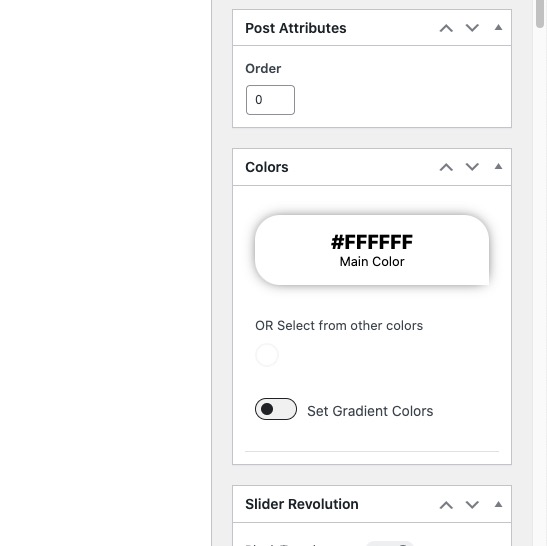
Since you set EventON > EventTop > Select Default Calendar EventTop Style: Colorful EventTop, the color can be changed from Edit Event > Colors:
As for the scroll issue. Your theme replaces the default scrollbar with it’s own that always scrolls. Not sure how to fix this issue from our side, so please contact the theme developer.
Downloaded Firefox and there it looks like they are gone, but the fields to fill in was at the right sidebar! Strange.
How do I get them under the TITLE as they where before? I tried drag and drop but they not stick.!
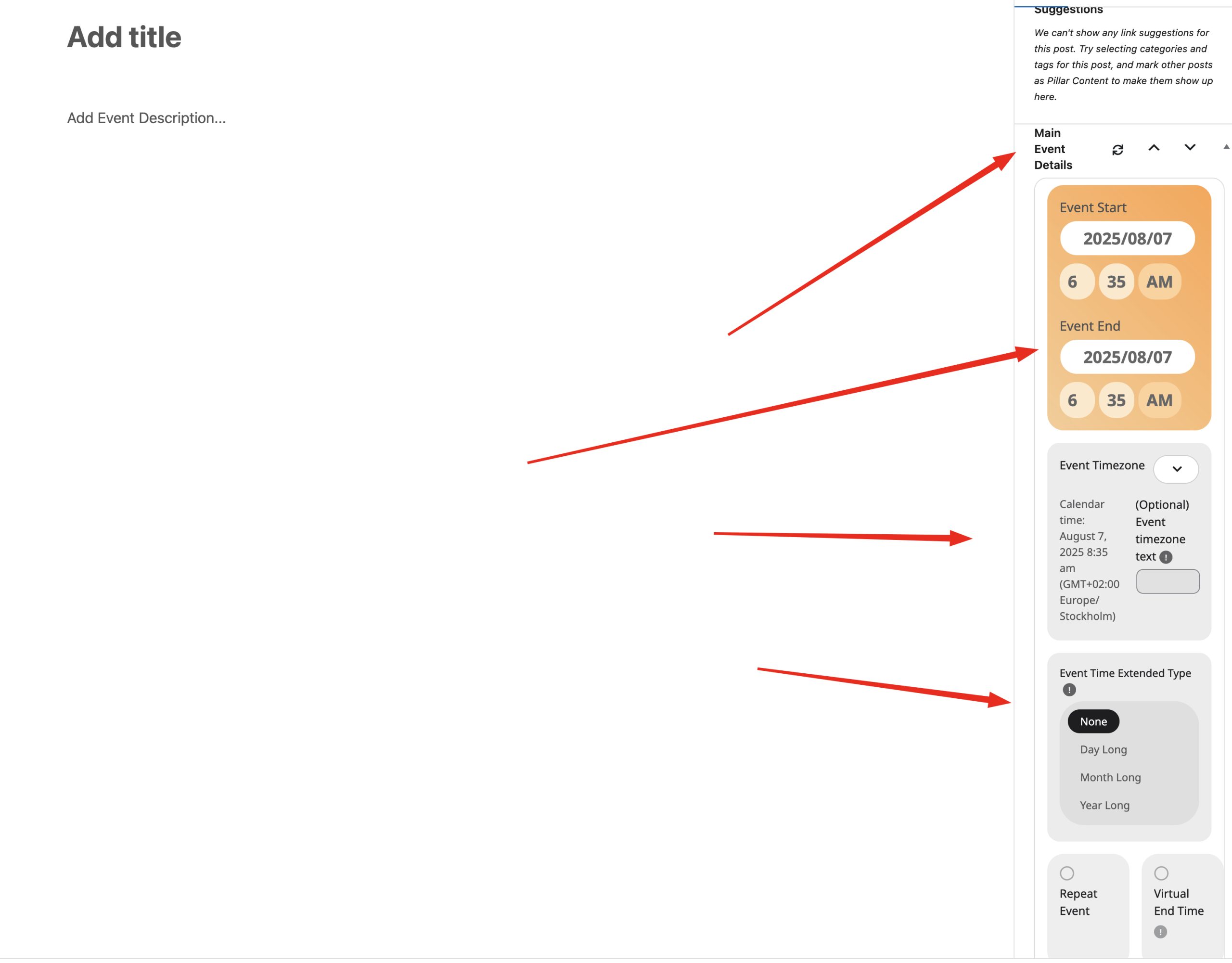
I tried 4 different browswers.?
Please send me a screenshot when you loged in at my backend and add a new event. Di you not have HEALTH and VIRTUAL there?
The problem is not the double selling of the tickets. It the tickets not being marked unavailable when purchased. It should not show it as available, even if you ad this code it will confused the customer who doesn’t know that we are having this issue, they will see white available chair and try to purchase it. Those chairs need to be colors in unavailable dark gray. So we should figure out why all seats are not being marked unavailable when transaction is completed.