Reply to: tickets(272281)
Replies for tickets on suppota
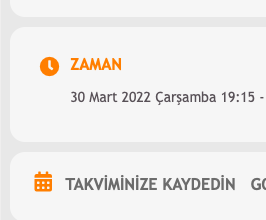
I’m so sorry Ashan. I said that the problem was solved in the “event started” and “ended” sections. But on the event card, the time shows 3 hours ago. For example this event is at 22:15 but it shows 19:15 here.
Thank you. That worked great!
To be clear. I don’t want to have to write the title of the event twice. Once in the default title field (the wordpress one) and then again in my custom meta field. It should simply be enough with {title}.
Thank you very much. Case can be closed.
HI
No thank you , all that worked great. Happy to leave a review if you want to send on link. Thank you so much
Roz
“Oleg, I would suggest to have your customers buy the licenses then, to avoid those problems. “
Of course I do.
However, as a rule, these are startup projects. For them it is too difficult to make subscriptions for themselves. And after a year everything changes and in 95% of cases they change the entire site and no longer use plugins. So why is my credit card automatically charged?
Again, I did not authorize the storage of my bank card data and I did not authorize auto-pay.
When will my money be refunded on the above accounts?
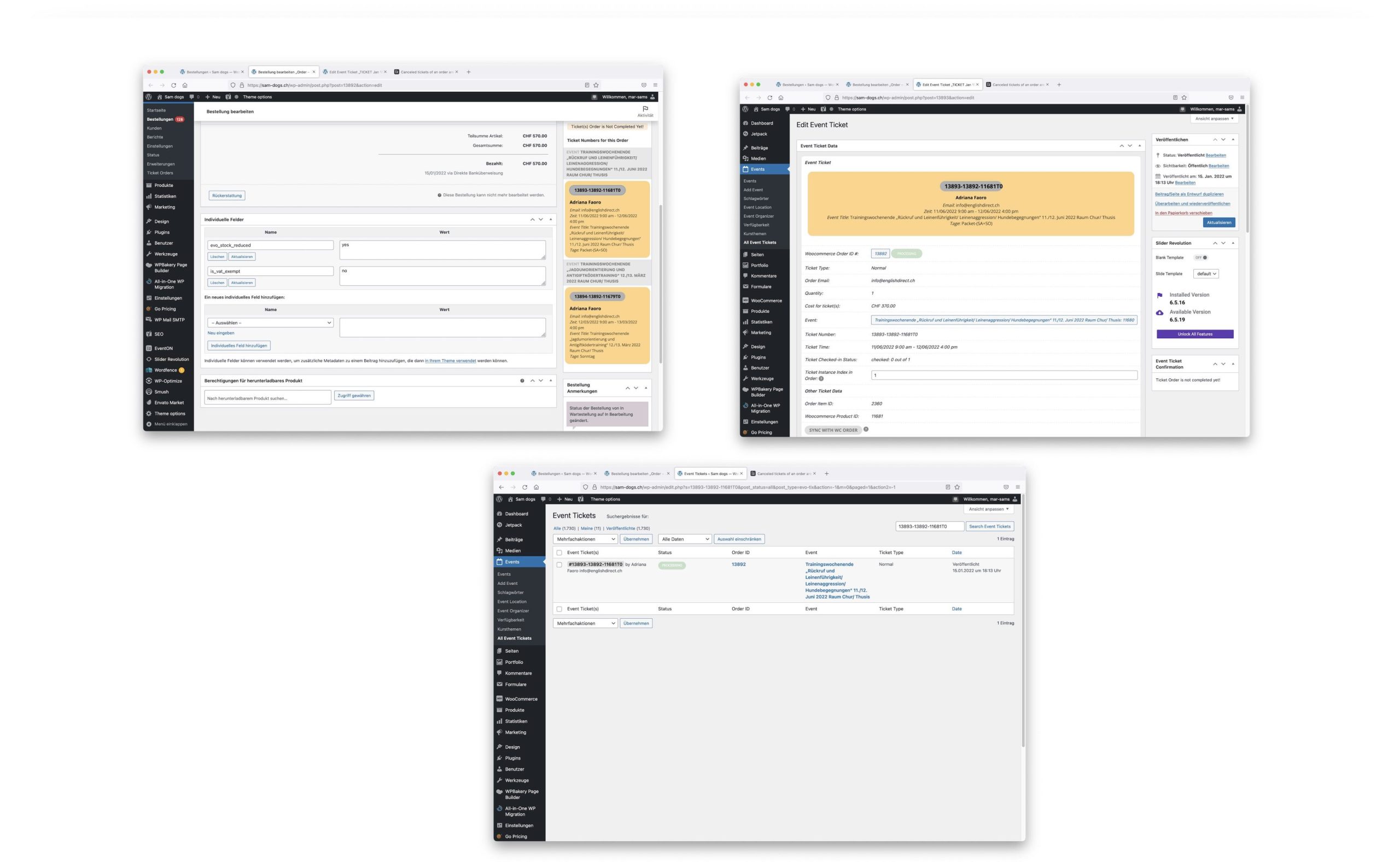
This would be great – just one last question:
how can I delete the ticket manually ?
On the right side (see screenshot) I do not have an option to delete and when opening the ticket the delete option is not there .
I can imagine that this can be done witht the ticket list
-> Right ?
Here one point concerning the list: the search is sensitive – means I have to type the whole number – would be nicer to be able to search for a part of the number, so that if I put the first 5 digital I get a list of all tickets that are in the same woocommerce order …
You are very much welcome. If you have any other questions, please feel free to reach out again. If you have a moment, we would greatly appreciate if you could kindly leave us a review at codecanyon! from your account > downloads.
Cheers!
Hi Chris,
Please try the code below:
.eventon_desc_in .wp-block-button__link{width: 100%; text-align: center; color: #ffffff!important; padding: 10px 10px 10px 10px; text-align: center; border-radius: 0px; font-family: ‘Oswald’,Helvetica,Arial,Lucida,sans-serif!important; text-transform: uppercase!important; }
Add the code in Appearance > Customize > Additional CSS
If that does not work, please send in some admin access to the dashboard and we will test the code that works for you.