sorry for the delay, please try increasing memory https://docs.myeventon.com/documentations/increasing-wordpress-memory-limit/
If you have more questions, kindly send us a new ticket and we would be more than happy to help you resolve your issues!
Replies for tickets on suppota
sorry for the delay, please try increasing memory https://docs.myeventon.com/documentations/increasing-wordpress-memory-limit/
If you have more questions, kindly send us a new ticket and we would be more than happy to help you resolve your issues!
Yes the ICS include only a excerpt version of the description we will make further improvements in the future. If you have more questions, kindly send us a new ticket and we would be more than happy to help you resolve your issues!
Mark the version 4.0.5 included all the code changes in there. If you have more questions, kindly send us a new ticket and we would be more than happy to help you resolve your issues!
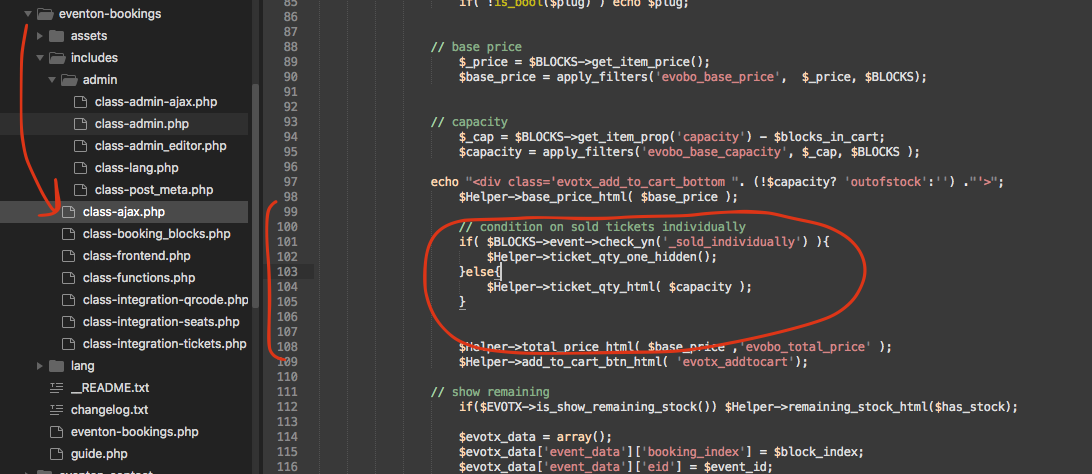
Kindly apply this patch fix.
Hello,
Thank you for your messages, I am going to assign this ticket to Ashan and he will be able to take it from here and find you a solution. Please allow some time for him to get back to you, we greatly appreciate your patience and thank you for being a eventon customer!
Hello,
Please fix this error:
Geocoding Service: This API project is not authorized to use this API. For more information on authentication and Google Maps JavaScript API services please see: https://developers.google.com/maps/documentation/javascript/get-api-key
Take a look at https://help.time.ly/google-maps-api-error-geocoding-service/
Hello,
Users must be assigned to events to see them in Events Manager:
https://docs.myeventon.com/documentations/assign-users-events/
Hello,
We need to check the website with access to wp-admin.
Could you also try adding lang to the shortcode:
[add_eventon lang=”L2″]
If you cannot send us the login info, please send us screenshots of EventON Settings > Language, shortcode and the calendar itself (+ popup).
Hello,
Try using this style:
.wp-block-buttons.fullbutton>.wp-block-button.has-custom-width .wp-block-button__link { width: 100%; text-align: center; color: #ffffff!important; padding: 10px 10px 10px 10px; text-align: center; border-radius: 0px; font-family: ‘Oswald’,Helvetica,Arial,Lucida,sans-serif!important; text-transform: uppercase!important; }
Please also note that the button comes from WordPress itself, so no styles from EventON affect it.
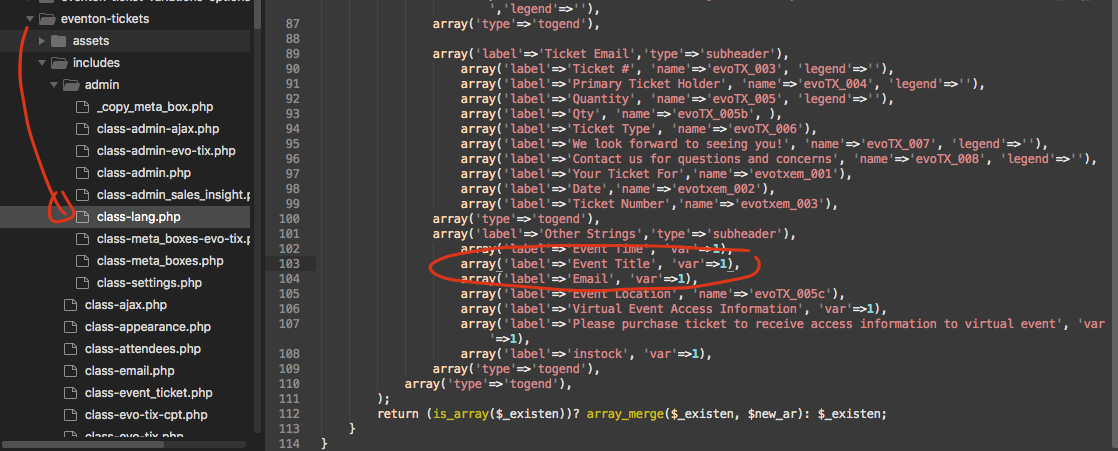
thank you for reporting this. It sure is a bug in the code. Please apply this patch fix.